Screenshot style breakdown
Sampled from 5 of Car Connect, Play & Widgets's App Store screenshots — background, accent and theme, measured by LaunchShots (not something Apple publishes).
#040404 bg
#272727
#1C3454 accent
#FFFFFF text
Screenshots
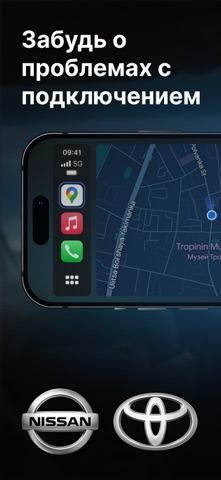
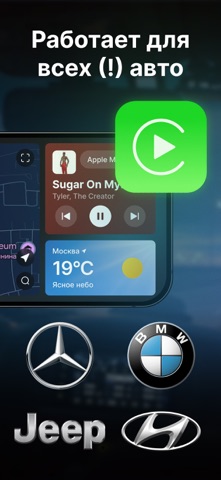

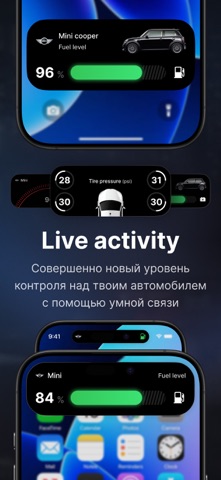

Icon palette
About this app
Ваш телефон, преобразованный в автомобильный дисплей Car Connect превращает ваш телефон в полноценный автомобильный дисплей — профессиональный опыт вождения без необходимости установки дополнительного оборудования. Лаконичный интерфейс, все под рукой, созданный специально для дороги. Обновленный режим вождения предоставляет вам интуитивно понятную интеллектуальную приборную панель прямо на вашем телефоне — навигация, звонки, музыка и показатели автомобиля в едином удобном интерфейсе, не отвлекающем внимание. Просто закрепите телефон на приборной панели и отправляйтесь в путь. А благодаря встроенной поддержке автомобильного дисплея все эти возможности напрямую отображаются на экране вашего автомобиля — плавно и без проводов. Персонализируйте свое вождение с помощью виджетов — добавьте актуальную погоду, свои фотографии или другую информацию, которую можно увидеть с одного взгляда, прям…
App details
What you can learn from Car Connect, Play & Widgets
Every shipping app on the App Store has gone through the same decisions you're working through right now: which screenshot goes first, what caption sits over it, which device frame to show, what color the background should be. The 5 screenshots above are Car Connect, Play & Widgets's answers to those questions — they're public, they're real, and they made it through Apple's review.
What the numbers say: Car Connect, Play & Widgets runs a dark set with one background colour (#040404) carried across every screenshot — the listing reads as a single poster when the shots sit side by side in search results. The accent colour we picked up, #1C3454, is the one to reuse for badges, arrows and highlighted words if you borrow this look. Hit Use this style to open the editor with these exact colours and drop your own screenshot in.
Notice the first screenshot in particular. It's the one users see in search results and on the product page, and it's where most apps spend their best caption and tightest design. Look at the proportion of background to phone, where the text sits, what one thing the image is trying to communicate.
Want to see how other Utilities apps approach the same problem? Browse more Utilities apps in the showcase.
Take what works into your own screenshots
Open LaunchShots and design your App Store & Google Play screenshots — pick a device frame, drop captions, ship in minutes. Free, in your browser.
Open the screenshot editor →Apps with a similar look
Closest background + accent colours among the listings we've analysed — useful when you want to see the same palette handled by a different team.