Screenshots
Icon palette
About this app
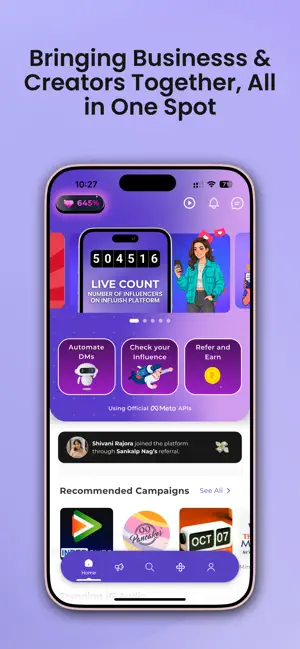
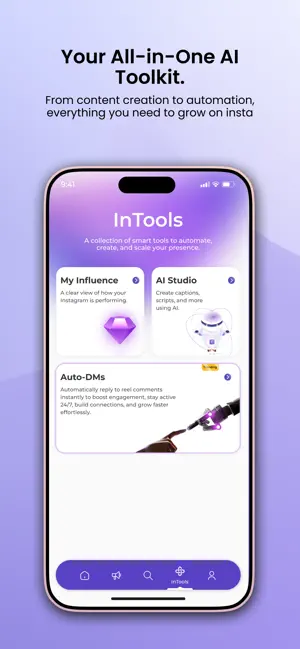
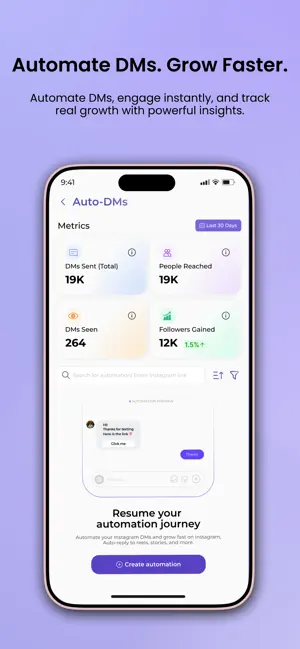
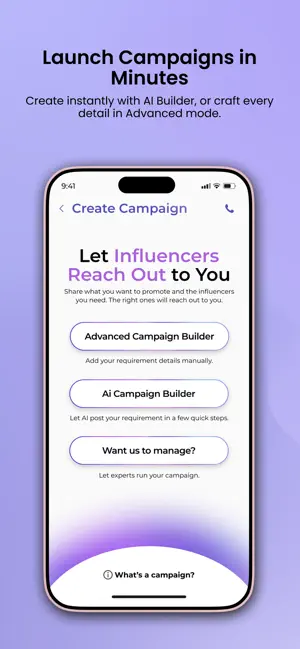
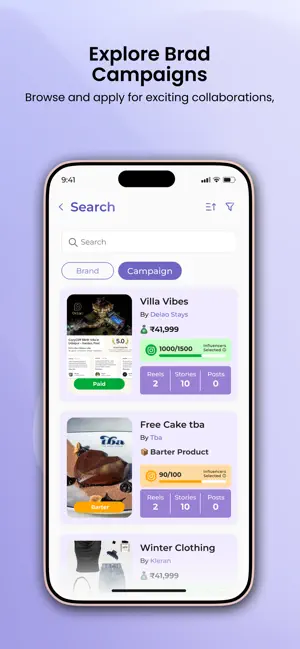
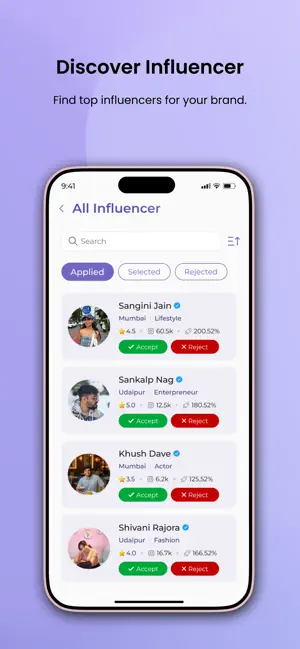
INFLUISH - The Ultimate Influencer Marketing & Automation Platform INFLUISH is India’s #1 Meta-Verified platform connecting 1M+ creators and 50K+ brands, powered by smart automation that saves time and maximizes engagement. Whether you're a creator looking to grow your influence or a brand seeking to collaborate with top influencers, INFLUISH makes it seamless. For Creators: • Automated Engagement: Save time and boost your growth with INFLUISH's Auto-DM Tool. Automatically engage with your followers, convert comments into followers, and manage Instagram messages effortlessly. • AI-Powered Insights: rack your performance in real time and learn what works with INFLUISH’s data-driven tools, helping you grow and monetize your presence. • Unlock Campaigns & Earnings: Access both paid and barter campaigns. With inPass, you can unlock exclusive collaborations based on your followers and eng…
App details
What you can learn from Influish: Influencer Marketing
Every shipping app on the App Store has gone through the same decisions you're working through right now: which screenshot goes first, what caption sits over it, which device frame to show, what color the background should be. The 6 screenshots above are Influish: Influencer Marketing's answers to those questions — they're public, they're real, and they made it through Apple's review.
Notice the first screenshot in particular. It's the one users see in search results and on the product page, and it's where most apps spend their best caption and tightest design. Look at the proportion of background to phone, where the text sits, what one thing the image is trying to communicate.
Want to see how other Social Networking apps approach the same problem? Browse more Social Networking apps in the showcase.
Take what works into your own screenshots
Open LaunchShots and design your App Store & Google Play screenshots — pick a device frame, drop captions, ship in minutes. Free, in your browser.
Open the screenshot editor →