Chart position — tracked daily by LaunchShots
Screenshot style breakdown
Sampled from 5 of レジュメ's App Store screenshots — background, accent and theme, measured by LaunchShots (not something Apple publishes).
#FC4C5C bg
#FC6572
#FCDC24 accent
#FFFFFF text
Reading the caption text from the screenshots in your browser…
Screenshots

Icon palette
About this app
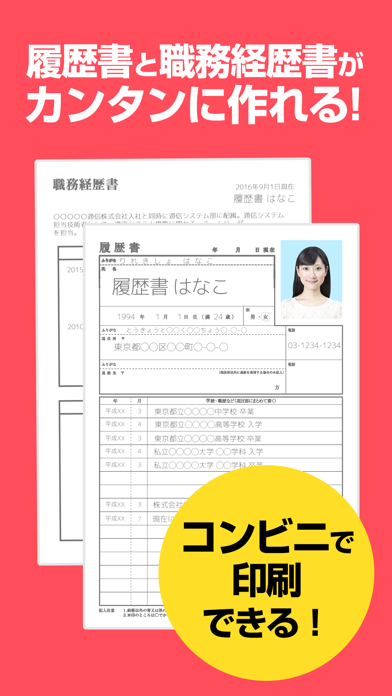
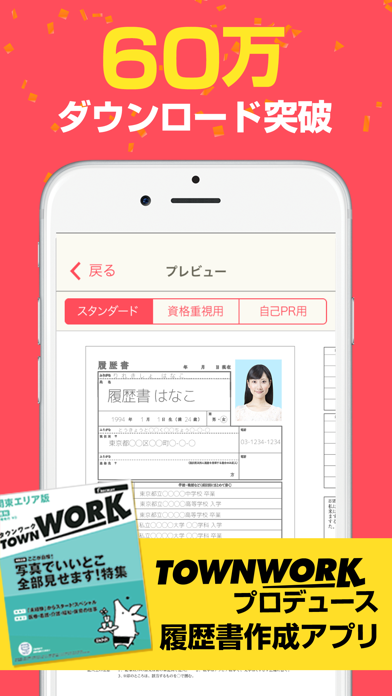
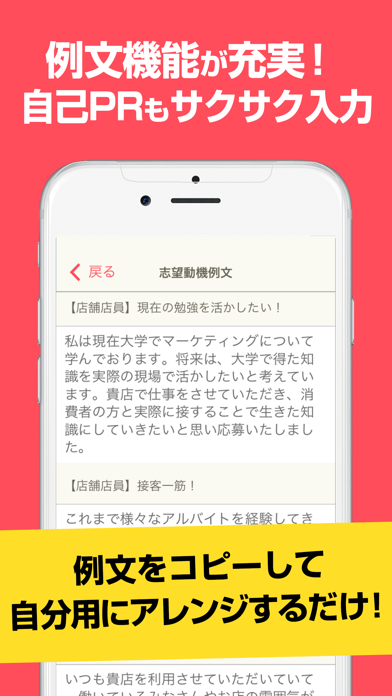
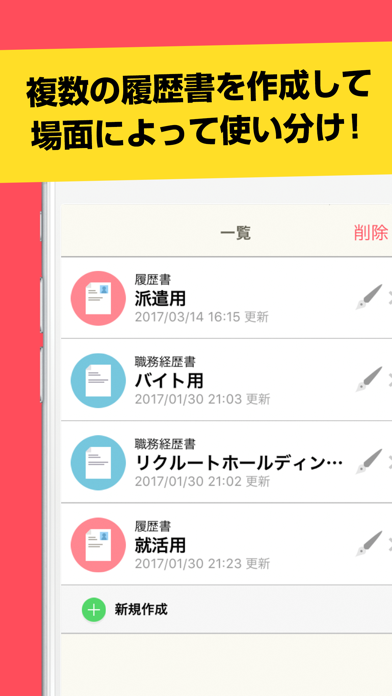
タウンワークがプロデュース!簡単に面接用履歴書・職務経歴書が作成できる無料のアプリができました。「レジュメ」は、履歴書・職務経歴書を記入から写真撮影・印刷までスマホひとつで作成できるアプリです。住所や学歴・職歴が驚くほど簡単に入力できます!さらに志望動機や職務経歴、自己PRは例文集があるので、すらすら文章が書けるようサポートも充実!! アルバイトやパート、転職活動など求人に申し込んだ後、ついつい履歴書・職務経歴書を書き忘れてしまって焦ってしまったことはありませんか?レジュメなら外出先でもスマホだけで履歴書・職務経歴書作成が可能、さらに作成した履歴書・職務経歴書はコンビニで印刷可能です。急な面接にもう焦ることはありません! 履歴書の原稿も「スタンダード」「資格重視用」「自己PR用」と3種類ご用意してます!利用シーンに合わせて使ってください。 そして、入力した履歴書・職務経歴書は近くのコンビニで印刷できるため、面接直前でも安心! カフェや電車内ですらすら書いてコンビニでサクッと印刷、スマホがあれ…
App details
What you can learn from レジュメ
Every shipping app on the App Store has gone through the same decisions you're working through right now: which screenshot goes first, what caption sits over it, which device frame to show, what color the background should be. The 5 screenshots above are レジュメ's answers to those questions — they're public, they're real, and they made it through Apple's review.
What the numbers say: レジュメ runs a dark set with one background colour (#FC4C5C) carried across every screenshot — the listing reads as a single poster when the shots sit side by side in search results. The accent colour we picked up, #FCDC24, is the one to reuse for badges, arrows and highlighted words if you borrow this look. Hit Use this style to open the editor with these exact colours and drop your own screenshot in.
Notice the first screenshot in particular. It's the one users see in search results and on the product page, and it's where most apps spend their best caption and tightest design. Look at the proportion of background to phone, where the text sits, what one thing the image is trying to communicate.
Want to see how other Utilities apps approach the same problem? Browse more Utilities apps in the showcase.
Take what works into your own screenshots
Open LaunchShots and design your App Store & Google Play screenshots — pick a device frame, drop captions, ship in minutes. Free, in your browser.
Open the screenshot editor →Apps with a similar look
Closest background + accent colours among the listings we've analysed — useful when you want to see the same palette handled by a different team.