Chart position — tracked daily by LaunchShots
Screenshot style breakdown
Sampled from 4 of honto電子書籍リーダー's App Store screenshots — background, accent and theme, measured by LaunchShots (not something Apple publishes).
#0484CC bg
#2795D3
#14FCE4 accent
#FFFFFF text
Screenshots
iPad screenshots
Icon palette
About this app
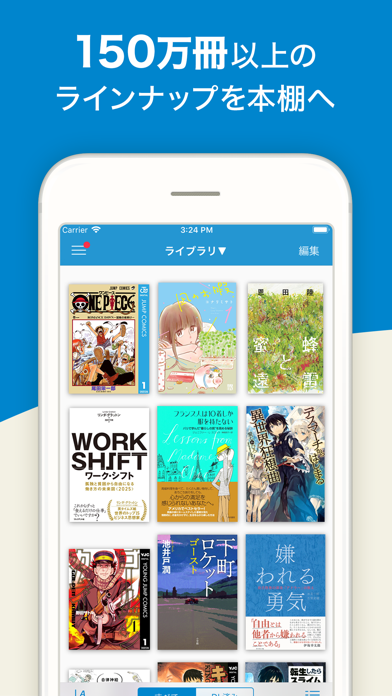
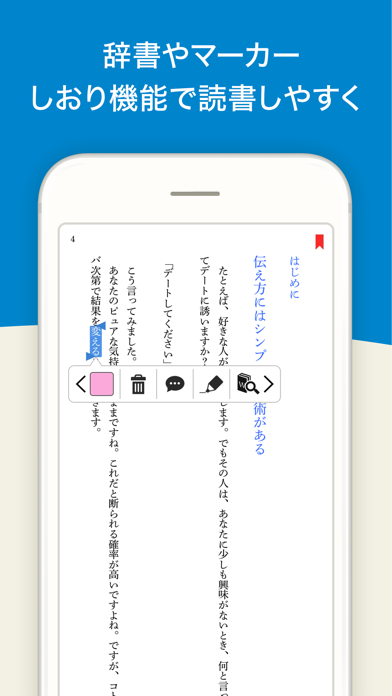
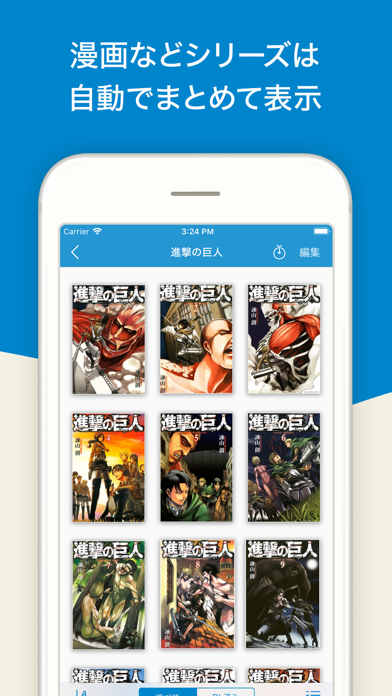
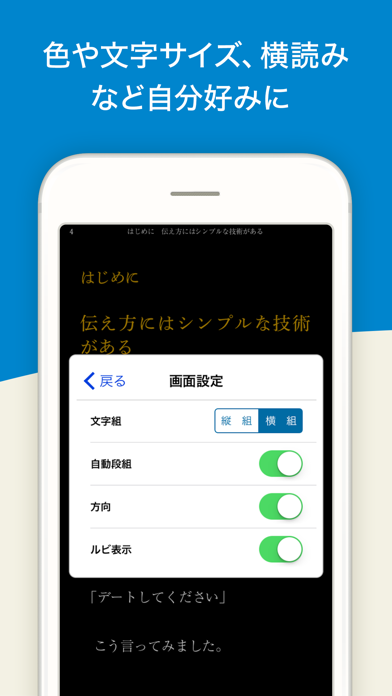
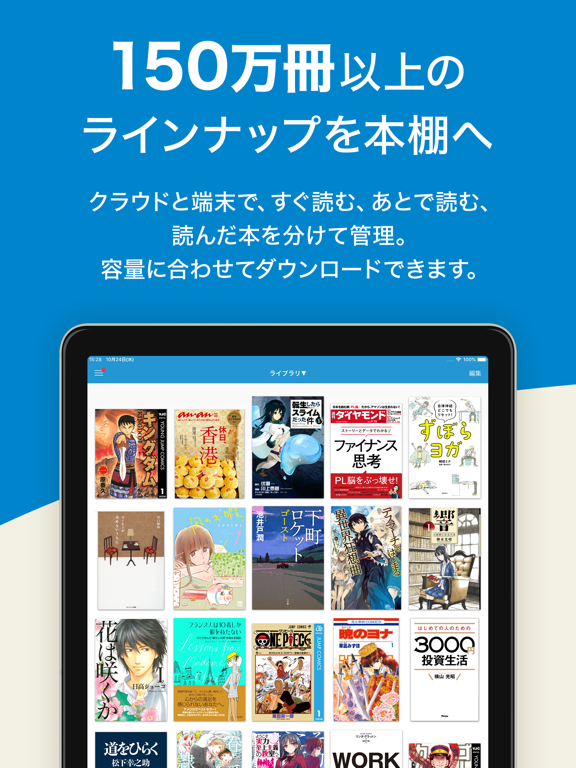
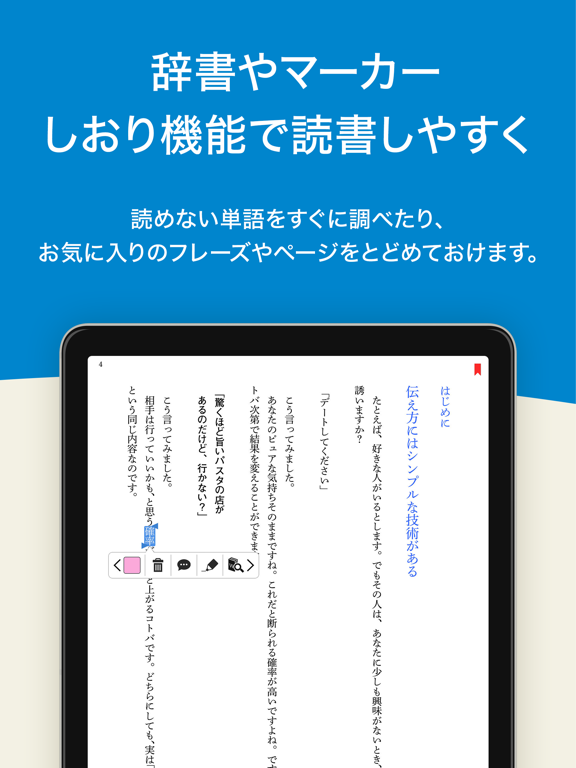
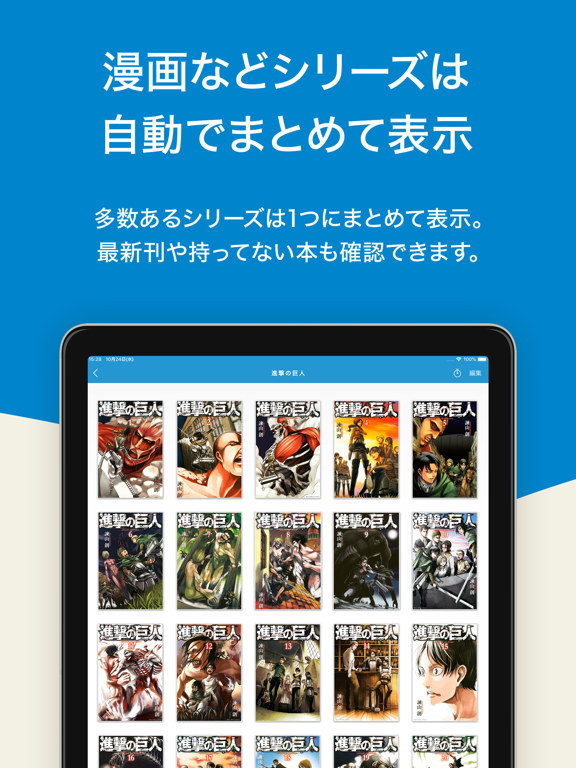
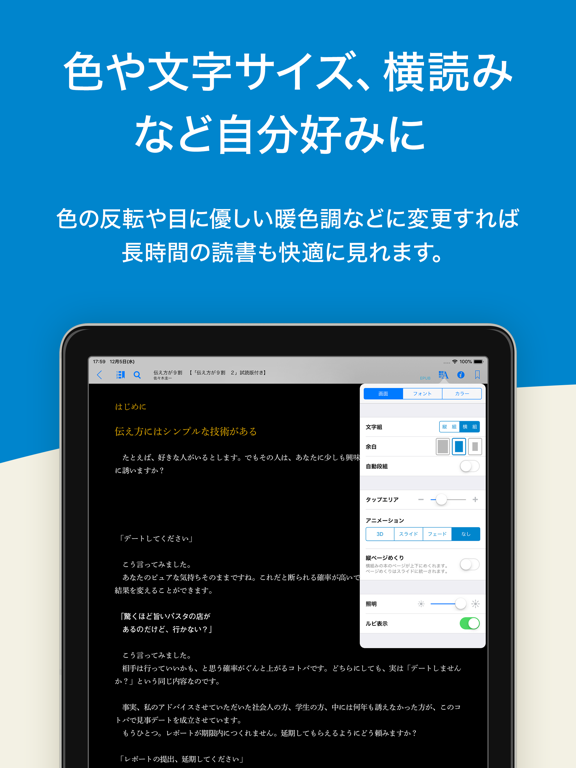
リアル書店でも使えるhontoポイントが貯まる、お得な電子書籍サービス。おかげさまで会員数950万人突破! hontoは丸善、ジュンク堂書店、文教堂などのリアル書店とポイント連携した電子書籍サービスです。読書家のあなたへ、大型書店級150万冊以上の品揃えをお得なクーポンと共にお届けします。 ◆お得なクーポン・ポイントサービス ・あなただけにお得なキャンペーンの通知が届きます ◆アプリの便利な機能 ①シリーズがまとまる本棚 ・シリーズの本は自動的にまとまるので、漫画や雑誌が増えても本棚が見やすい! ・見落としがちな最新刊の入荷も、アプリがそっと知らせてくれます ②カスタマイズで快適な読書 ・文字を大きくしたり背景色を変えたり、本文の縦組/横組に段組表示も自由自在 ・画像なら拡大・縮小はもちろん、スマホで便利な縦めくりでマンガを読めます ・分からない単語を選択すれば、アプリがウィキペディアで意味を調べてくれます ③安心のクラウド管理 ・購入した本は、クラウドからいつでも何度でもダウンロード可能 ・機種変更やデバイス…
App details
What you can learn from honto電子書籍リーダー
Every shipping app on the App Store has gone through the same decisions you're working through right now: which screenshot goes first, what caption sits over it, which device frame to show, what color the background should be. The 8 screenshots above are honto電子書籍リーダー's answers to those questions — they're public, they're real, and they made it through Apple's review.
What the numbers say: honto電子書籍リーダー runs a dark set with one background colour (#0484CC) carried across every screenshot — the listing reads as a single poster when the shots sit side by side in search results. The accent colour we picked up, #14FCE4, is the one to reuse for badges, arrows and highlighted words if you borrow this look. Hit Use this style to open the editor with these exact colours and drop your own screenshot in.
Notice the first screenshot in particular. It's the one users see in search results and on the product page, and it's where most apps spend their best caption and tightest design. Look at the proportion of background to phone, where the text sits, what one thing the image is trying to communicate.
Want to see how other Book apps approach the same problem? Browse more Book apps in the showcase.
Take what works into your own screenshots
Open LaunchShots and design your App Store & Google Play screenshots — pick a device frame, drop captions, ship in minutes. Free, in your browser.
Open the screenshot editor →Apps with a similar look
Closest background + accent colours among the listings we've analysed — useful when you want to see the same palette handled by a different team.