Screenshots

Icon palette
About this app
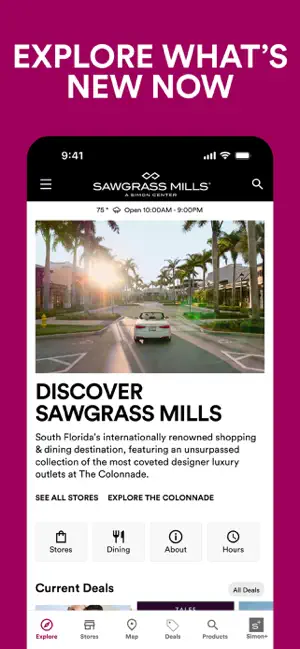
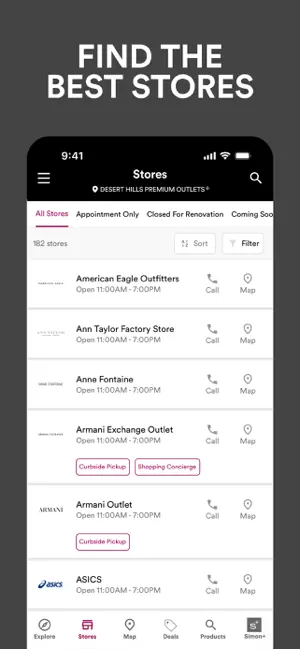
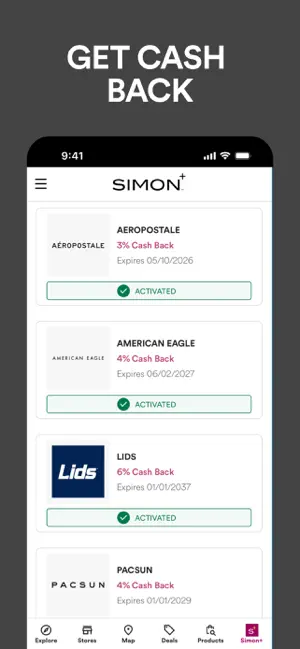
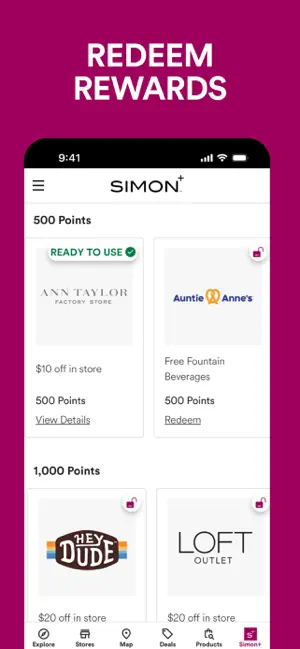
You’ve found the ultimate shopping companion. The Simon® app has everything you need for the perfect trip to one of our 215 Simon Malls®, Simon Mills®, or Simon Premium Outlets® locations. Top Features Include: ● Access 200 interactive 3D mall maps to help you navigate your local Simon shopping center, with blue-dot navigation enabled in select centers ● Join Simon+® for cash, points & perks ● Get your Simon+ offers, in-store & online cash back, upload receipts & link cards ● Search for in-store & online products via Simon Search®, and then filter your product results so that you can quickly find out more details about items that interest you ● Works seamlessly on all iPhone or iPad screen sizes ● Check out the latest deals, news & events available at your favorite center ● Find the stores, dining & entertainment options that you love at all Simon Malls, Mills or Premium Outlets shop…
App details
What you can learn from SIMON: Malls, Mills & Outlets
Every shipping app on the App Store has gone through the same decisions you're working through right now: which screenshot goes first, what caption sits over it, which device frame to show, what color the background should be. The 5 screenshots above are SIMON: Malls, Mills & Outlets's answers to those questions — they're public, they're real, and they made it through Apple's review.
Notice the first screenshot in particular. It's the one users see in search results and on the product page, and it's where most apps spend their best caption and tightest design. Look at the proportion of background to phone, where the text sits, what one thing the image is trying to communicate.
Want to see how other Shopping apps approach the same problem? Browse more Shopping apps in the showcase.
Take what works into your own screenshots
Open LaunchShots and design your App Store & Google Play screenshots — pick a device frame, drop captions, ship in minutes. Free, in your browser.
Open the screenshot editor →