Chart position — tracked daily by LaunchShots
Screenshot style breakdown
Sampled from 5 of PREP(プレップ) - 総合防災アプリ's App Store screenshots — background, accent and theme, measured by LaunchShots (not something Apple publishes).
#F4F4FC bg
#D6D6DD
#FC5C4C accent
#111111 text
Screenshots

iPad screenshots
Icon palette
About this app
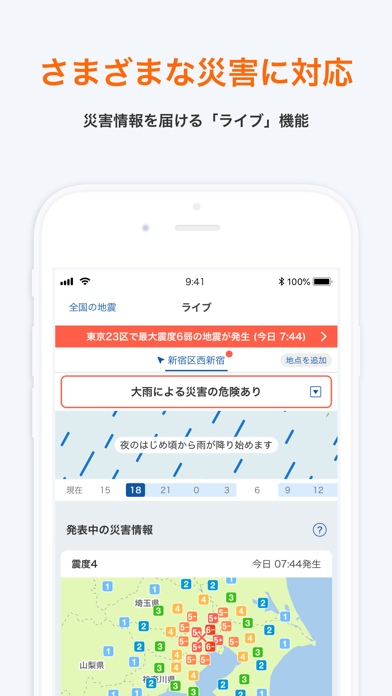
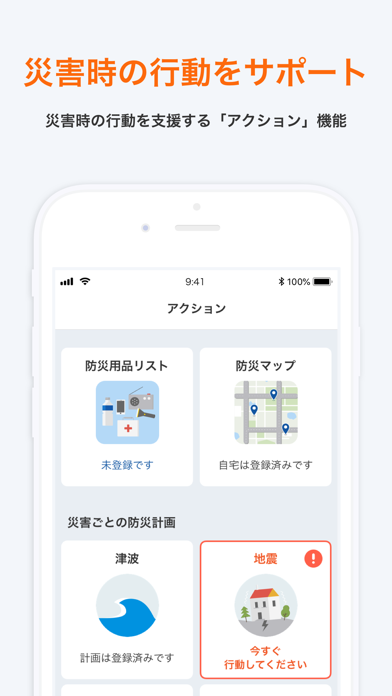
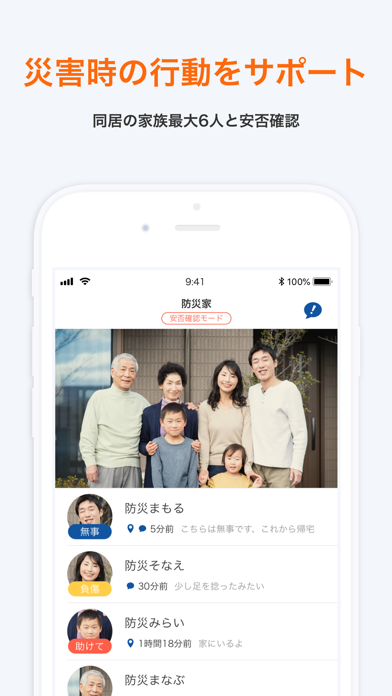
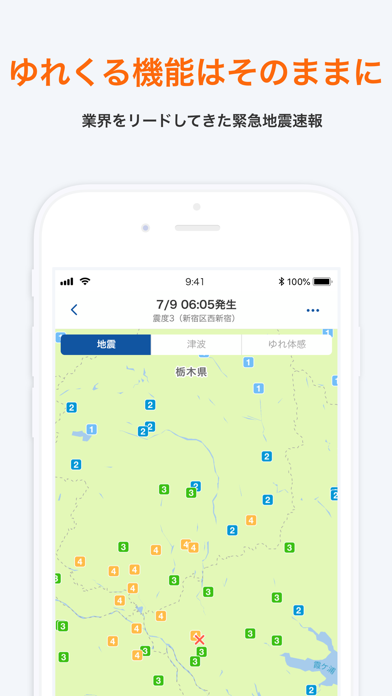
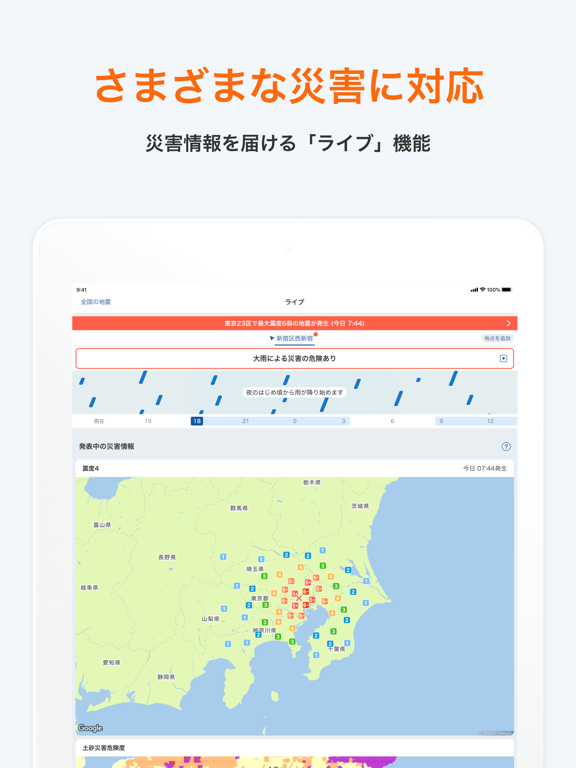
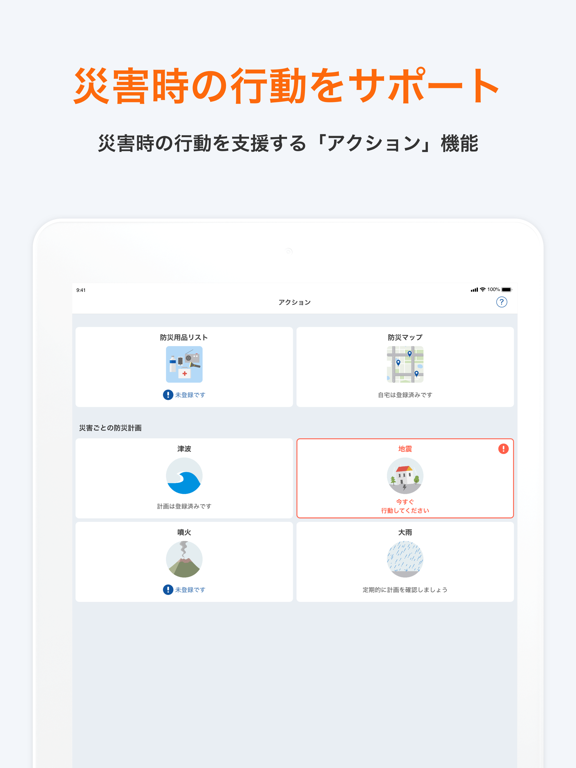
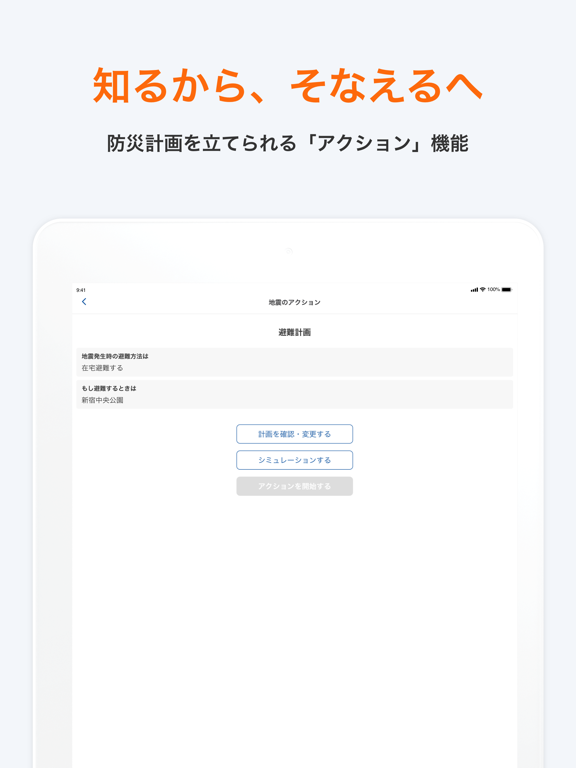
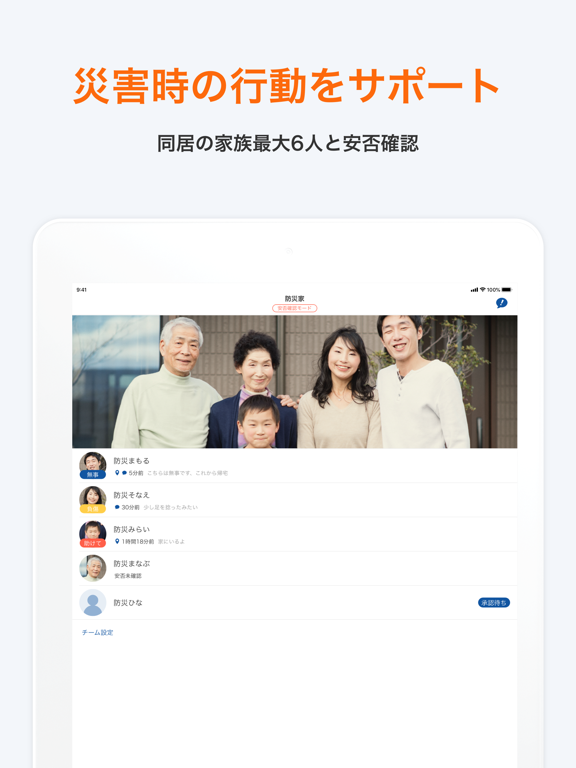
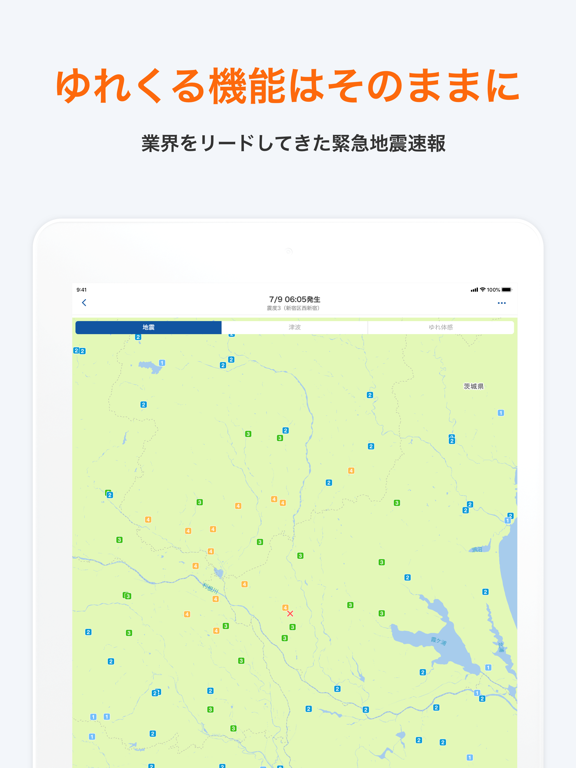
◆ PREPのポイント - 現在地と連動してリアルタイムな災害情報を表示します。 - 災害時の行動方針をあらかじめ決めておくことができます。 - 災害発生時、安全な行動を取れるようにガイダンスを表示してサポートします。 ◆ PREPでできること 1.さまざまな災害に対応 災害情報を届ける「ライブ」機能 地震・津波・台風・大雨・噴火など、さまざまな災害情報や避難情報に対応。 現在地に応じたリアルタイムな情報を届けます。 最大24時間先までの降水情報を表示するタイムライン機能も搭載しています。 2.知るから、行動するへ 防災計画を立て、災害時の行動を支援する「アクション」機能 災害発生時にどのような行動を取ればいいかをあらかじめ検討したり、避難場所や防災用品を登録することができます。 大規模災害が予想される場合は、事前に登録した情報に応じて避難のガイダンスを表示し、災害発生時の行動をサポートします。 同居の家族最大6人と情報共有 ファミリープラン(有料)に登録すると、事前に検討した防災計画や、災害発生時の安否を同居の…
App details
What you can learn from PREP(プレップ) - 総合防災アプリ
Every shipping app on the App Store has gone through the same decisions you're working through right now: which screenshot goes first, what caption sits over it, which device frame to show, what color the background should be. The 10 screenshots above are PREP(プレップ) - 総合防災アプリ's answers to those questions — they're public, they're real, and they made it through Apple's review.
What the numbers say: PREP(プレップ) - 総合防災アプリ runs a light set with one background colour (#F4F4FC) carried across every screenshot — the listing reads as a single poster when the shots sit side by side in search results. The accent colour we picked up, #FC5C4C, is the one to reuse for badges, arrows and highlighted words if you borrow this look. Hit Use this style to open the editor with these exact colours and drop your own screenshot in.
Notice the first screenshot in particular. It's the one users see in search results and on the product page, and it's where most apps spend their best caption and tightest design. Look at the proportion of background to phone, where the text sits, what one thing the image is trying to communicate.
Want to see how other Weather apps approach the same problem? Browse more Weather apps in the showcase.
Take what works into your own screenshots
Open LaunchShots and design your App Store & Google Play screenshots — pick a device frame, drop captions, ship in minutes. Free, in your browser.
Open the screenshot editor →Apps with a similar look
Closest background + accent colours among the listings we've analysed — useful when you want to see the same palette handled by a different team.