Chart position — tracked daily by LaunchShots
Screenshot style breakdown
Sampled from 6 of Salesforce's App Store screenshots — background, accent and theme, measured by LaunchShots (not something Apple publishes).
#FCFCFC bg
#DDDDDD
#04A4E4 accent
#111111 text
Screenshots
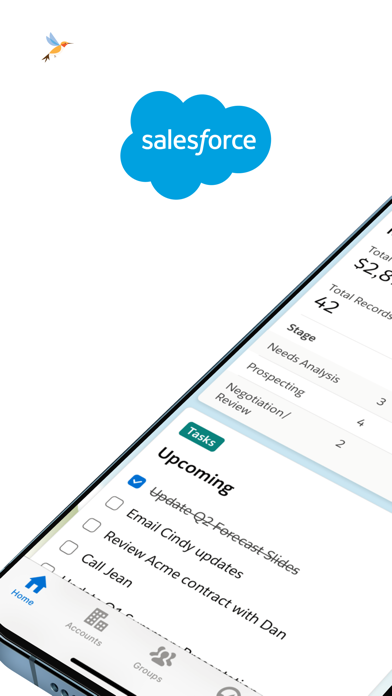
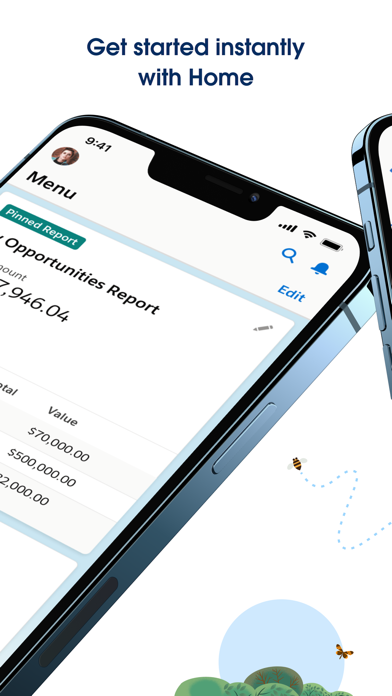
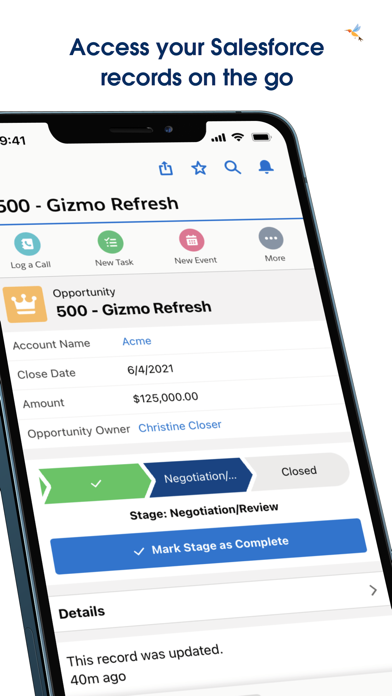
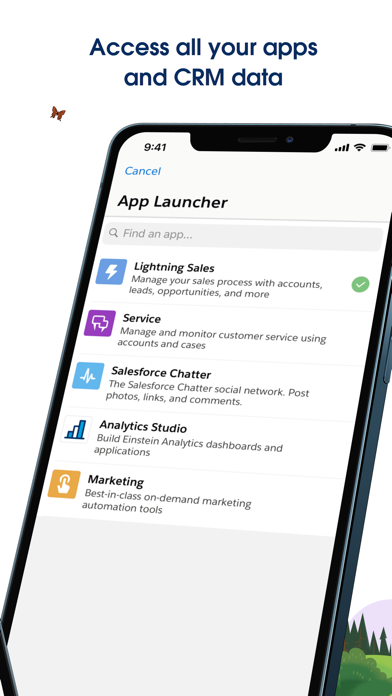
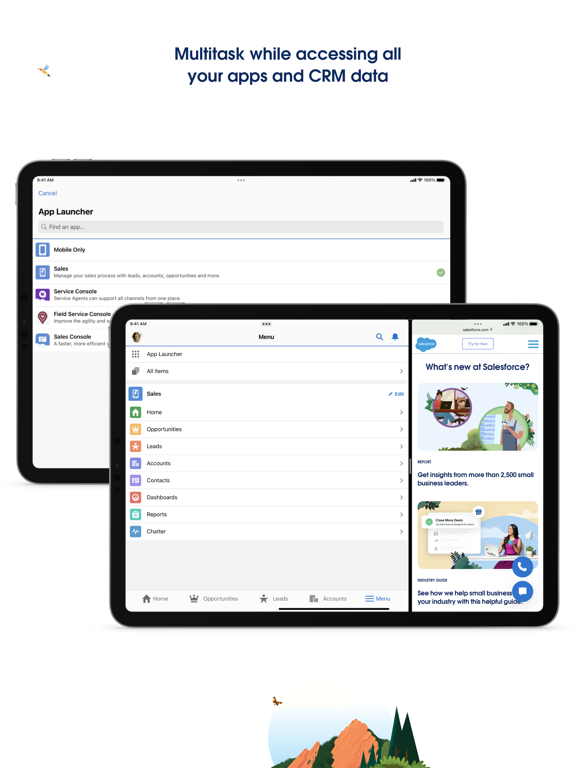
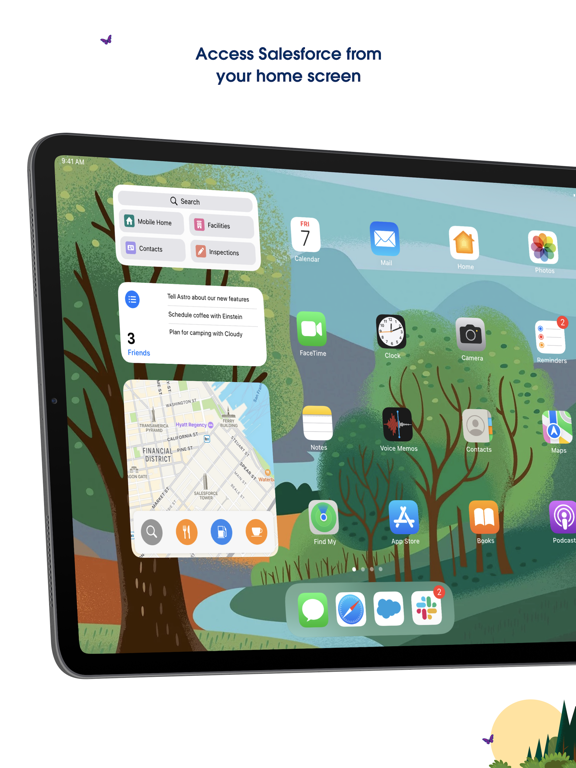
iPad screenshots
Icon palette
About this app
Salesforce モバイルアプリケーションを使用すれば、iPhone と iPad でビジネスを進めることができます。世界 No.1 の CRM プラットフォームの豊富な機能に手のひらからアクセスし、リアルタイムデータやモバイルに対応した Lightning アプリケーションでビジネスを変革しましょう。 モバイルホームで瞬時に開始 パーソナライズされたダッシュボードのカードでお気に入りのレポート、リスト、ToDo、行動などを確認することで、1 日のスタートダッシュを切れます。 どこからでもデータにアクセス モバイル用に最適化された Lightning コンポーネントとアプリケーションのプラットフォーム全体を簡単に利用できるため、Salesforce のクラウドや業界を問わず作業でき、 重要なビジネスデータにどこからでもすばやくアクセスして更新することが可能です。 安全かつ安心できる方法で作業 エンタープライズグレードの組み込みアプリケーションセキュリティで転送中やデバイス上のデータを保護しながら、世界で最も信頼されているクラウドプラットフォームを使用できま…
App details
What you can learn from Salesforce
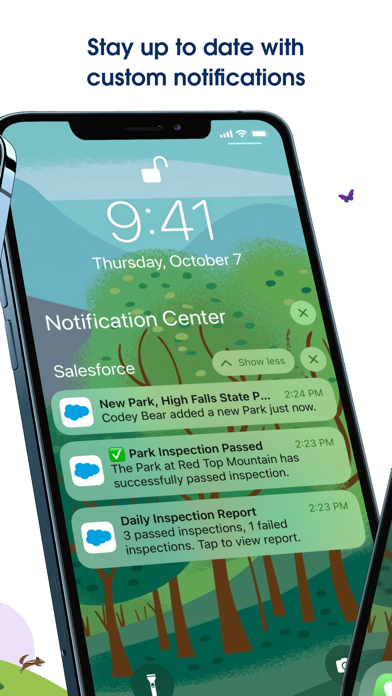
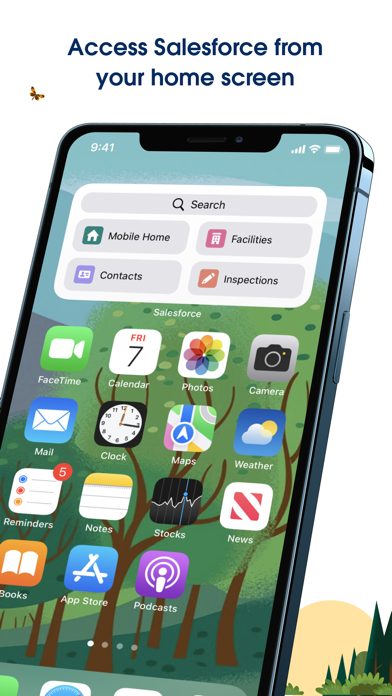
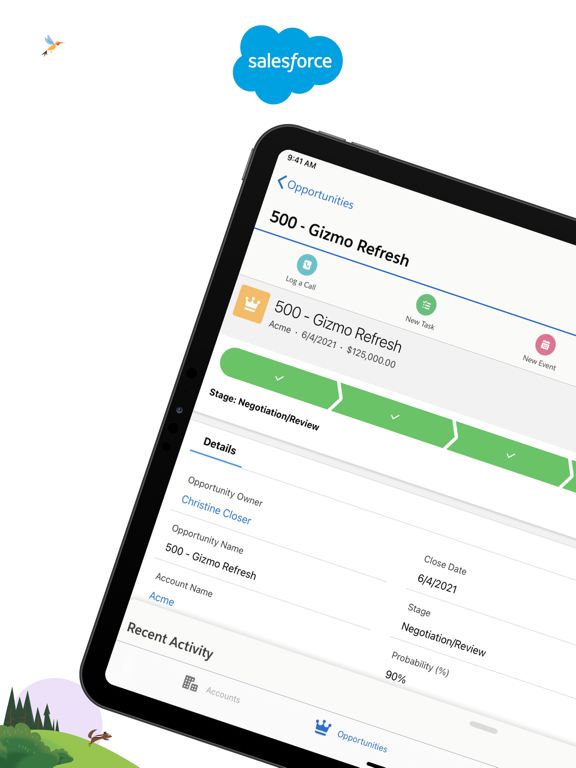
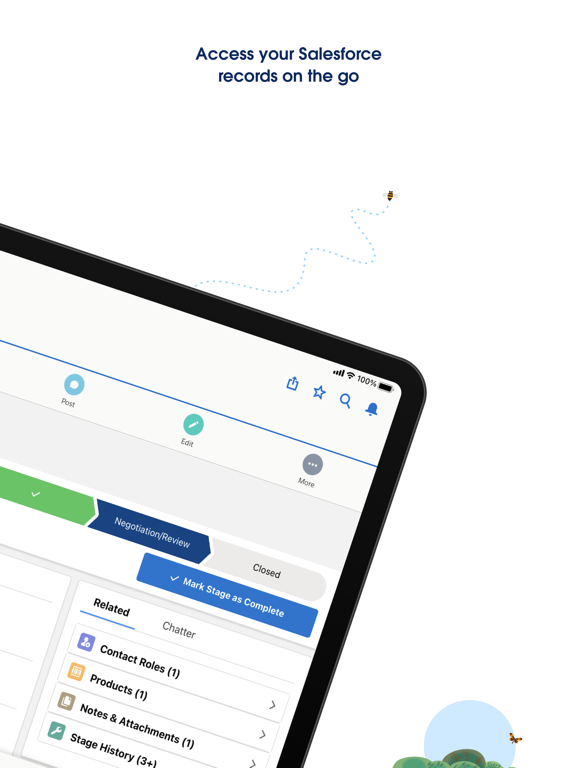
Every shipping app on the App Store has gone through the same decisions you're working through right now: which screenshot goes first, what caption sits over it, which device frame to show, what color the background should be. The 10 screenshots above are Salesforce's answers to those questions — they're public, they're real, and they made it through Apple's review.
What the numbers say: Salesforce runs a light set with one background colour (#FCFCFC) carried across every screenshot — the listing reads as a single poster when the shots sit side by side in search results. The accent colour we picked up, #04A4E4, is the one to reuse for badges, arrows and highlighted words if you borrow this look. Hit Use this style to open the editor with these exact colours and drop your own screenshot in.
Notice the first screenshot in particular. It's the one users see in search results and on the product page, and it's where most apps spend their best caption and tightest design. Look at the proportion of background to phone, where the text sits, what one thing the image is trying to communicate.
Want to see how other Business apps approach the same problem? Browse more Business apps in the showcase.
Take what works into your own screenshots
Open LaunchShots and design your App Store & Google Play screenshots — pick a device frame, drop captions, ship in minutes. Free, in your browser.
Open the screenshot editor →Apps with a similar look
Closest background + accent colours among the listings we've analysed — useful when you want to see the same palette handled by a different team.