Screenshots
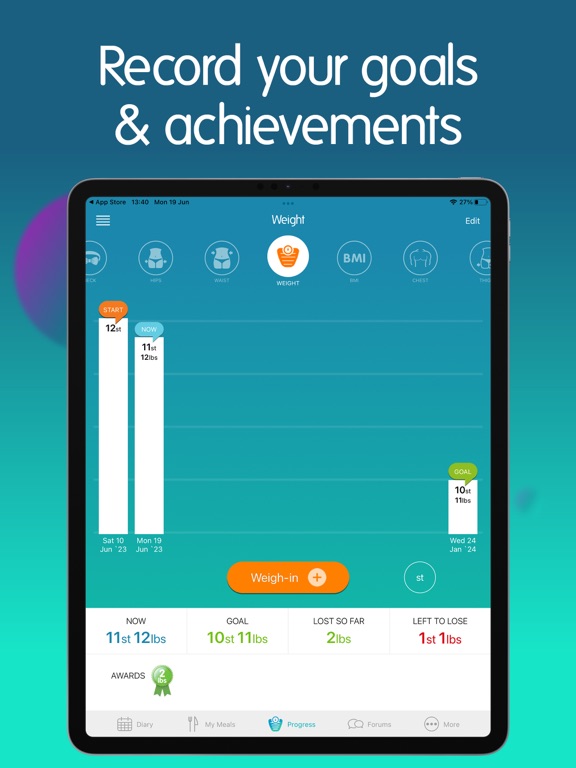
iPad screenshots




Icon palette
About this app
Easy calorie tracking made for UK users. Whether you’re aiming to lose weight, build healthier habits or simply understand what you’re eating, Nutracheck makes it simple. Track your food, macros, and exercise with the UK’s best food database. Try free for 7 days. • Track calories & 7 key nutrients • UK food database – 500,000+ items • Barcode scanner & photo search • Exercise tracking with app & device sync • Apple Watch app & widgets • Build & save your own recipes • Community support FLEXIBLE GOALS Weight loss, gain, maintenance or 5:2 fasting – set your own calorie and macro targets to suit your goal. NUTRITION MADE EASY Track 7 key nutrients: carbs, protein, fat, sat fat, sugar, salt and fibre. Set reminders for water and 5-a-day. FAST, ACCURATE LOGGING Search verified UK foods by keyword or barcode – including items from Tesco, Asda, Sainsbury’s, Aldi, Lidl, M&S, Waitrose…
App details
What you can learn from Calorie Counter +
Every shipping app on the App Store has gone through the same decisions you're working through right now: which screenshot goes first, what caption sits over it, which device frame to show, what color the background should be. The 8 screenshots above are Calorie Counter +'s answers to those questions — they're public, they're real, and they made it through Apple's review.
Notice the first screenshot in particular. It's the one users see in search results and on the product page, and it's where most apps spend their best caption and tightest design. Look at the proportion of background to phone, where the text sits, what one thing the image is trying to communicate.
Want to see how other Health & Fitness apps approach the same problem? Browse more Health & Fitness apps in the showcase.
Take what works into your own screenshots
Open LaunchShots and design your App Store & Google Play screenshots — pick a device frame, drop captions, ship in minutes. Free, in your browser.
Open the screenshot editor →