Screenshots




iPad screenshots


Icon palette
About this app
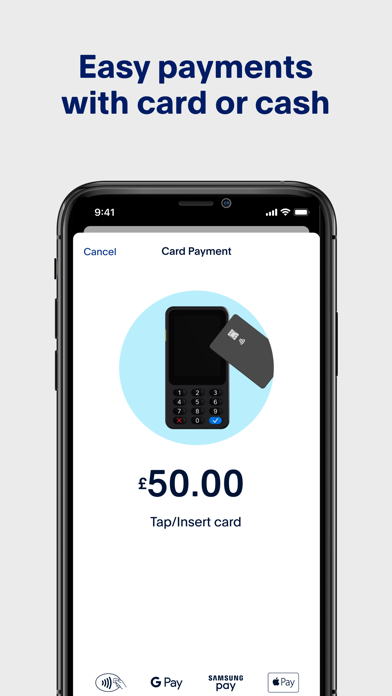
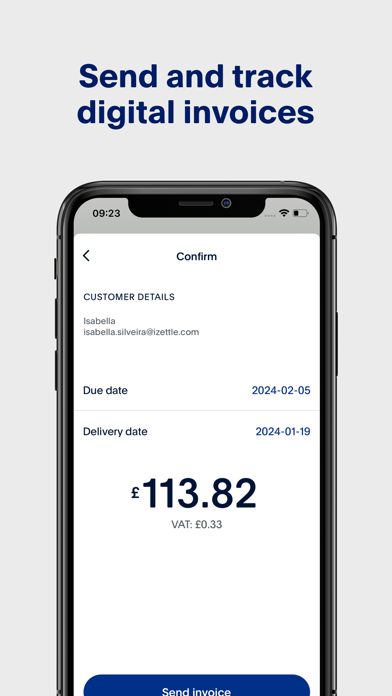
The PayPal POS app (ex Zettle) empowers you to easily and seamlessly accept in-person payments. From accepting card, contactless, e-wallet payments to tracking sales, PayPal POS has a suite of payment solution to fit your business' needs. Whether you’re running a coffee shop, clothing store or barber shop, PayPal POS is the one app you need accept payments, manage inventory, and track sales in one complete app. No monthly fees, no set-up costs and no lock-in contracts. The PayPal POS app is free to download and comes with a range of features: • Simplify your inventory management with an intuitive product library • Accept contactless payments with TTP or accept payment types including card, contactless, e-wallets, and more with the Card Reader or Terminal • Customize receipts and print, text or email them to your customers • Collect sales data and use easy-to-understand reports to grow …
App details
What you can learn from PayPal POS (ex Zettle)
Every shipping app on the App Store has gone through the same decisions you're working through right now: which screenshot goes first, what caption sits over it, which device frame to show, what color the background should be. The 16 screenshots above are PayPal POS (ex Zettle)'s answers to those questions — they're public, they're real, and they made it through Apple's review.
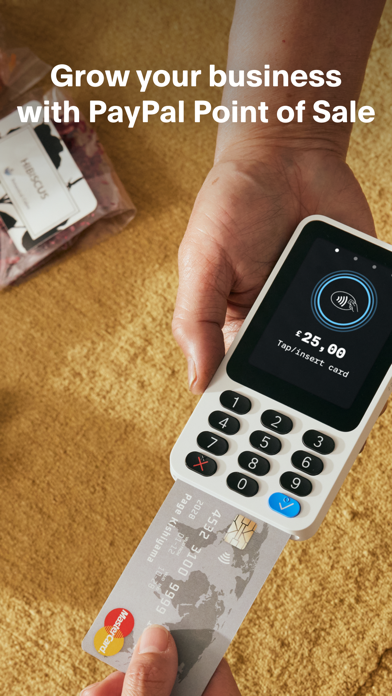
Notice the first screenshot in particular. It's the one users see in search results and on the product page, and it's where most apps spend their best caption and tightest design. Look at the proportion of background to phone, where the text sits, what one thing the image is trying to communicate.
Want to see how other Business apps approach the same problem? Browse more Business apps in the showcase.
Take what works into your own screenshots
Open LaunchShots and design your App Store & Google Play screenshots — pick a device frame, drop captions, ship in minutes. Free, in your browser.
Open the screenshot editor →