Screenshots


Icon palette
About this app
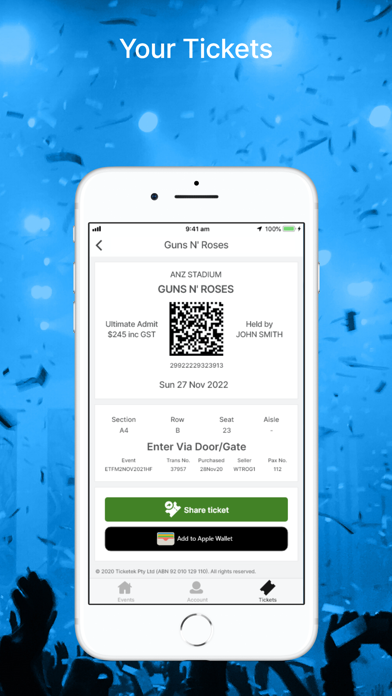
The Ticketek App connects you to thousands of live events and experiences across concerts, sport, comedy, theatre, arts and exhibitions. It’s the fastest way to buy tickets for your next live experience, receive event alerts and access your mobile tickets to view and share with friends. Discover New Events • Explore events happening near you • Find out what's on this week • Quickly search events and go direct to buy tickets Buy Tickets Quickly • Seamless end to end purchase • Anywhere, Anytime View, Share & Manage Your Tickets • Access mobile tickets for safe, contactless entry • Seamlessly share tickets with friends • Add tickets directly to your Apple Wallet Never miss an event with Event Alerts * Get notified about events going on sale * Receive special offers * Ticket information for your upcoming events
App details
What you can learn from Ticketek AU
Every shipping app on the App Store has gone through the same decisions you're working through right now: which screenshot goes first, what caption sits over it, which device frame to show, what color the background should be. The 7 screenshots above are Ticketek AU's answers to those questions — they're public, they're real, and they made it through Apple's review.
Notice the first screenshot in particular. It's the one users see in search results and on the product page, and it's where most apps spend their best caption and tightest design. Look at the proportion of background to phone, where the text sits, what one thing the image is trying to communicate.
Want to see how other Entertainment apps approach the same problem? Browse more Entertainment apps in the showcase.
Take what works into your own screenshots
Open LaunchShots and design your App Store & Google Play screenshots — pick a device frame, drop captions, ship in minutes. Free, in your browser.
Open the screenshot editor →