Screenshots

Icon palette
About this app
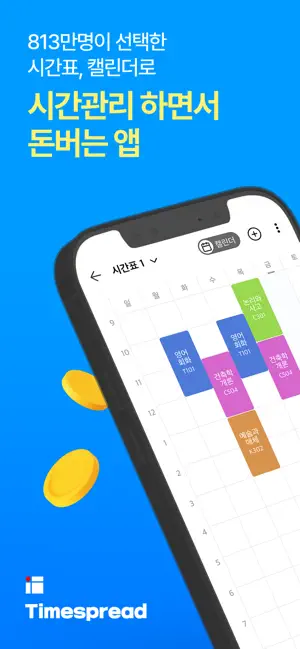
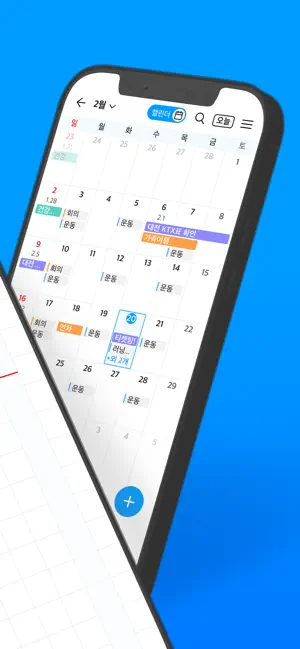
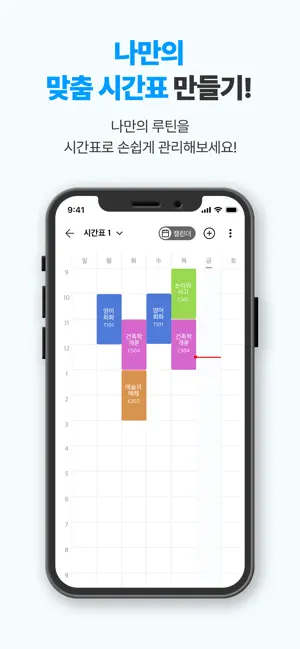
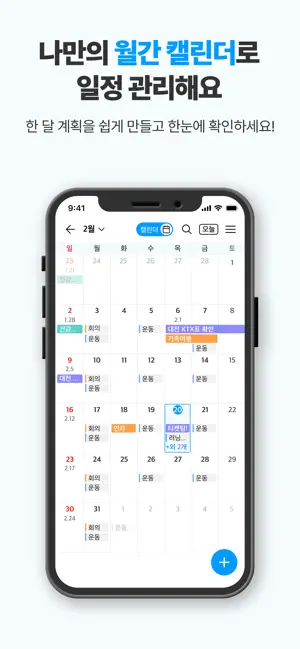
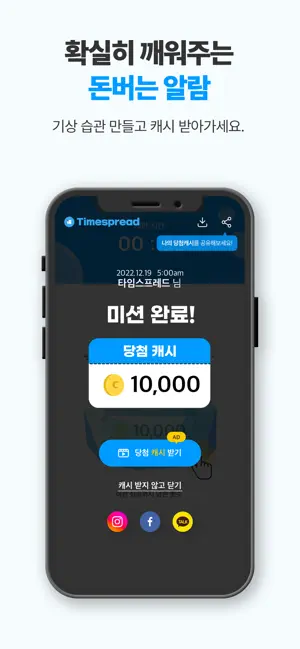
813만 유저가 선택한 알찬 갓생앱, 타임스프레드 일정 관리부터 습관 실천, 보상까지 한 번에! 캘린더·시간표·알람·타임스탬프로 루틴을 만들고, 캐시로 보상받는 똑똑한 하루를 시작하세요. ■ 계획의 시작은 일정과 시간표 *주간/월간 단위로 스케줄을 정리할 수 있는 통합 캘린더 *수업, 루틴, 운동, 공부 등 나만의 시간표를 자유롭게 구성 *하루 시작/종료 시간 설정, 1분 단위 일정 입력 가능 *드래그 앤 드롭 방식으로 쉽고 빠르게 일정 추가 *위젯과 구글 캘린더 연동으로 외부 일정도 한눈에 확인 *우리학교 수업목록 불러오기 기능 지원 ■ 루틴 실천을 위한 알림 & 웰니스 알람 *기상, 약 먹기, 운동, 공부 등 중요한 할일을 놓치지 않도록 미션 기반 알람 설정 *단순 알림이 아닌 ‘미션 수행’을 통해 의지를 다질 수 있는 알람 기능 *알람 완료 시 캐시 보상까지 제공되는 스마트 기상 시스템 *하루의 시작을 책임지는 웰니스 루틴 기상 알람 ■ 주간·월간 캘린더 - 주·월 단위로 모든 일정을 한눈에 확인할 수 있어요. - 주간·월간 보기 …
App details
What you can learn from 타임스프레드 : 시간표, 캘린더, 일정관리, 돈버는앱
Every shipping app on the App Store has gone through the same decisions you're working through right now: which screenshot goes first, what caption sits over it, which device frame to show, what color the background should be. The 6 screenshots above are 타임스프레드 : 시간표, 캘린더, 일정관리, 돈버는앱's answers to those questions — they're public, they're real, and they made it through Apple's review.
Notice the first screenshot in particular. It's the one users see in search results and on the product page, and it's where most apps spend their best caption and tightest design. Look at the proportion of background to phone, where the text sits, what one thing the image is trying to communicate.
Want to see how other Productivity apps approach the same problem? Browse more Productivity apps in the showcase.
Take what works into your own screenshots
Open LaunchShots and design your App Store & Google Play screenshots — pick a device frame, drop captions, ship in minutes. Free, in your browser.
Open the screenshot editor →