Screenshots


Icon palette
About this app
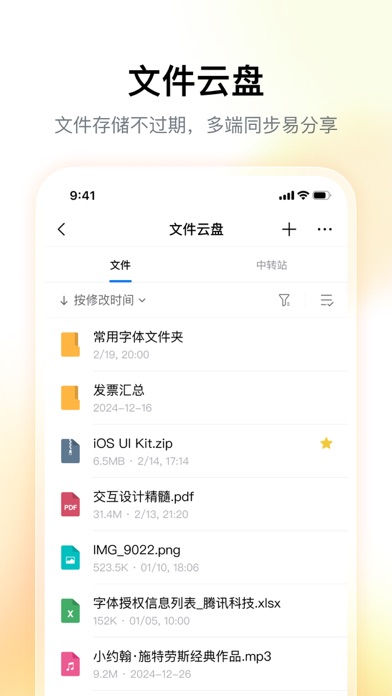
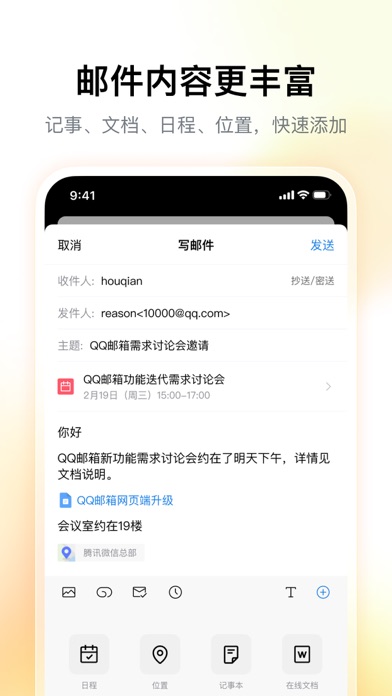
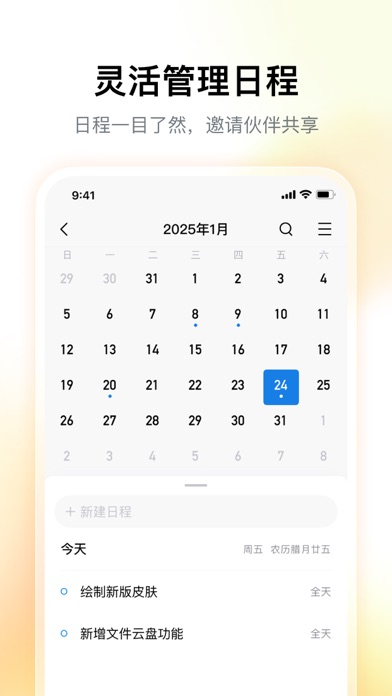
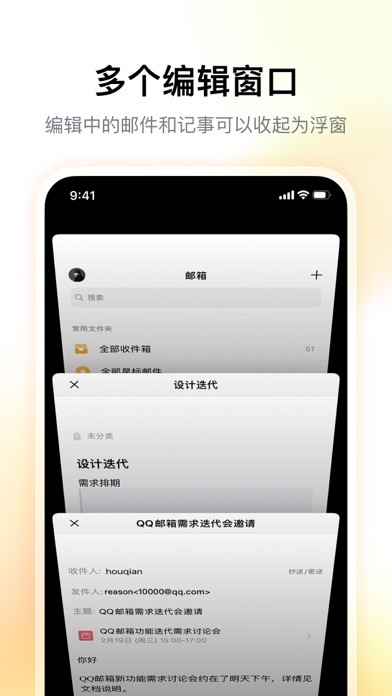
【QQ邮箱】全面支持邮件通用协议,协助在手机上管理你的所有邮箱。 【新】在手机上发送贺卡 【新】在设置中查询收信记录 【新】读信页面,截屏后快速标注 【新】高效便捷的邮箱通讯录 【新】外文邮件翻译为中文 多帐号 ·全面支持邮件通用协议,除QQ邮箱以外,还可添加多种其他邮箱 邮件收发 · 同步收取和管理多个邮箱里的所有邮件 · 新增广告邮件智能聚合 · QQ邮件订阅聚合及阅读体验优化 · 支持在线预览文档、图片、音视频、压缩包、eml等多种类型附件 邮件提醒 · 可选择仅提醒重要联系人的来信 · 为不同的邮箱帐号分别设置新邮件提醒开关 · 新增多种新邮件提醒音效 · 开启夜间免打扰功能,让邮件的到来在深夜静音 邮箱插件 · 开启日历功能,开始高效的日程管理 · 用中转站进行大文件临时网络存储 · 开启记事本功能随时记录所见所想 · 在通讯录管理联系人,查找往来邮件 · 精选一张贺卡,向好友传达祝福 QQ邮箱会员自动续费订阅说明 订阅服务: QQ邮箱会员连续包月(1个月)、QQ邮箱会员连续包年(12个月) 订阅价格: QQ邮箱会员连续包月产品为22元/月…
App details
What you can learn from QQ邮箱
Every shipping app on the App Store has gone through the same decisions you're working through right now: which screenshot goes first, what caption sits over it, which device frame to show, what color the background should be. The 6 screenshots above are QQ邮箱's answers to those questions — they're public, they're real, and they made it through Apple's review.
Notice the first screenshot in particular. It's the one users see in search results and on the product page, and it's where most apps spend their best caption and tightest design. Look at the proportion of background to phone, where the text sits, what one thing the image is trying to communicate.
Want to see how other Productivity apps approach the same problem? Browse more Productivity apps in the showcase.
Take what works into your own screenshots
Open LaunchShots and design your App Store & Google Play screenshots — pick a device frame, drop captions, ship in minutes. Free, in your browser.
Open the screenshot editor →