Chart position — tracked daily by LaunchShots
Screenshot style breakdown
Sampled from 5 of Zeetle - 連絡先を一括送信 写真もクーポンも's App Store screenshots — background, accent and theme, measured by LaunchShots (not something Apple publishes).
#F4F4F4 bg
#D6D6D6
#FCE404 accent
#111111 text
Screenshots
iPad screenshots
Icon palette
About this app
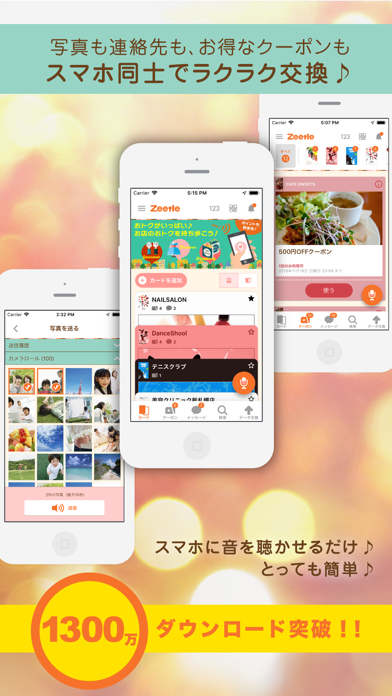
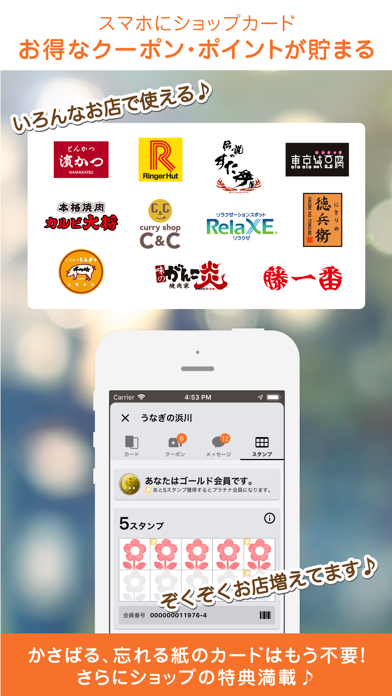
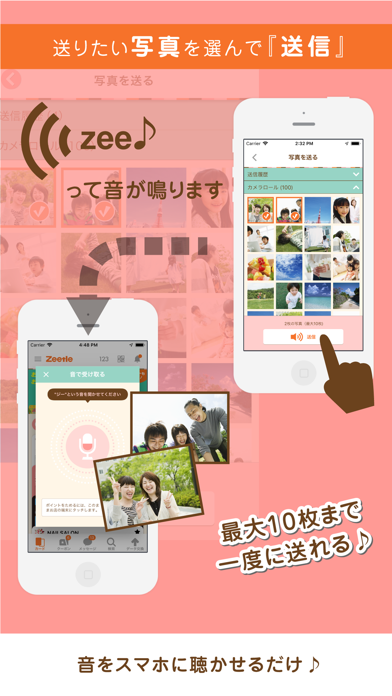
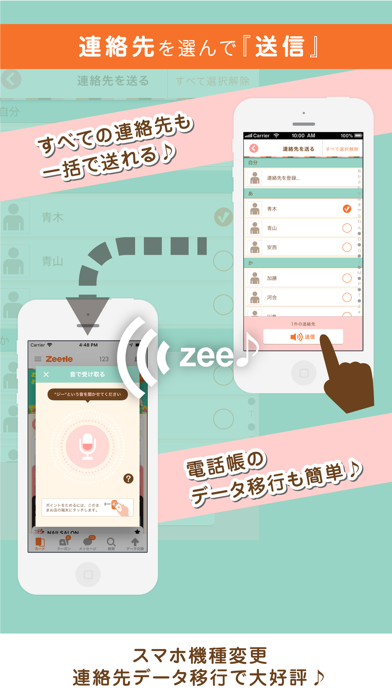
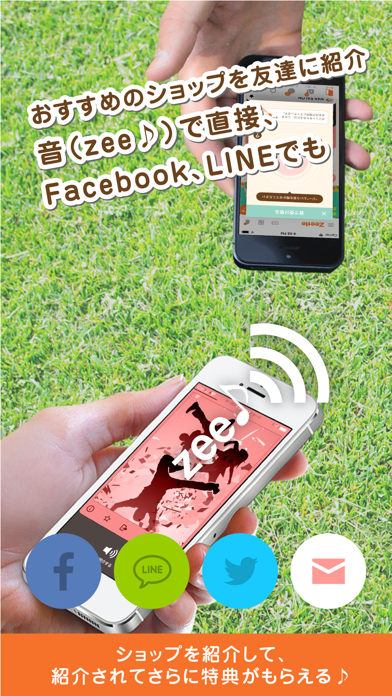
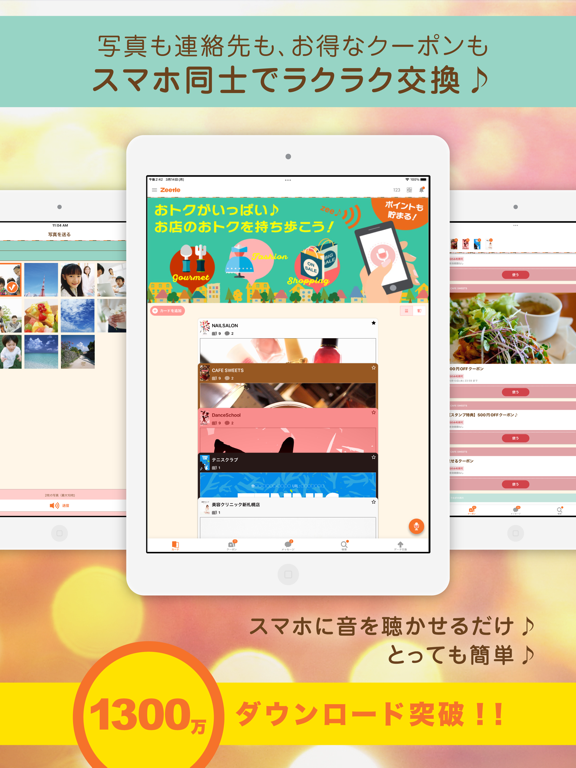
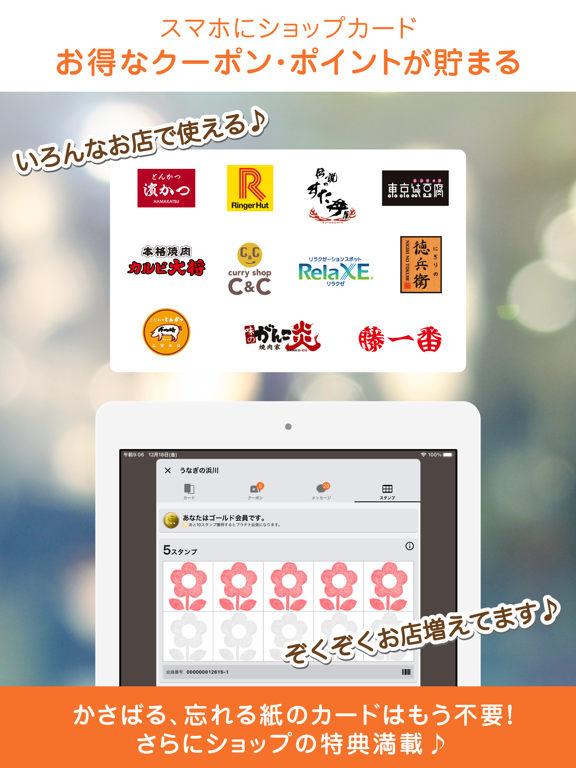
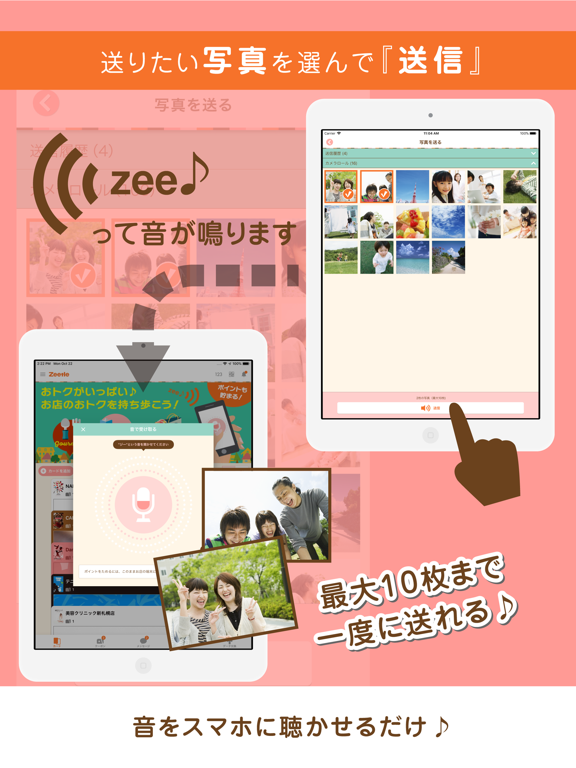
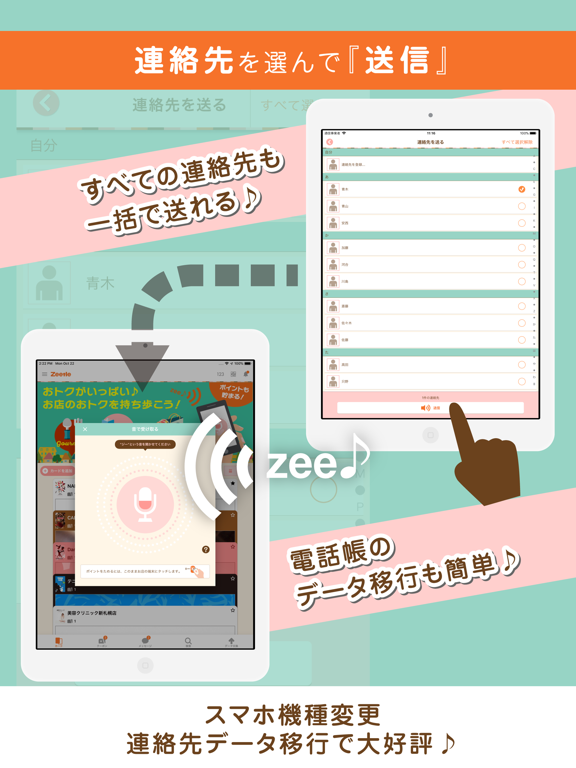
「Zeetle」は、"Zee"という音で友達と写真やアドレス交換(メアド交換、連絡先交換)をしたり、お気に入りのお店のショップカードやクーポンをもらってまとめて管理したりできるアプリです。受け渡しはiPhoneに音を聴かせるだけなので、誰でも簡単に使うことができます。 ●写真&アドレス交換 ・複数の写真やアドレスを選択して、iPhoneやその他のスマートフォンに一括送信できます。 ・送信は相手のZeetleアプリに音を聴かせるだけです。電話帳から送り先のメールアドレスを探す必要もありません。QRコードのようにピントを合わせる必要もありません。 ・赤外線の様に、送受信部を合わせてジッとしている必要はありません。音をアバウトに聴かせるだけで、送信が始まります。 ・データの送信には3GやWiFiを利用しているので、画像データも高速に共有できます。 ・音を聴いた人すべてに、一度に送ることができます。 ・データを受け取ることができるのは音を聴いた人だけなので、意図しない相手に写真を送ってしまうことはありません。 ●ショップカードやクーポンをGE…
App details
What you can learn from Zeetle - 連絡先を一括送信 写真もクーポンも
Every shipping app on the App Store has gone through the same decisions you're working through right now: which screenshot goes first, what caption sits over it, which device frame to show, what color the background should be. The 9 screenshots above are Zeetle - 連絡先を一括送信 写真もクーポンも's answers to those questions — they're public, they're real, and they made it through Apple's review.
What the numbers say: Zeetle - 連絡先を一括送信 写真もクーポンも runs a mixed light-and-dark set where the background shifts from screenshot to screenshot (first shot #F4F4F4) — each image has to stand on its own, so the captions carry more of the story. The accent colour we picked up, #FCE404, is the one to reuse for badges, arrows and highlighted words if you borrow this look. Hit Use this style to open the editor with these exact colours and drop your own screenshot in.
Notice the first screenshot in particular. It's the one users see in search results and on the product page, and it's where most apps spend their best caption and tightest design. Look at the proportion of background to phone, where the text sits, what one thing the image is trying to communicate.
Want to see how other Utilities apps approach the same problem? Browse more Utilities apps in the showcase.
Take what works into your own screenshots
Open LaunchShots and design your App Store & Google Play screenshots — pick a device frame, drop captions, ship in minutes. Free, in your browser.
Open the screenshot editor →Apps with a similar look
Closest background + accent colours among the listings we've analysed — useful when you want to see the same palette handled by a different team.