Screenshots


Icon palette
About this app
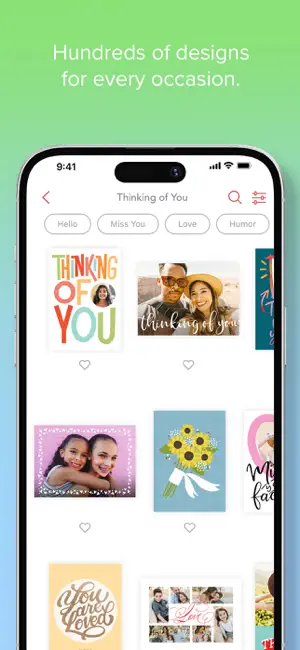
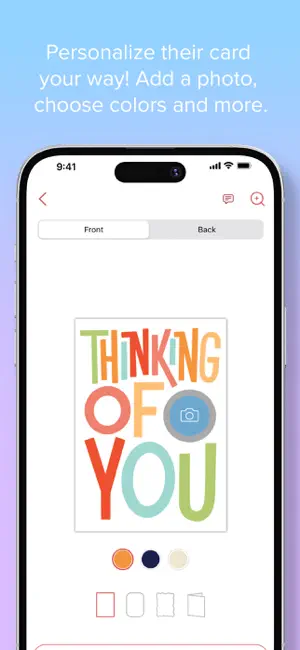
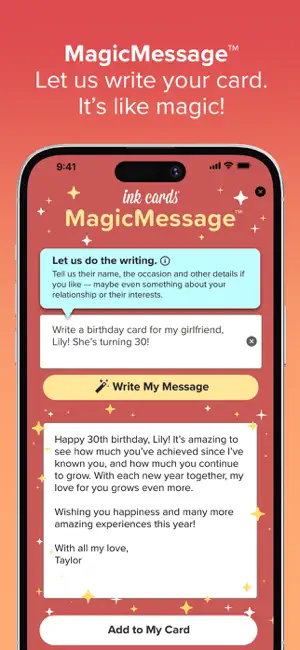
*Featured in the App Store for Making Family Memories and Photo Projects* *Rated Best Photo Quality by Digital Photography Review* Mail REAL one-of-a-kind cards without a trip to the store! Create cards right from your iPhone or iPad and send them straight to your lucky recipient’s mailbox. And now, you can let us do the writing with our newest feature, MagicMessage™! Just tell us their name, the occasion and other detail you’d like and watch the magic happen! For a more personalized touch, use our NEW RealScript® technology. Choose real handwriting options for your cards and envelopes for a true pen-to-paper style! Upgrade to a premium card and embossed envelope or order packs of personalized cards, ideal for holiday photo cards and thank you cards. Customizable cards for every occasion: - Holidays - Thank You - Birthdays - Grandparents - Babies - Weddings - Graduations - …
App details
What you can learn from Ink Cards: Send Custom Cards
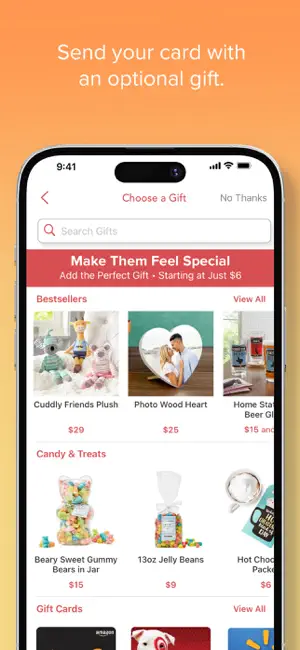
Every shipping app on the App Store has gone through the same decisions you're working through right now: which screenshot goes first, what caption sits over it, which device frame to show, what color the background should be. The 6 screenshots above are Ink Cards: Send Custom Cards's answers to those questions — they're public, they're real, and they made it through Apple's review.
Notice the first screenshot in particular. It's the one users see in search results and on the product page, and it's where most apps spend their best caption and tightest design. Look at the proportion of background to phone, where the text sits, what one thing the image is trying to communicate.
Want to see how other Photo & Video apps approach the same problem? Browse more Photo & Video apps in the showcase.
Take what works into your own screenshots
Open LaunchShots and design your App Store & Google Play screenshots — pick a device frame, drop captions, ship in minutes. Free, in your browser.
Open the screenshot editor →