Chart position — tracked daily by LaunchShots
Screenshot style breakdown
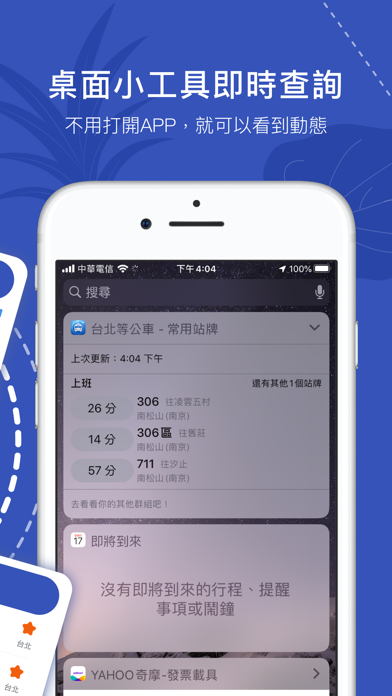
Sampled from 6 of Bus Tracker Taipei's App Store screenshots — background, accent and theme, measured by LaunchShots (not something Apple publishes).
#3454BC bg
#506BC5
#6C9CE4 accent
#FFFFFF text
Screenshots

Icon palette
About this app
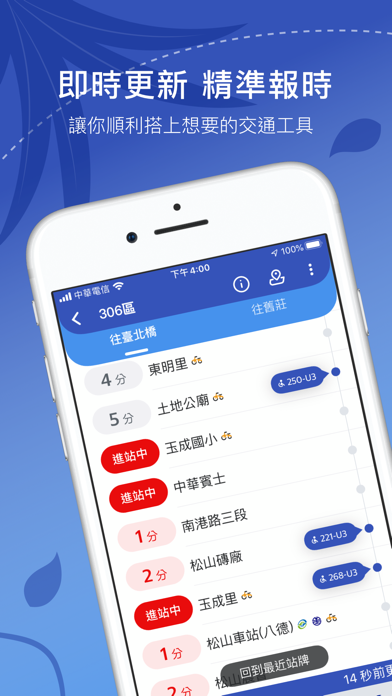
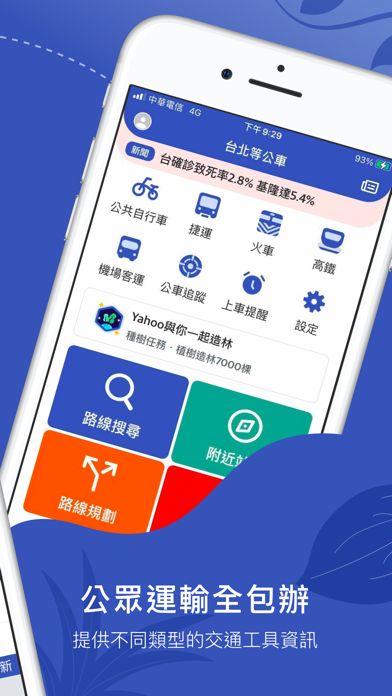
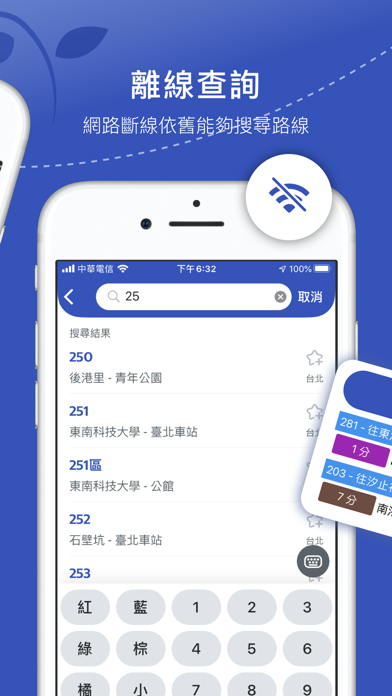
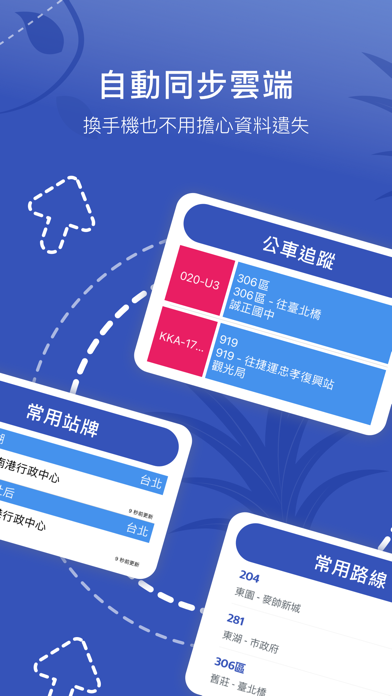
提供大台北地區(台北市、新北市)公車動態資訊,資料來源為台北市政府交通局、新北市政府交通局 及 交通部TDX平臺。 == 主要功能 == 1.搜尋路線 路線輸入鍵盤,加速使用者找到公車的效率。 2.附近站牌 可立即看到附近的站牌,及其經過的路線與到站時間。 3.路線規劃 使用規劃路徑,可提供多種大眾運輸工具的不同路線。 4.常用站牌 使用者自訂的站牌清單,也提供了群組分類功能。 5. 雲端同步常用資料 登入後可以同步你的常用資料,讓你換手機後資料也能跟著走。 6. 種樹任務 每日幫虛擬種子澆水,累積9天即可養成一棵虛擬小樹,紀錄每日搭公車的環保行動,並持續透過種樹任務集氣,鼓勵支持Yahoo養護真樹公益活動 == 次要功能 == 1.捷運路線圖 2.公共自行車 3.火車時刻表 4.公車追蹤 5.到站提醒 6.機場客運 7.高鐵時刻表 8.公車動態頁轉乘資訊
App details
What you can learn from Bus Tracker Taipei
Every shipping app on the App Store has gone through the same decisions you're working through right now: which screenshot goes first, what caption sits over it, which device frame to show, what color the background should be. The 6 screenshots above are Bus Tracker Taipei's answers to those questions — they're public, they're real, and they made it through Apple's review.
What the numbers say: Bus Tracker Taipei runs a dark set with one background colour (#3454BC) carried across every screenshot — the listing reads as a single poster when the shots sit side by side in search results. The accent colour we picked up, #6C9CE4, is the one to reuse for badges, arrows and highlighted words if you borrow this look. Hit Use this style to open the editor with these exact colours and drop your own screenshot in.
Notice the first screenshot in particular. It's the one users see in search results and on the product page, and it's where most apps spend their best caption and tightest design. Look at the proportion of background to phone, where the text sits, what one thing the image is trying to communicate.
Want to see how other Travel apps approach the same problem? Browse more Travel apps in the showcase.
Take what works into your own screenshots
Open LaunchShots and design your App Store & Google Play screenshots — pick a device frame, drop captions, ship in minutes. Free, in your browser.
Open the screenshot editor →Apps with a similar look
Closest background + accent colours among the listings we've analysed — useful when you want to see the same palette handled by a different team.