Chart position — tracked daily by LaunchShots
Screenshot style breakdown
Sampled from 4 of 多看's App Store screenshots — background, accent and theme, measured by LaunchShots (not something Apple publishes).
#FCF4E4 bg
#DDD6C8
#FC8404 accent
#111111 text
Screenshots
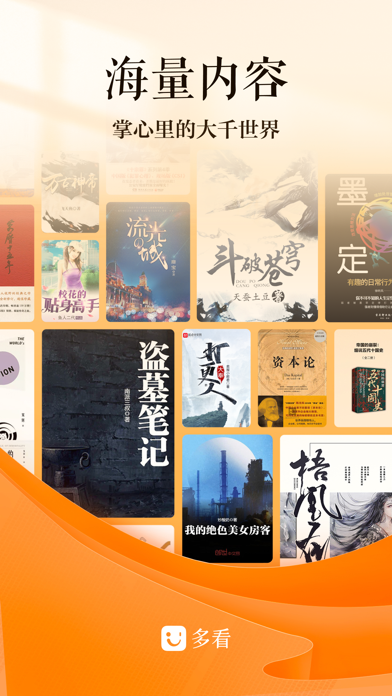
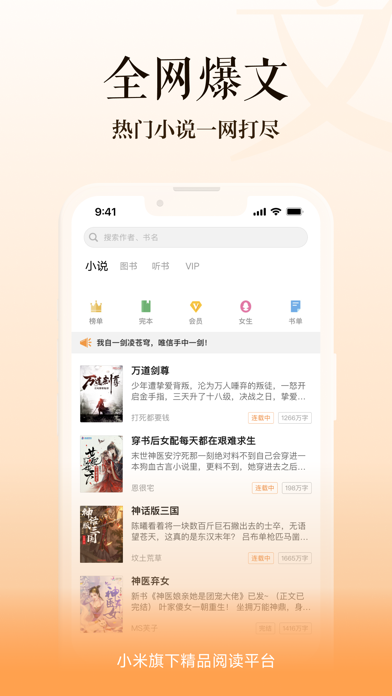
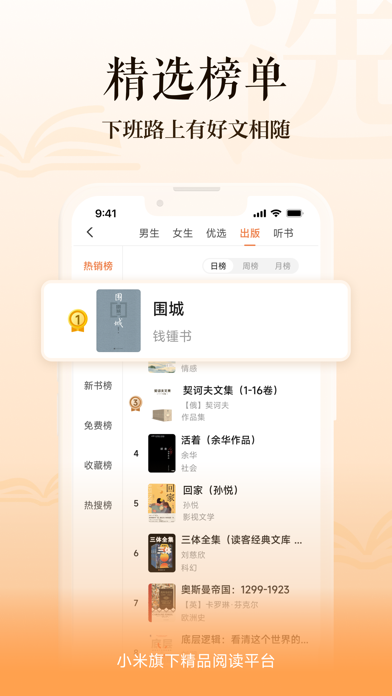
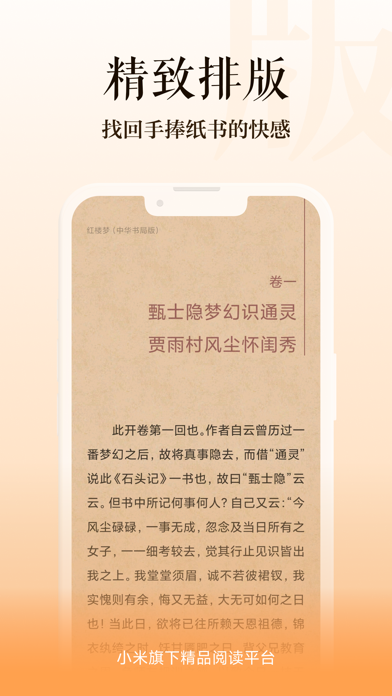
iPad screenshots


Icon palette
About this app
多看,小米官方出品,国内优秀的移动阅读平台,以优质的内容与排版广受好评,获得用户青睐! 【天天免费】精品好书天天免费看;每日签到奖励拿不停 【买贵不怕】读者保障计划:7天内降价自动退差价 【超全书库】正版精品图书、网文神作,供你选择 【酷炫功能】支持TXT、PDF阅读,导入阅读更方便;分页、笔记、书摘、注释、字典……提供多种阅读功能 【精品体验】每位编辑用工匠精神打造每本书,图文并茂,业界公认,给你精品的阅读体验
App details
What you can learn from 多看
Every shipping app on the App Store has gone through the same decisions you're working through right now: which screenshot goes first, what caption sits over it, which device frame to show, what color the background should be. The 7 screenshots above are 多看's answers to those questions — they're public, they're real, and they made it through Apple's review.
What the numbers say: 多看 runs a light set with one background colour (#FCF4E4) carried across every screenshot — the listing reads as a single poster when the shots sit side by side in search results. The accent colour we picked up, #FC8404, is the one to reuse for badges, arrows and highlighted words if you borrow this look. Hit Use this style to open the editor with these exact colours and drop your own screenshot in.
Notice the first screenshot in particular. It's the one users see in search results and on the product page, and it's where most apps spend their best caption and tightest design. Look at the proportion of background to phone, where the text sits, what one thing the image is trying to communicate.
Want to see how other Book apps approach the same problem? Browse more Book apps in the showcase.
Take what works into your own screenshots
Open LaunchShots and design your App Store & Google Play screenshots — pick a device frame, drop captions, ship in minutes. Free, in your browser.
Open the screenshot editor →Apps with a similar look
Closest background + accent colours among the listings we've analysed — useful when you want to see the same palette handled by a different team.