Screenshot style breakdown
Sampled from 3 of ライフレンジャー天気's App Store screenshots — background, accent and theme, measured by LaunchShots (not something Apple publishes).
#FCFCFC bg
#DDDDDD
#5CBCFC accent
#111111 text
Screenshots
iPad screenshots
Icon palette
About this app
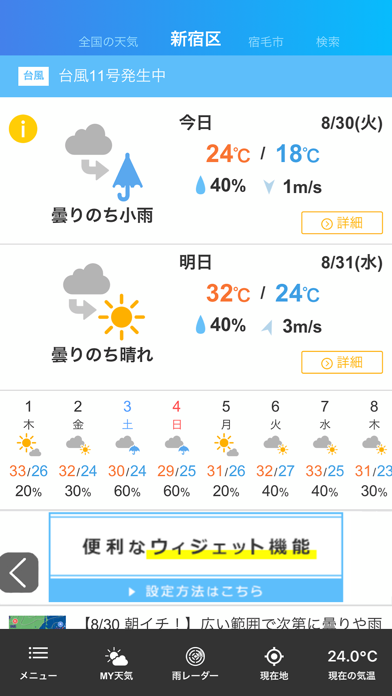
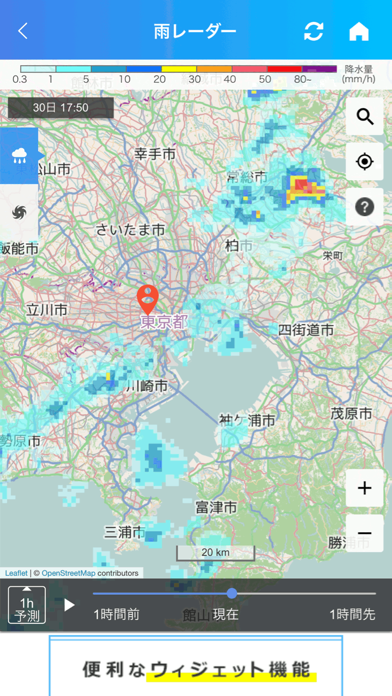
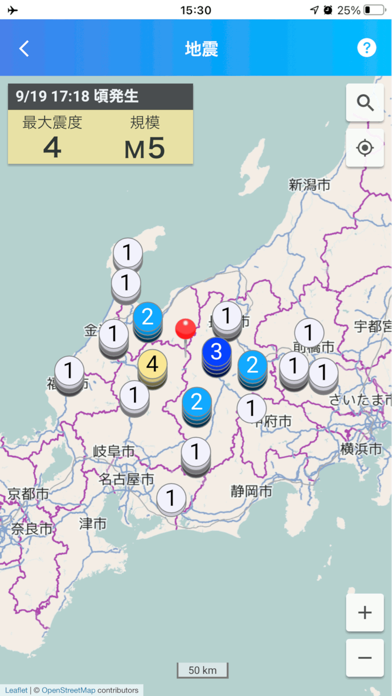
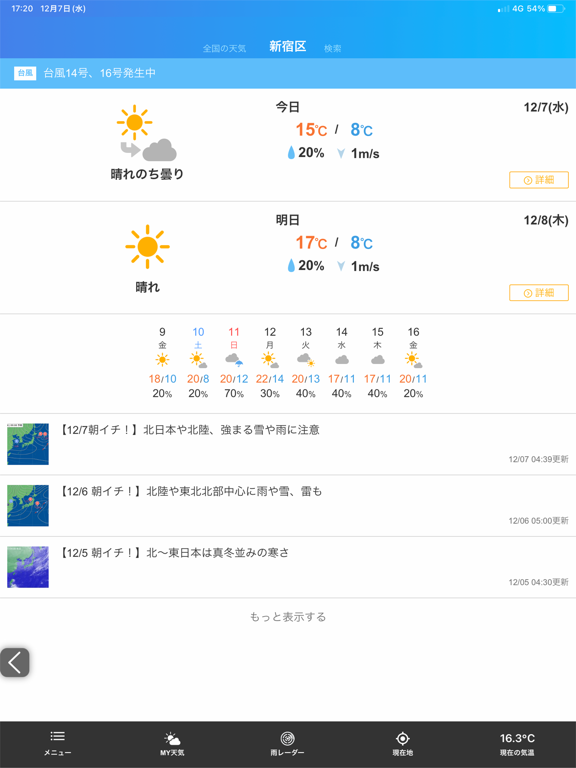
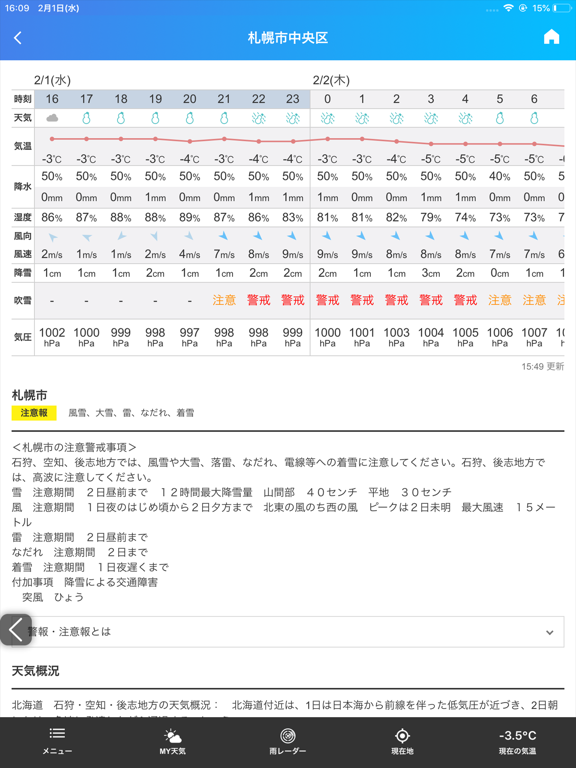
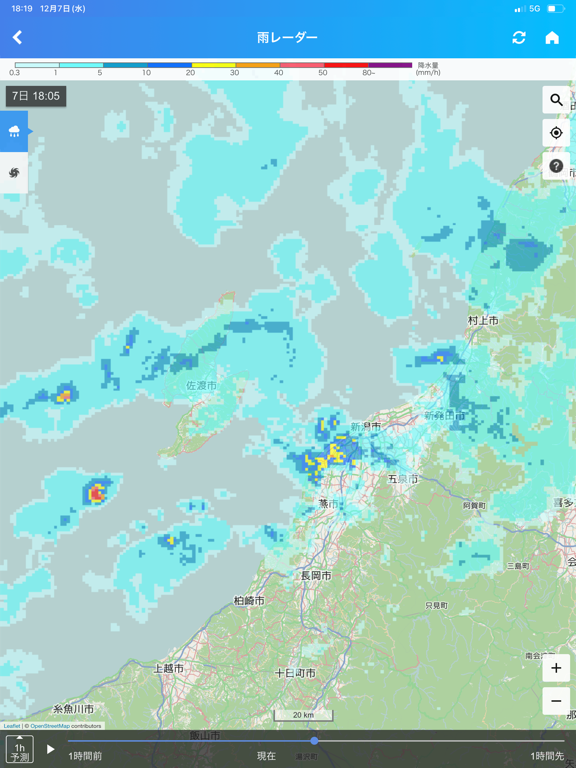
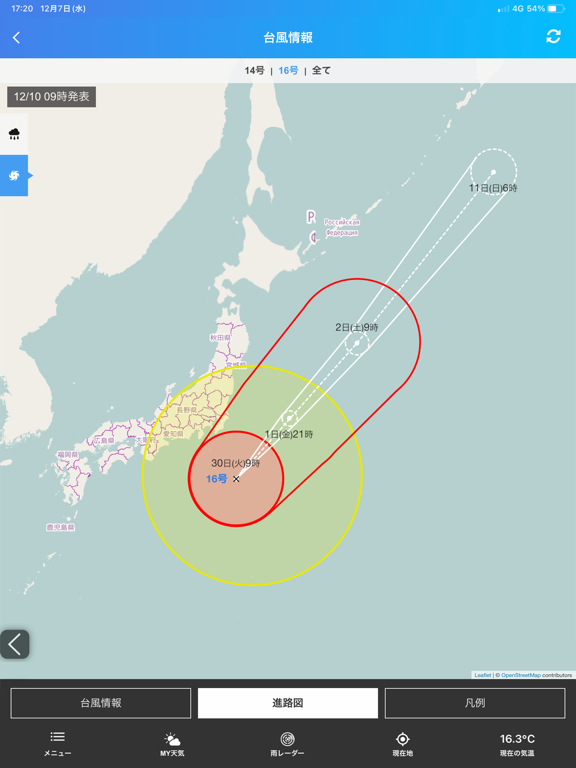
■主な機能のご紹介■ 1.天気予報 ・市区町村単位で今日の天気・明日の天気・週間天気をご覧いただけます ・お気に入りの地点は、10地点まで登録可能 ・現在の気温・気圧・風向風速など、アメダス観測地点の情報も掲載 2.レーダー機能 ・「雨レーダー」で5分先の雨を確認 1時間先までの5分ごとの雨の状況と、15時間先までの情報が分かります 過去1時間の雨の状況からこれから1時間先までの予測を確認できるため、雨雲の動きがわかりやすくなっています ・「台風レーダー」で台風の進路確認 気象庁から発表される最新情報(最大5日間先までの台風の進路予想図など)をお伝えします 3.地震・津波情報 最新の地震情報と、津波の状況をご確認いただけます 地震情報では、各地の震度を一覧と地図から確認できます(「もっと詳しく」ボタンから地図上に地震情報を表示) 4.火山情報 火山活動が観測されている山の噴火警戒レベル、警報情報、噴火情報をご覧いただけます 5.天気解説・コラム 気象予報士による毎朝の天気解説コラムの他、季節のコラムをご覧いただけま…
App details
What you can learn from ライフレンジャー天気
Every shipping app on the App Store has gone through the same decisions you're working through right now: which screenshot goes first, what caption sits over it, which device frame to show, what color the background should be. The 7 screenshots above are ライフレンジャー天気's answers to those questions — they're public, they're real, and they made it through Apple's review.
What the numbers say: ライフレンジャー天気 runs a light set where the background shifts from screenshot to screenshot (first shot #FCFCFC) — each image has to stand on its own, so the captions carry more of the story. The accent colour we picked up, #5CBCFC, is the one to reuse for badges, arrows and highlighted words if you borrow this look. Hit Use this style to open the editor with these exact colours and drop your own screenshot in.
Notice the first screenshot in particular. It's the one users see in search results and on the product page, and it's where most apps spend their best caption and tightest design. Look at the proportion of background to phone, where the text sits, what one thing the image is trying to communicate.
Want to see how other Weather apps approach the same problem? Browse more Weather apps in the showcase.
Take what works into your own screenshots
Open LaunchShots and design your App Store & Google Play screenshots — pick a device frame, drop captions, ship in minutes. Free, in your browser.
Open the screenshot editor →Apps with a similar look
Closest background + accent colours among the listings we've analysed — useful when you want to see the same palette handled by a different team.