Screenshots

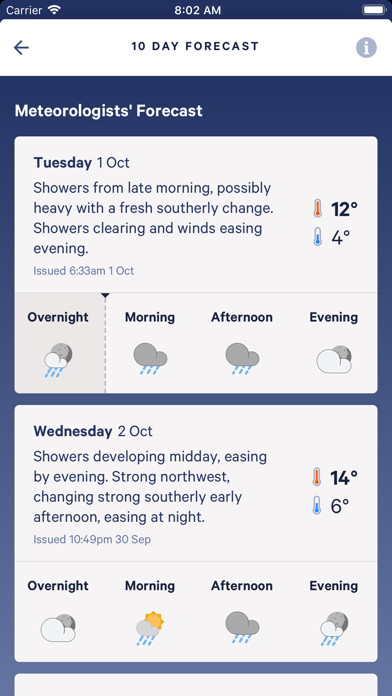

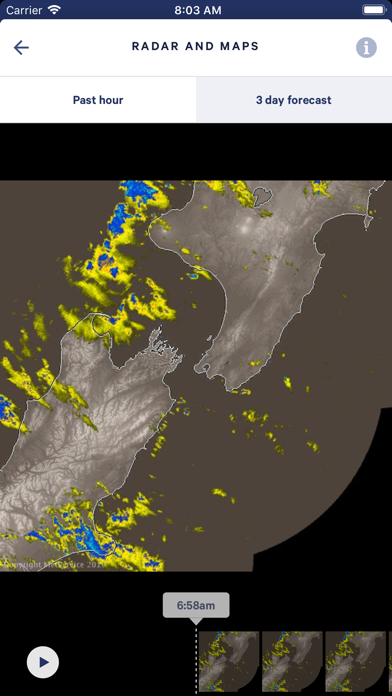
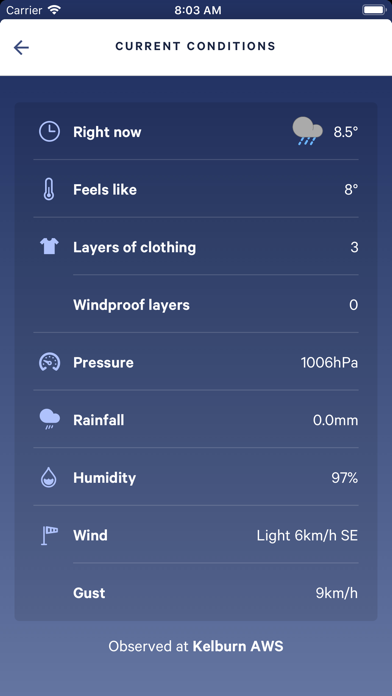
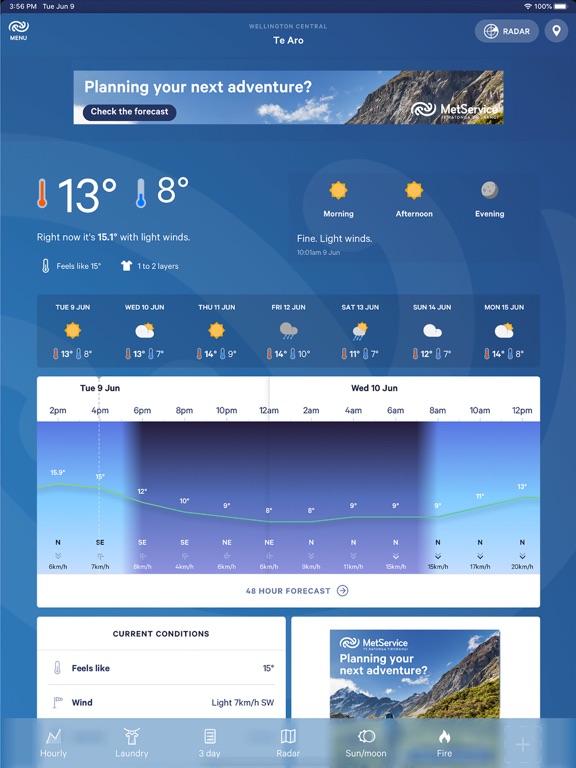
iPad screenshots

Icon palette
About this app
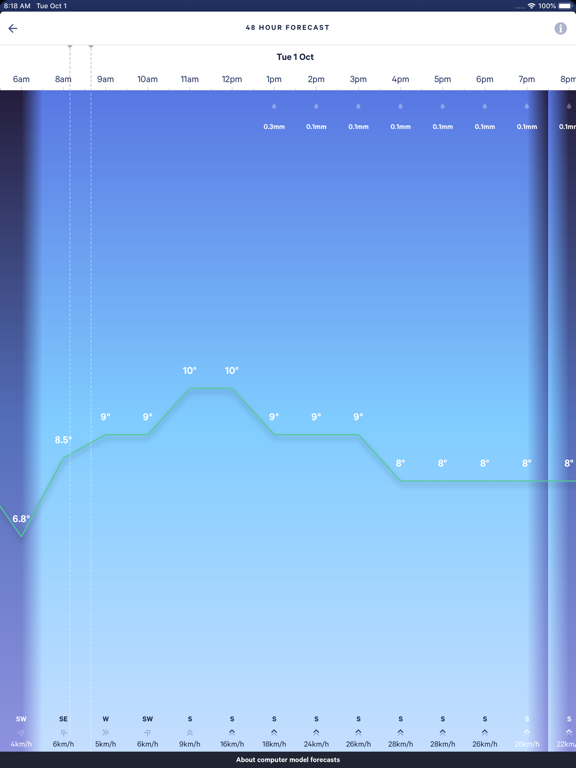
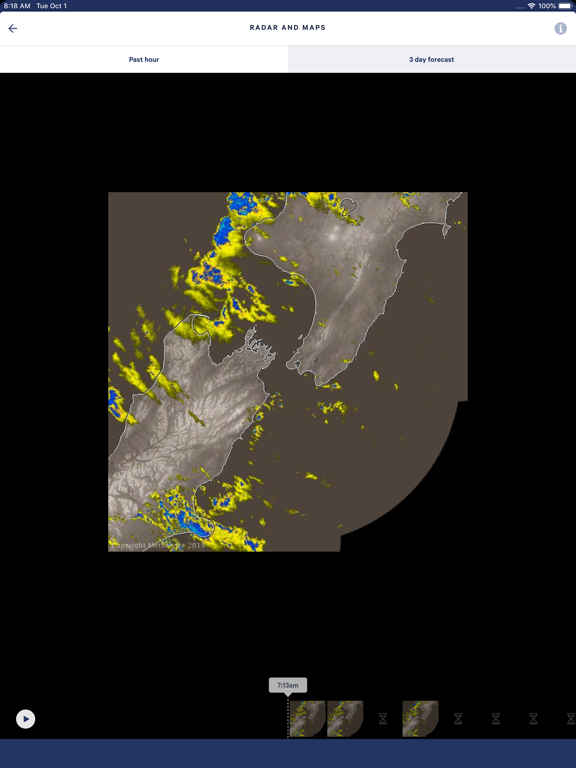
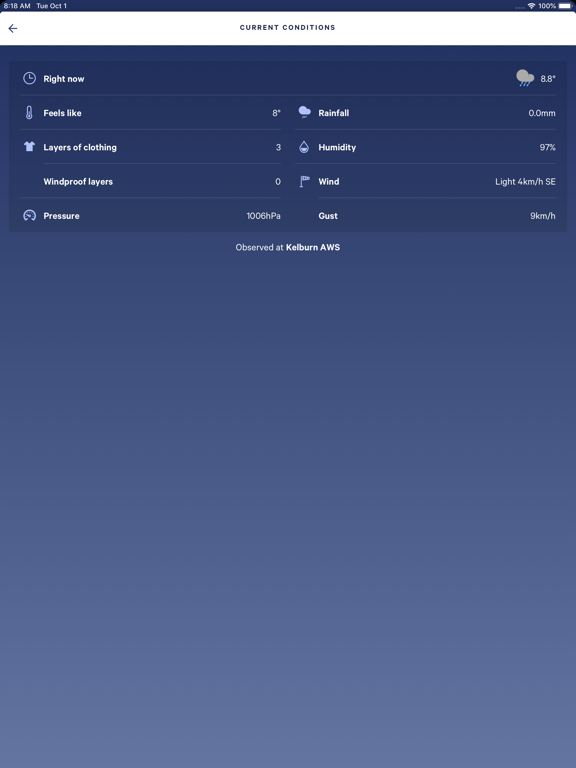
MetService NZ Weather Features include: - Morning, afternoon, evening and overnight icons, set by our meteorologists, to help you plan your day - Severe Weather Warnings and Watches for your location - Automatically see the forecast and observations that are most relevant to you, by enabling location services or choosing your suburb, town or city - Customise your weather dashboard, your shortcuts bar, and the order of forecast modules - Real-time, zoomable Rain Radar for your area, with quick link - 48 hour forecast graphs - Interactive national temperature map - Handy ratings and indexes, such as the laundry drying forecast, UV index, fire rating and pet walking forecasts - MetService TV updates - 3 day, zoomable Rain Forecast maps - Live Traffic Cameras for urban locations - Home screen, lock screen and notification centre widgets available Please see the EULA here: https://www.…
App details
What you can learn from MetService
Every shipping app on the App Store has gone through the same decisions you're working through right now: which screenshot goes first, what caption sits over it, which device frame to show, what color the background should be. The 10 screenshots above are MetService's answers to those questions — they're public, they're real, and they made it through Apple's review.
Notice the first screenshot in particular. It's the one users see in search results and on the product page, and it's where most apps spend their best caption and tightest design. Look at the proportion of background to phone, where the text sits, what one thing the image is trying to communicate.
Want to see how other Weather apps approach the same problem? Browse more Weather apps in the showcase.
Take what works into your own screenshots
Open LaunchShots and design your App Store & Google Play screenshots — pick a device frame, drop captions, ship in minutes. Free, in your browser.
Open the screenshot editor →