Screenshot style breakdown
Sampled from 4 of 熱中症警戒計's App Store screenshots — background, accent and theme, measured by LaunchShots (not something Apple publishes).
#BCE4EC bg
#A5C8CF
#04047C accent
#111111 text
Screenshots
Icon palette
About this app
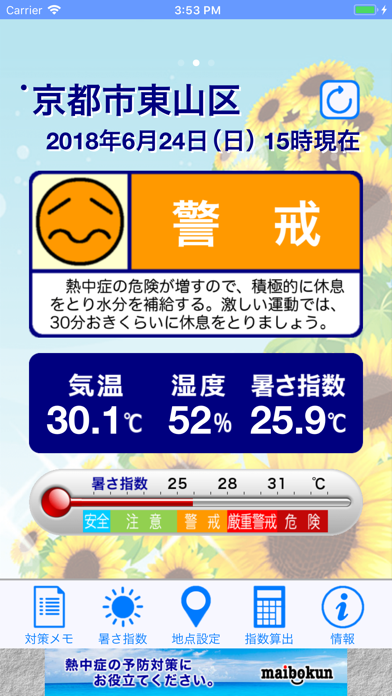
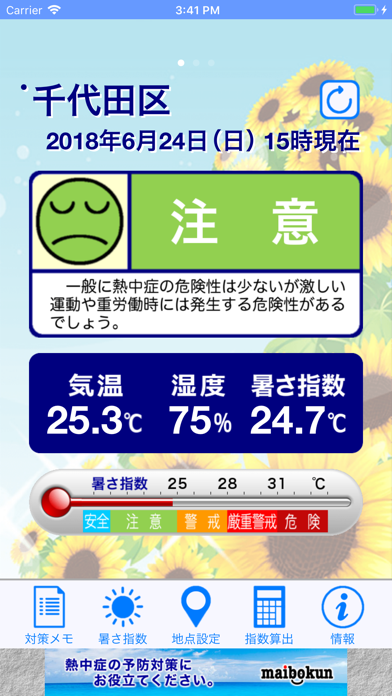
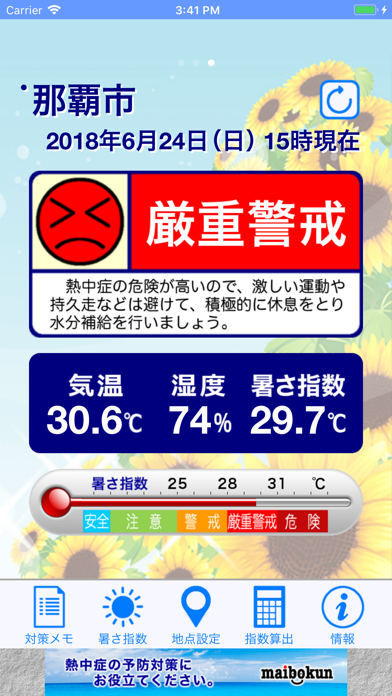
気象庁の観測データから「暑さ指数」を算出。 熱中症危険度を5段階で表示。10分ごとにデータ更新。 現在の気温と湿度もわかります。同時に5つの市区町村または現在地を登録できます。 熱中症関連アプリでは最もダウンロードされています。 暑い夏を乗り切るために「熱中症警戒計」を活用していただき、ご家庭や職場、学校、病院、お出かけ先など、さまざまなシーンでお役立てください。 今後24時間の暑さ指数(WBGT)の予測状況をお知りになりたい場合は、姉妹アプリ「熱中症予報計」をご利用ください。 ========================== アプリ起動後に「地点設定」ボタンをタップして、表示させたい市区町村または現在地を登録してください。 「地点設定」画面では左上の+ボタンで登録が完了し、現在の気温・湿度・暑さ指数を表示します。 複数の地点を設定した場合は、左右へスワイプすると別の地点に切り替えられます。 「対策メモ」ボタンでは、環境省作成のリーフレット「熱中症~ご存じですか?予防・対処法~」の一部を収録していますので、熱中症予防対策の参考にし…
App details
What you can learn from 熱中症警戒計
Every shipping app on the App Store has gone through the same decisions you're working through right now: which screenshot goes first, what caption sits over it, which device frame to show, what color the background should be. The 4 screenshots above are 熱中症警戒計's answers to those questions — they're public, they're real, and they made it through Apple's review.
What the numbers say: 熱中症警戒計 runs a mixed light-and-dark set where the background shifts from screenshot to screenshot (first shot #BCE4EC) — each image has to stand on its own, so the captions carry more of the story. The accent colour we picked up, #04047C, is the one to reuse for badges, arrows and highlighted words if you borrow this look. Hit Use this style to open the editor with these exact colours and drop your own screenshot in.
Notice the first screenshot in particular. It's the one users see in search results and on the product page, and it's where most apps spend their best caption and tightest design. Look at the proportion of background to phone, where the text sits, what one thing the image is trying to communicate.
Want to see how other Weather apps approach the same problem? Browse more Weather apps in the showcase.
Take what works into your own screenshots
Open LaunchShots and design your App Store & Google Play screenshots — pick a device frame, drop captions, ship in minutes. Free, in your browser.
Open the screenshot editor →Apps with a similar look
Closest background + accent colours among the listings we've analysed — useful when you want to see the same palette handled by a different team.