Screenshot style breakdown
Sampled from 6 of EARTH 3D|超リアルな惑星's App Store screenshots — background, accent and theme, measured by LaunchShots (not something Apple publishes).
#040404 bg
#272727
#5434AC accent
#FFFFFF text
Screenshots
iPad screenshots
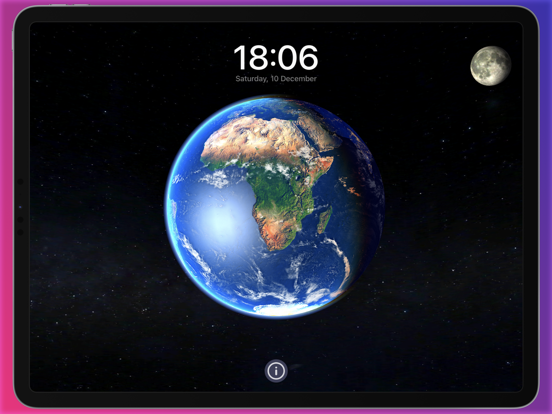
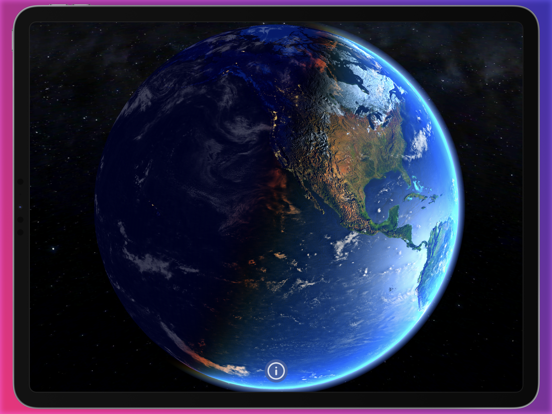
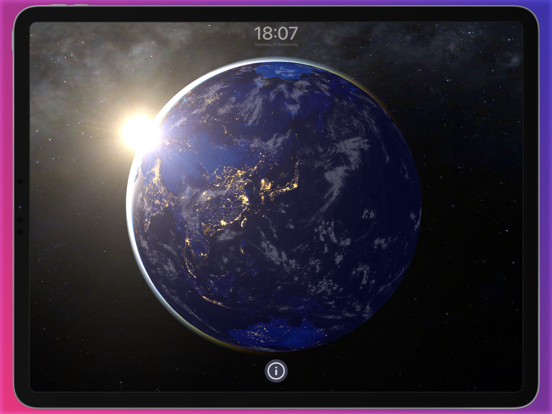
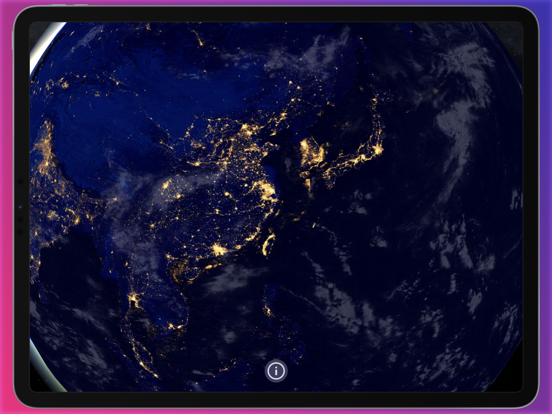
Icon palette
About this app
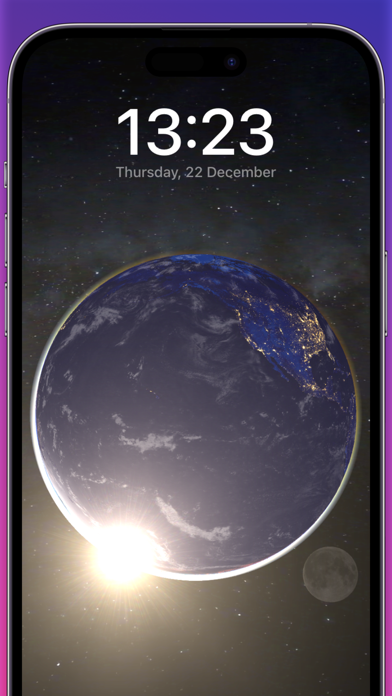
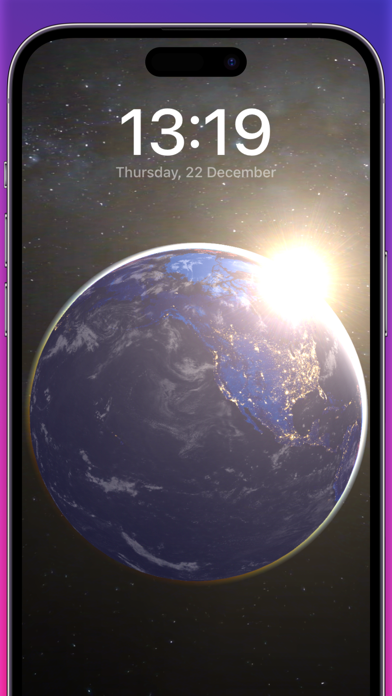
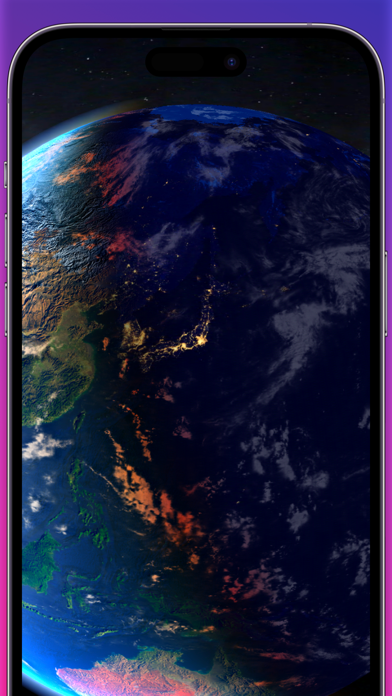
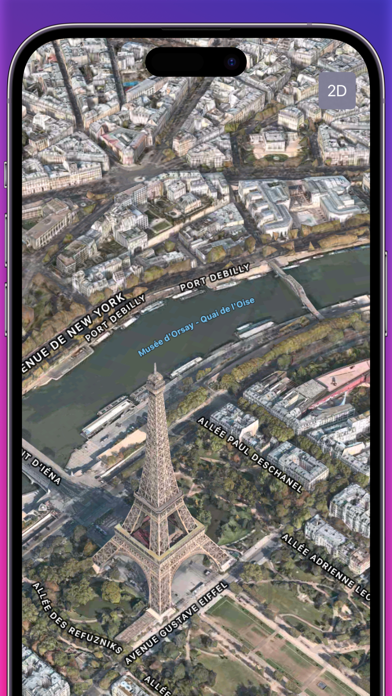
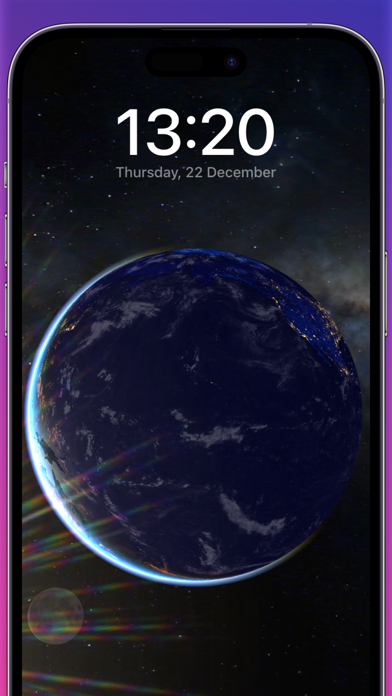
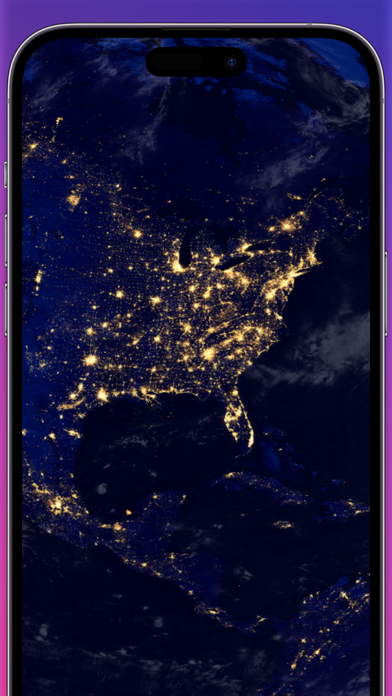
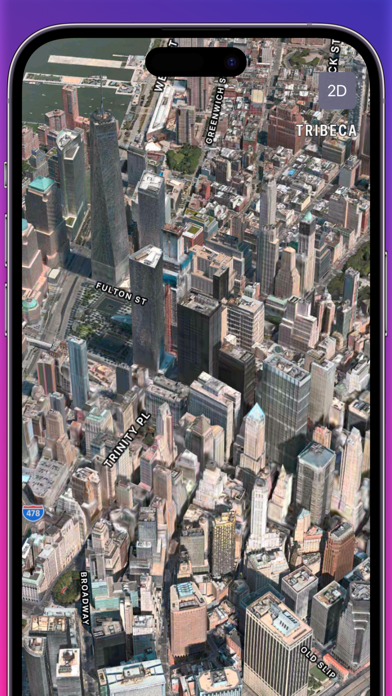
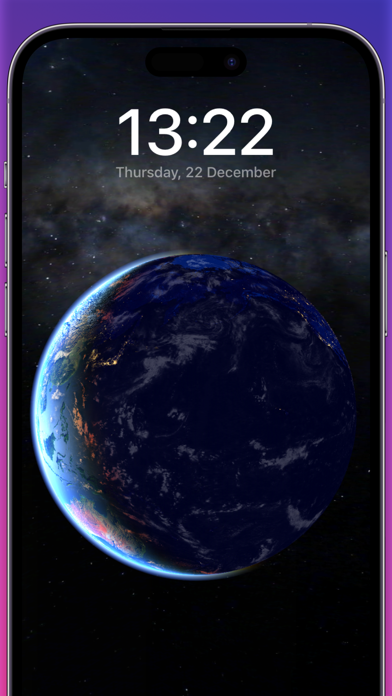
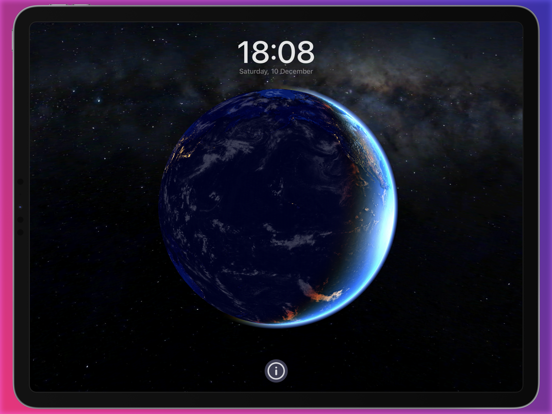
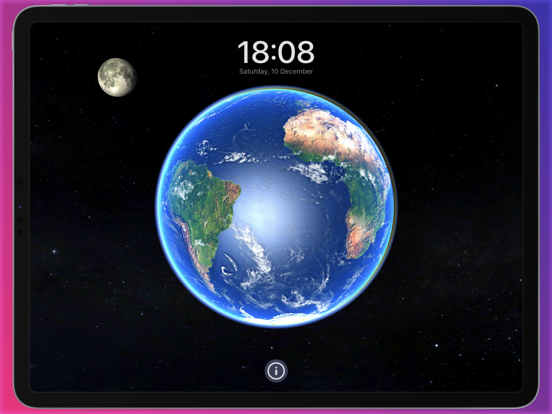
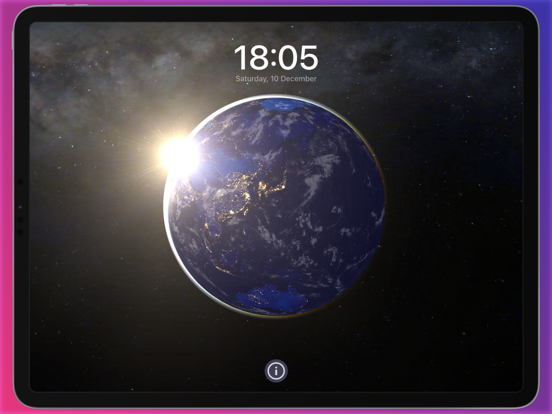
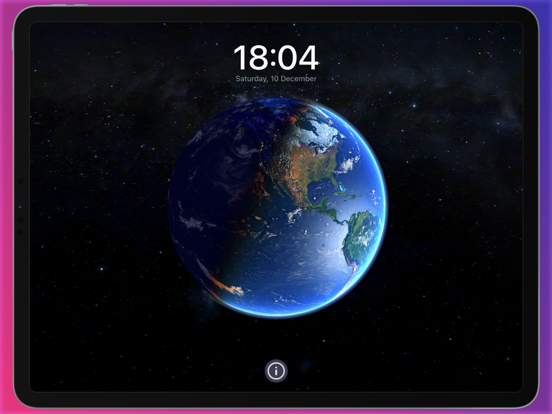
iPhone または iPad で 3D 地球をリアルタイムでレンダリングします。 強力な Apple Metal エンジンは、驚くべき 3D 地球モデルと光学効果のみを作成できます。 地球全体、10 億個の星、そして銀河をあなたの手の中に。 特徴: - 実際の太陽の位置 - 実際の月の位置 (地球間の距離は実際ではありません) - 高品質の土のテクスチャ - テクスチャ バンピング、地球上の実際の山や丘を見ることができます - 現在地を表示します (最初の実行時に位置情報サービスを有効にする必要があります) - 太陽がカメラに輝いているときの究極の光学効果 - 自動回転機能、地球上でスワイプするだけ - 地球大気効果 - 水のリアルな反射 - 星、天の川、銀河で宇宙のイメージをリアルに再現
App details
What you can learn from EARTH 3D|超リアルな惑星
Every shipping app on the App Store has gone through the same decisions you're working through right now: which screenshot goes first, what caption sits over it, which device frame to show, what color the background should be. The 16 screenshots above are EARTH 3D|超リアルな惑星's answers to those questions — they're public, they're real, and they made it through Apple's review.
What the numbers say: EARTH 3D|超リアルな惑星 runs a dark set with one background colour (#040404) carried across every screenshot — the listing reads as a single poster when the shots sit side by side in search results. The accent colour we picked up, #5434AC, is the one to reuse for badges, arrows and highlighted words if you borrow this look. Hit Use this style to open the editor with these exact colours and drop your own screenshot in.
Notice the first screenshot in particular. It's the one users see in search results and on the product page, and it's where most apps spend their best caption and tightest design. Look at the proportion of background to phone, where the text sits, what one thing the image is trying to communicate.
Want to see how other Utilities apps approach the same problem? Browse more Utilities apps in the showcase.
Take what works into your own screenshots
Open LaunchShots and design your App Store & Google Play screenshots — pick a device frame, drop captions, ship in minutes. Free, in your browser.
Open the screenshot editor →Apps with a similar look
Closest background + accent colours among the listings we've analysed — useful when you want to see the same palette handled by a different team.