Screenshots
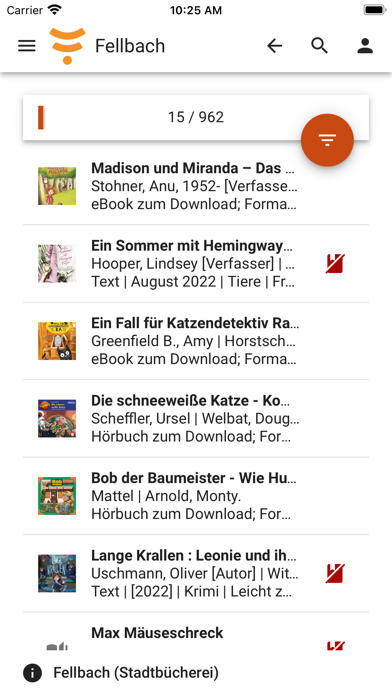

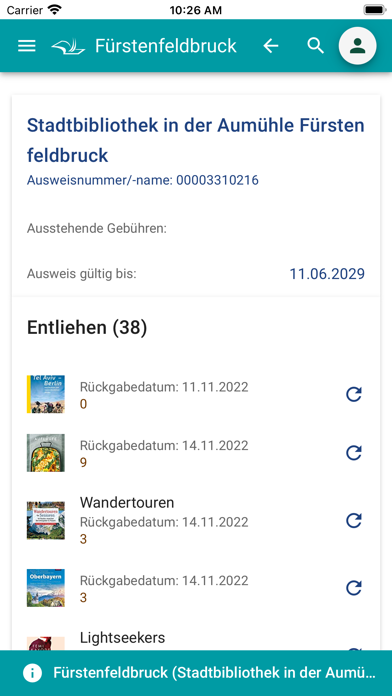

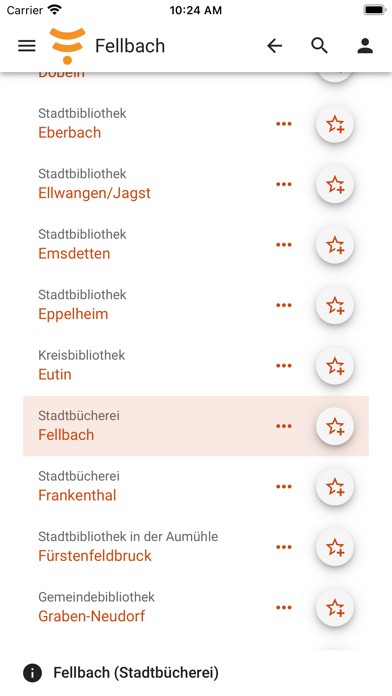
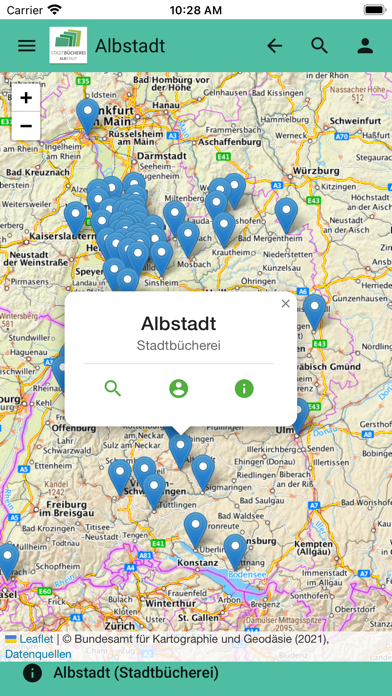
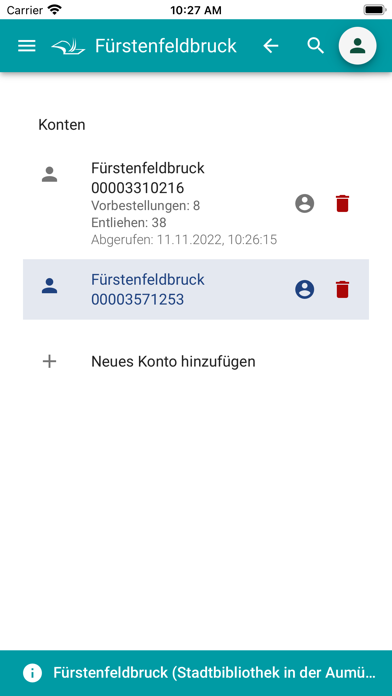
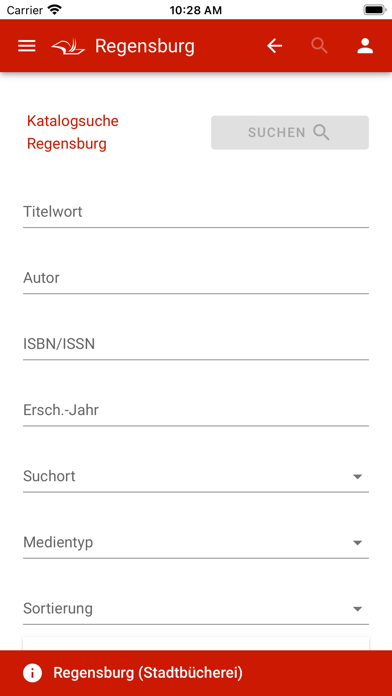
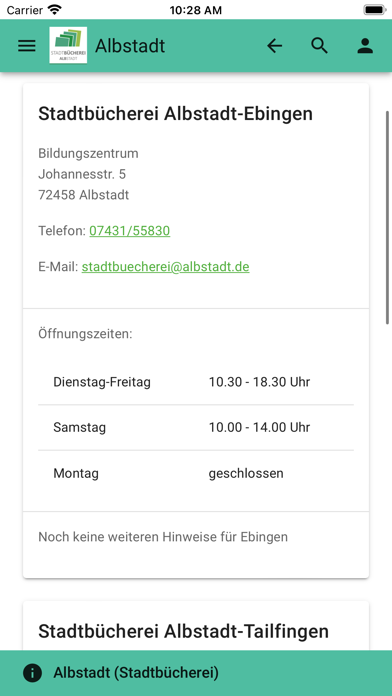
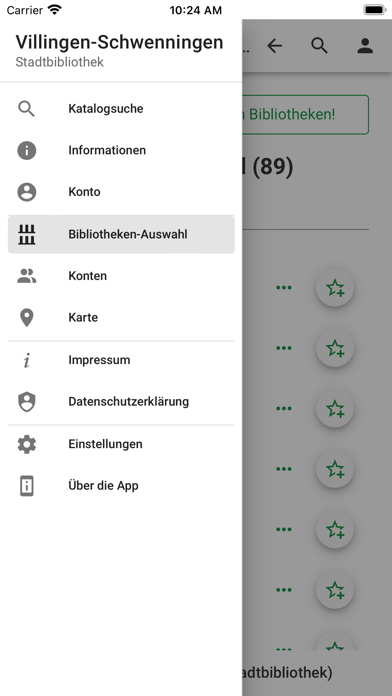
iPad screenshots


Icon palette
About this app
Die kostenlose mobilOPAC YourBib App ermöglicht die Recherche von unterwegs im Medienkatalog teilnehmender Bibliotheken. Über die eingebaute Recherche mit ISBN-Scanner Funktion stöbern Sie bequem durch den Bestand. Als angemeldete Leser:in mit einem Bibliothekskonto können Sie einfach Ihre entliehenen Medien prüfen und auf Wunsch verlängern oder neue Medien vormerken lassen. Zudem sind wichtige Informationen rund um Ihre Bibliothek abrufbar. Funktionen der App: - Suche im Online-Katalog Ihrer Bibliothek - Anzeige der entliehenen Medien im Konto - Vorbestellen von nicht entleihbaren Medien - Entliehene Medien verlängern - Gebührenanzeige des Kontos - Kartendarstellung - Informationen zur Bibliothek - Merkliste für Medien Die mobilOPAC YourBib App ist ein Angebot der jeweiligen Bibliothek. Für den Inhalt ist die ausgewählte Bibliothek verantwortlich. Für weitere Informationen oder e…
App details
What you can learn from mobilOPAC YourBib
Every shipping app on the App Store has gone through the same decisions you're working through right now: which screenshot goes first, what caption sits over it, which device frame to show, what color the background should be. The 20 screenshots above are mobilOPAC YourBib's answers to those questions — they're public, they're real, and they made it through Apple's review.
Notice the first screenshot in particular. It's the one users see in search results and on the product page, and it's where most apps spend their best caption and tightest design. Look at the proportion of background to phone, where the text sits, what one thing the image is trying to communicate.
Want to see how other Book apps approach the same problem? Browse more Book apps in the showcase.
Take what works into your own screenshots
Open LaunchShots and design your App Store & Google Play screenshots — pick a device frame, drop captions, ship in minutes. Free, in your browser.
Open the screenshot editor →