Chart position — tracked daily by LaunchShots
Screenshot style breakdown
Sampled from 3 of VoiceTra's App Store screenshots — background, accent and theme, measured by LaunchShots (not something Apple publishes).
#FCFCFC bg
#DDDDDD
#2CC4A4 accent
#111111 text
Screenshots
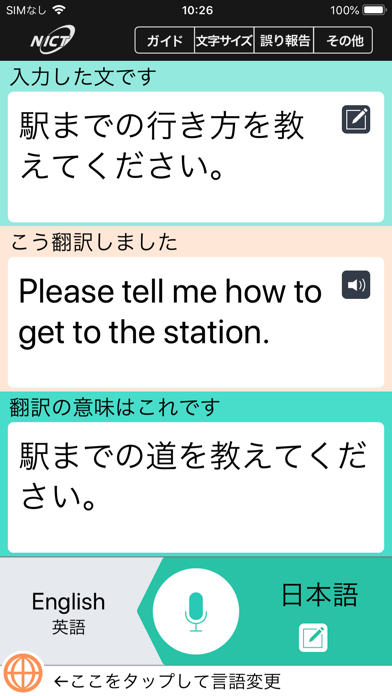
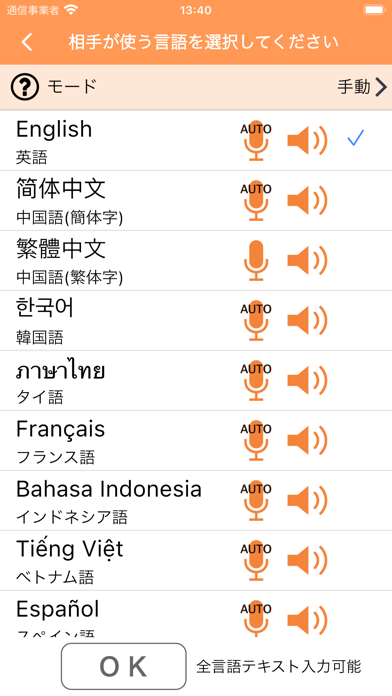
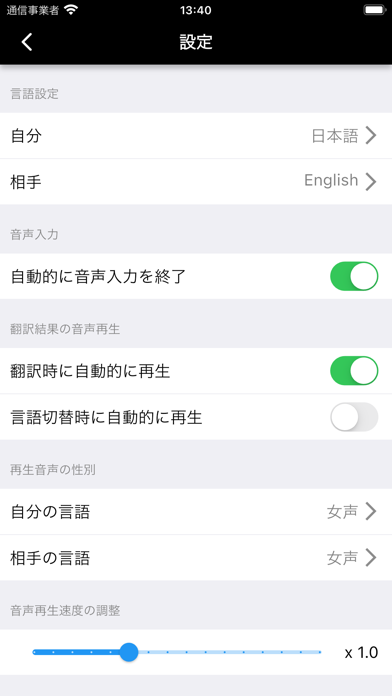
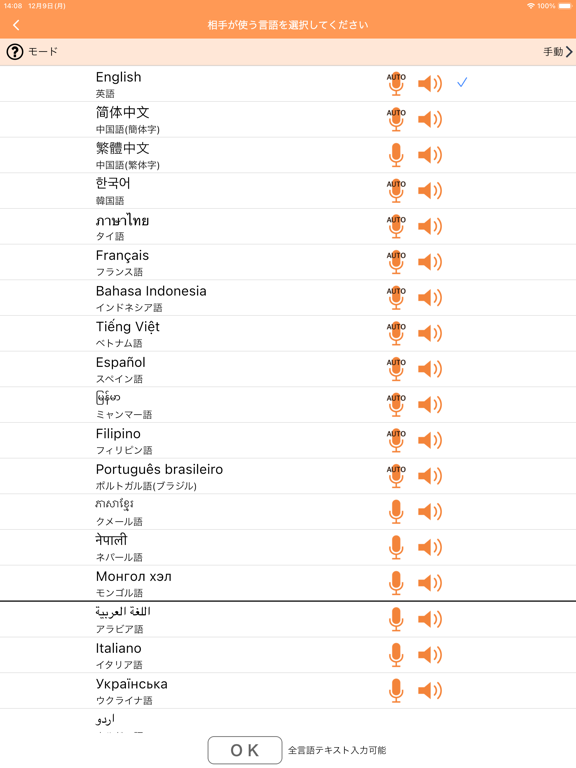
iPad screenshots


Icon palette
About this app
話しかけると外国語に翻訳してくれる音声翻訳アプリです。 33言語に対応し、ダウンロード、ご利用もすべて無料です。 見やすい画面で操作も簡単、翻訳結果が正しいかどうかも確認できます。 旅をより一層楽しくするため、訪日外国人との対話など音声通訳による翻訳機として、ぜひご利用下さい! ■特徴 VoiceTra(ボイストラ)は、情報通信研究機構(NICT)の研究成果である高精度な音声認識、翻訳、音声合成技術を活用して、音声で話した内容を翻訳し、音声で再生します。 翻訳方向を瞬時に切り替えられるので、1台の端末だけで、自分と外国の方の二人で会話できます。 音声入力できない言語は、テキスト入力で翻訳が出来ます。 旅行会話に強いので、例えば海外旅行や訪日外国人とのこんな場面での利用がお勧めです。 ・交通:バス、電車、レンタカー、タクシー、空港、トランジット ・ショッピング:レストラン、買い物、支払い ・ホテル:チェックイン、チェックアウト、キャンセル ・観光:道や場所を尋ねる・教える、おすすめのスポットやレストランを尋ねる・教え…
App details
What you can learn from VoiceTra
Every shipping app on the App Store has gone through the same decisions you're working through right now: which screenshot goes first, what caption sits over it, which device frame to show, what color the background should be. The 6 screenshots above are VoiceTra's answers to those questions — they're public, they're real, and they made it through Apple's review.
What the numbers say: VoiceTra runs a light set with one background colour (#FCFCFC) carried across every screenshot — the listing reads as a single poster when the shots sit side by side in search results. The accent colour we picked up, #2CC4A4, is the one to reuse for badges, arrows and highlighted words if you borrow this look. Hit Use this style to open the editor with these exact colours and drop your own screenshot in.
Notice the first screenshot in particular. It's the one users see in search results and on the product page, and it's where most apps spend their best caption and tightest design. Look at the proportion of background to phone, where the text sits, what one thing the image is trying to communicate.
Want to see how other Travel apps approach the same problem? Browse more Travel apps in the showcase.
Take what works into your own screenshots
Open LaunchShots and design your App Store & Google Play screenshots — pick a device frame, drop captions, ship in minutes. Free, in your browser.
Open the screenshot editor →Apps with a similar look
Closest background + accent colours among the listings we've analysed — useful when you want to see the same palette handled by a different team.