Chart position — tracked daily by LaunchShots
Screenshot style breakdown
Sampled from 6 of Sleep Meister - 睡眠サイクルアラームLite's App Store screenshots — background, accent and theme, measured by LaunchShots (not something Apple publishes).
#E4E4EC bg
#C8C8CF
#24245C accent
#111111 text
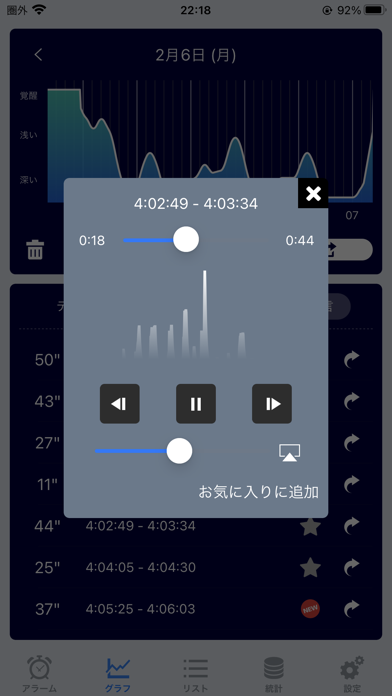
- #2Ld 22:19 @ 92% @m) 7 30
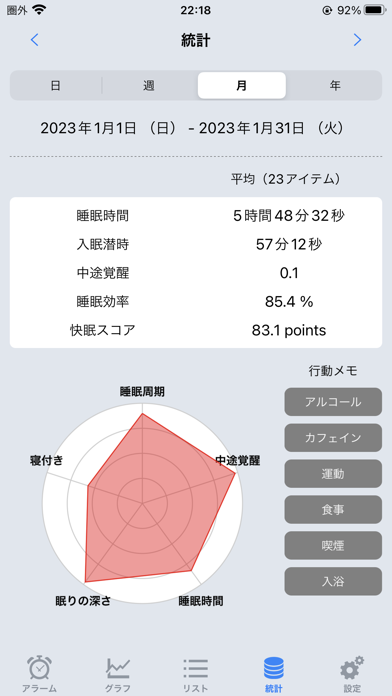
- #4BF 22:18 @ 92% (=m) < 1H 2023 >
- #5< hat > 8 a A =
Captions read from the screenshots (OCR, may contain small errors): 3 headlines, 7.7 words on average (longest 9).
Screenshots
Icon palette
About this app
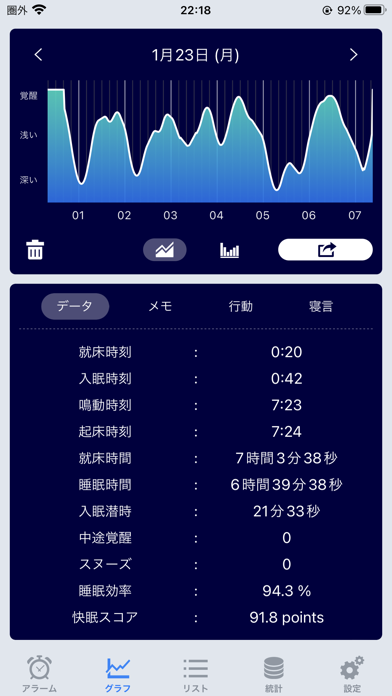
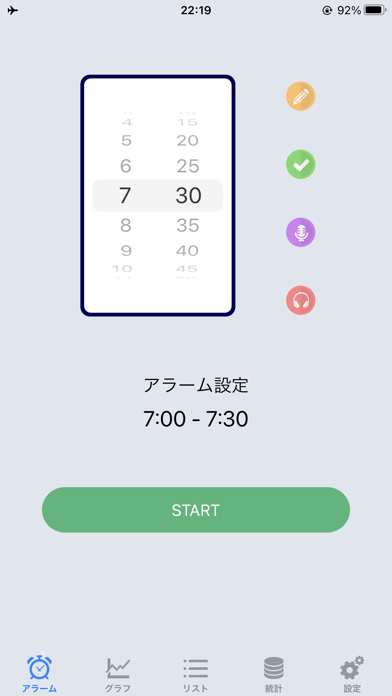
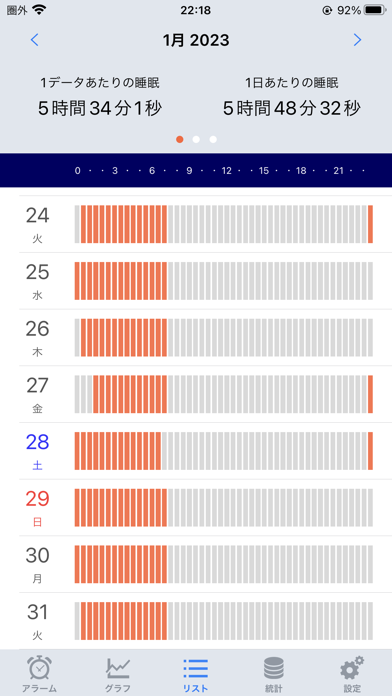
AppStore 総合ランキング1位! Sleep Meister(スリープ・マイスター)は、端末に内臓されている加速度センサを用いて人の体動を感知し、眠りの浅いタイミングでアラームを鳴らすことにより、快適な目覚めをサポートする目覚ましアラームアプリです。 またその他にも、ヘルスケアアプリとの連携や、寝言(物音)の録音機能、グラフやリストによる睡眠データの管理、各種SNSへの睡眠データの投稿、入眠時に自動停止する音楽プレイヤーなどなど、機能も充実。 快適な毎朝を迎えましょう! 【機能・特徴】 ・iOS 26 対応 ・ヘルスケアアプリ連携(睡眠分析) ・睡眠サイクルの記録 ・眠りの浅いタイミングで鳴動するアラーム ・寝言(物音)の録音機能 ・入眠時に自動停止する音楽プレイヤー 【使用方法】 1. 設定にてアラーム音、スヌーズ等、お好みに応じて設定して下さい。 2. アラーム時刻を設定し、STARTボタンを押すと睡眠サイクルの計測が始まります。 3. 設定のヘルプを参考に、お使いの端末を寝具にセットして下さい。 4. 設定時刻に従い、眠りの浅…
App details
What you can learn from Sleep Meister - 睡眠サイクルアラームLite
Every shipping app on the App Store has gone through the same decisions you're working through right now: which screenshot goes first, what caption sits over it, which device frame to show, what color the background should be. The 6 screenshots above are Sleep Meister - 睡眠サイクルアラームLite's answers to those questions — they're public, they're real, and they made it through Apple's review.
What the numbers say: Sleep Meister - 睡眠サイクルアラームLite runs a mixed light-and-dark set where the background shifts from screenshot to screenshot (first shot #E4E4EC) — each image has to stand on its own, so the captions carry more of the story. The accent colour we picked up, #24245C, is the one to reuse for badges, arrows and highlighted words if you borrow this look. Hit Use this style to open the editor with these exact colours and drop your own screenshot in.
Notice the first screenshot in particular. It's the one users see in search results and on the product page, and it's where most apps spend their best caption and tightest design. Look at the proportion of background to phone, where the text sits, what one thing the image is trying to communicate.
Want to see how other Health & Fitness apps approach the same problem? Browse more Health & Fitness apps in the showcase.
Take what works into your own screenshots
Open LaunchShots and design your App Store & Google Play screenshots — pick a device frame, drop captions, ship in minutes. Free, in your browser.
Open the screenshot editor →Apps with a similar look
Closest background + accent colours among the listings we've analysed — useful when you want to see the same palette handled by a different team.