Chart position — tracked daily by LaunchShots
Screenshot style breakdown
Sampled from 5 of 楽天Kobo - 電子書籍の読書アプリ's App Store screenshots — background, accent and theme, measured by LaunchShots (not something Apple publishes).
#FCFCFC bg
#DDDDDD
#FC6C6C accent
#111111 text
Screenshots
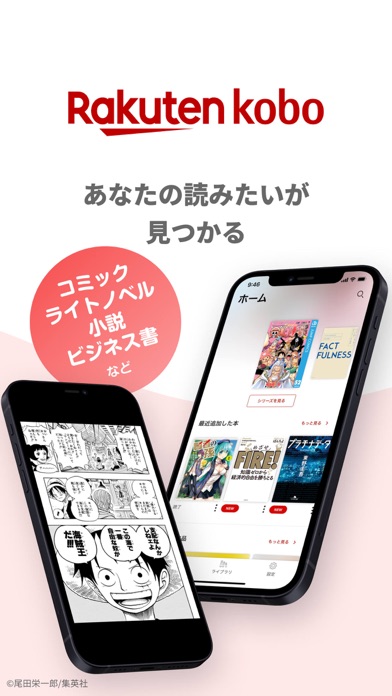
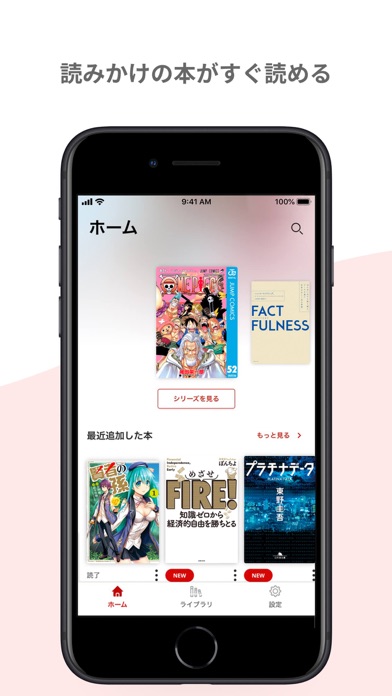
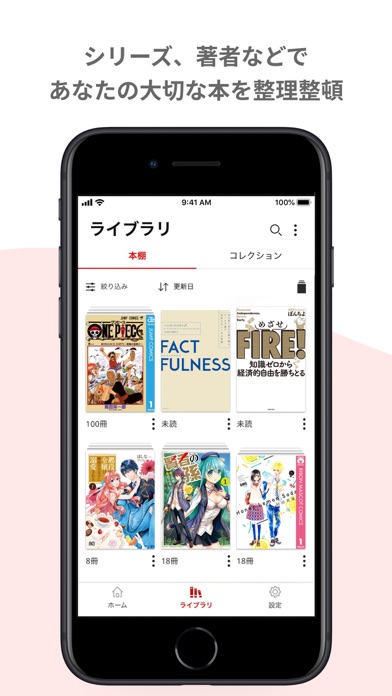
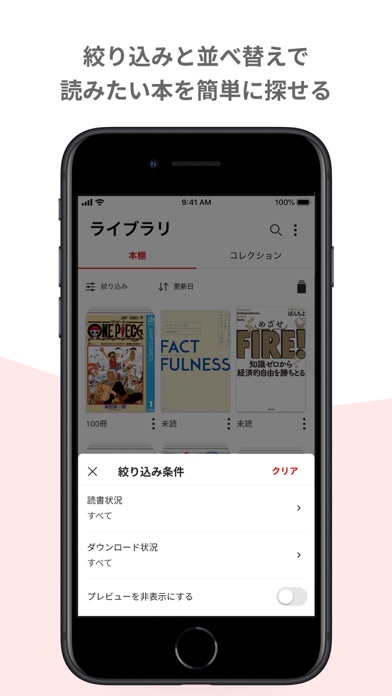
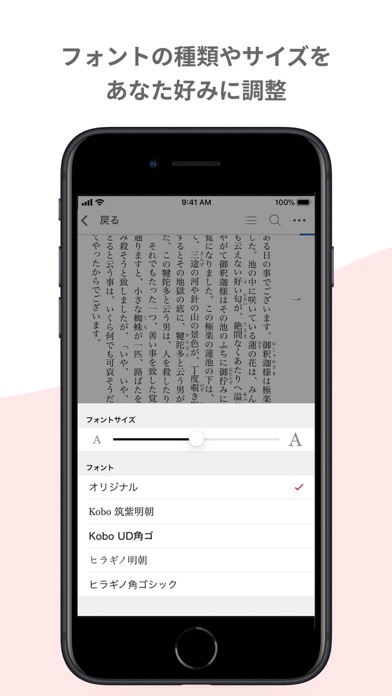
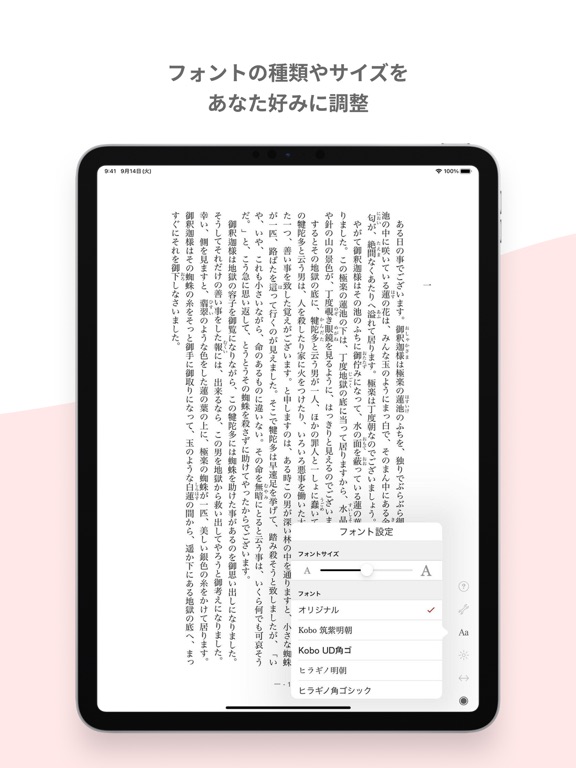
iPad screenshots
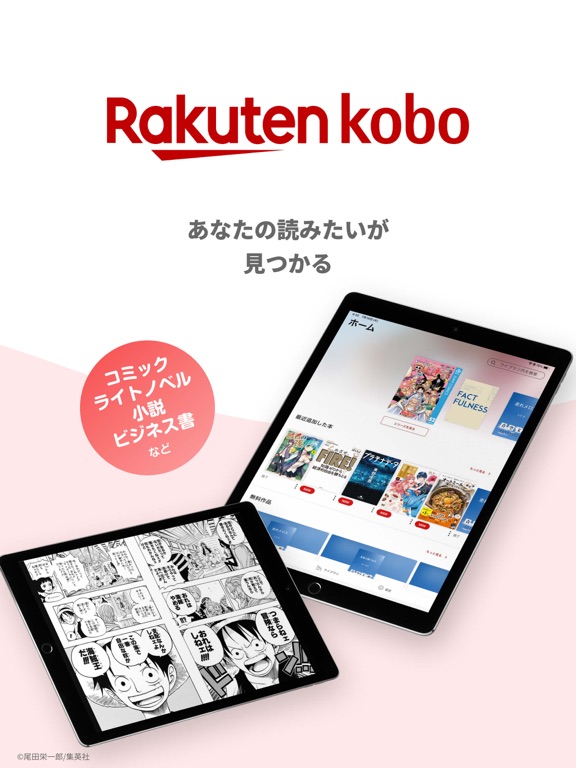

Icon palette
About this app
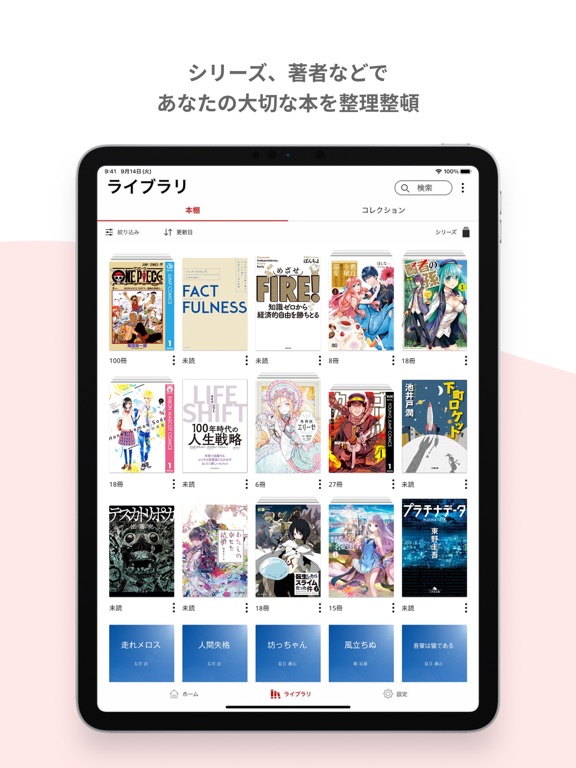
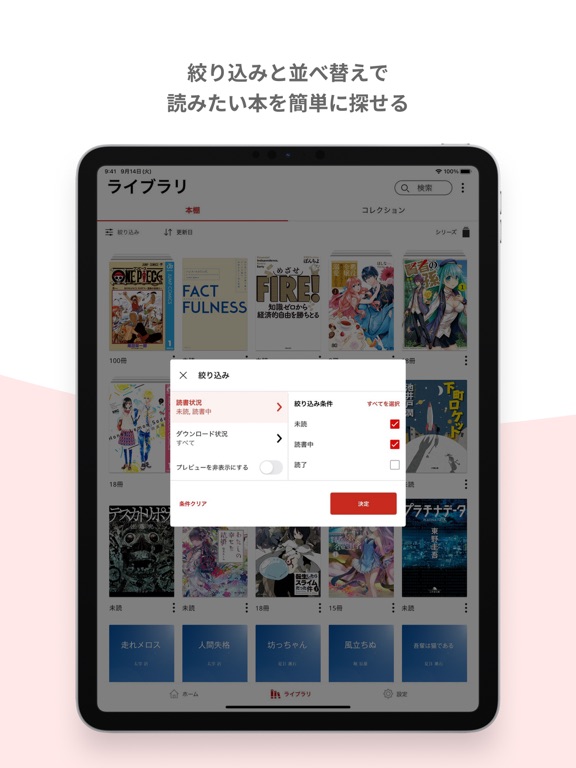
【楽天Koboとは】 人気のコミック(漫画)、メディア化した小説、話題のビジネス・実用書から、なかなか手に入らない洋書まで、約600万冊を取り扱う電子書籍の総合書店です。 もちろん、無料コミックも充実。スマホ、タブレット、パソコン、どれでも読めるから、時間も場所も気にせず、気軽に読書をお楽しみいただけます。 ※読書専用アプリのため、購入機能はありません。 【アプリの主な特徴】 ■すべての本があなたの手元に ・お持ちの作品はすべて「ライブラリ」に表示されます。 ・並べ替えと絞り込みの掛け合わせなど、便利な機能をご用意しています。 ■シリーズ・著者別に、あなたの本を探しやすく ・本はシリーズや著者別にまとまって表示されるので、読みたい時にすぐ探せます。 ■「コレクション」で、自由に本を選んでミニ本棚を作れる ・ライブラリの中でも、好きなマンガやテーマ別に選んだビジネス書・小説だけを集めたりして、オリジナルのコレクションを作ることができます。 ・作成したコレクションはお好みの順番に並び替えることもできます。…
App details
What you can learn from 楽天Kobo - 電子書籍の読書アプリ
Every shipping app on the App Store has gone through the same decisions you're working through right now: which screenshot goes first, what caption sits over it, which device frame to show, what color the background should be. The 10 screenshots above are 楽天Kobo - 電子書籍の読書アプリ's answers to those questions — they're public, they're real, and they made it through Apple's review.
What the numbers say: 楽天Kobo - 電子書籍の読書アプリ runs a light set with one background colour (#FCFCFC) carried across every screenshot — the listing reads as a single poster when the shots sit side by side in search results. The accent colour we picked up, #FC6C6C, is the one to reuse for badges, arrows and highlighted words if you borrow this look. Hit Use this style to open the editor with these exact colours and drop your own screenshot in.
Notice the first screenshot in particular. It's the one users see in search results and on the product page, and it's where most apps spend their best caption and tightest design. Look at the proportion of background to phone, where the text sits, what one thing the image is trying to communicate.
Want to see how other Book apps approach the same problem? Browse more Book apps in the showcase.
Take what works into your own screenshots
Open LaunchShots and design your App Store & Google Play screenshots — pick a device frame, drop captions, ship in minutes. Free, in your browser.
Open the screenshot editor →Apps with a similar look
Closest background + accent colours among the listings we've analysed — useful when you want to see the same palette handled by a different team.