Screenshots



iPad screenshots



Icon palette
About this app
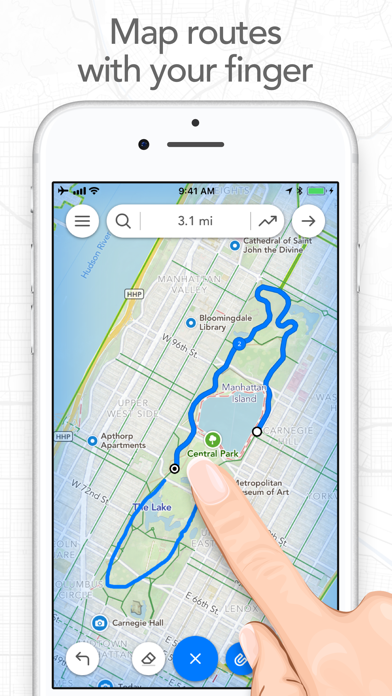
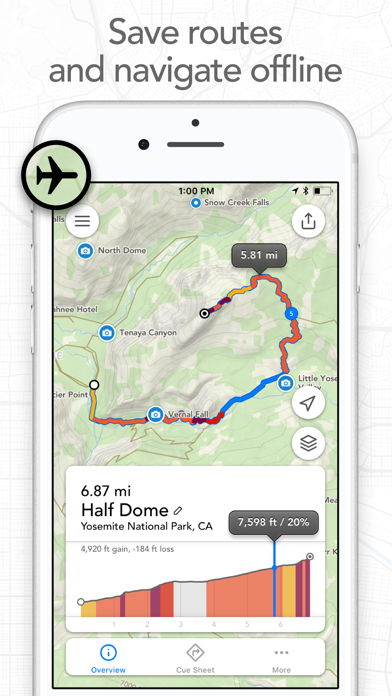
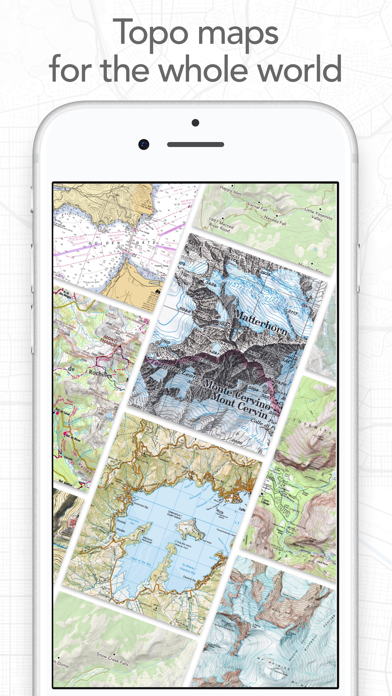
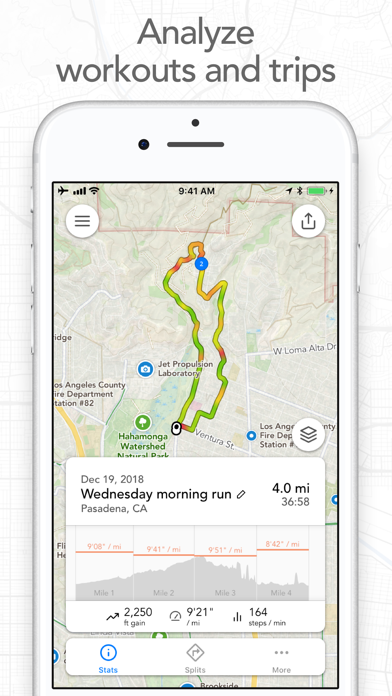
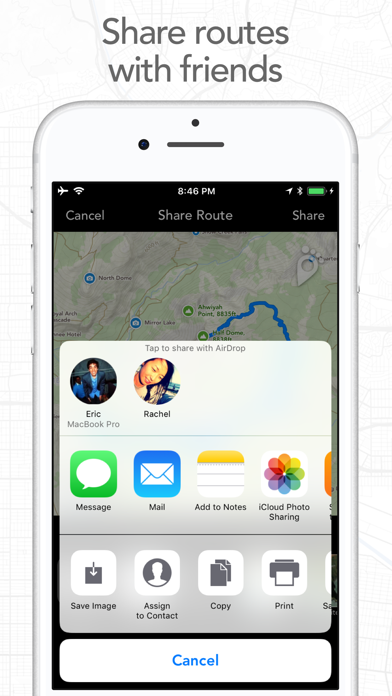
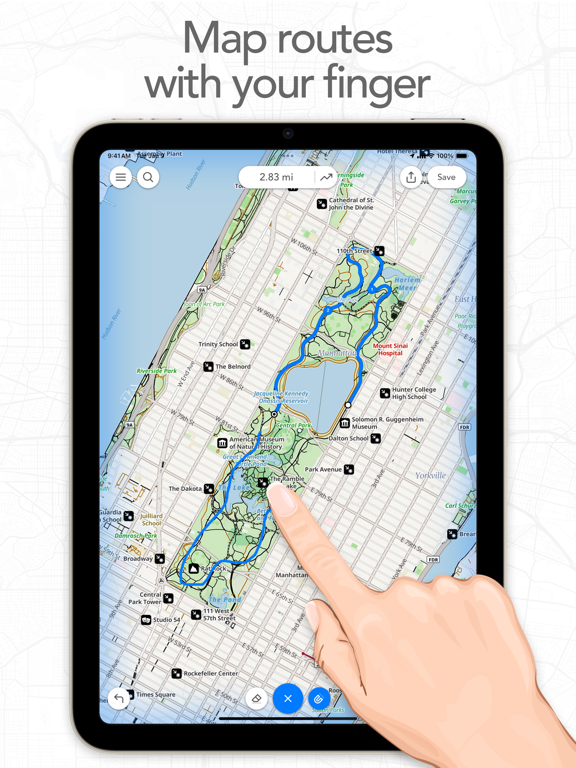
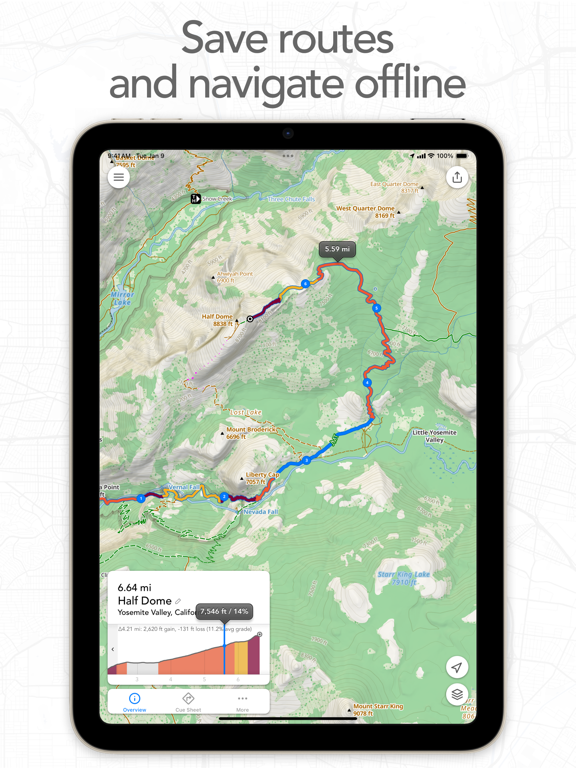
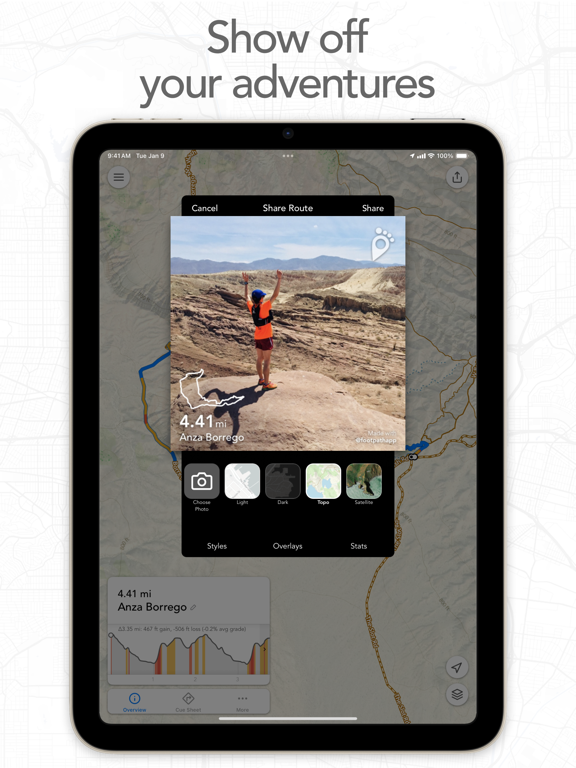
Map routes with your finger and Footpath will snap to roads and trails. Measure distances and elevations in seconds, then navigate along with turn-by-turn directions. Footpath is the ultimate companion for planning and navigating custom routes. Join millions of adventurers and plan out your perfect route. SNAP TO MAP Quickly measure distances by tracing a map with your finger or Apple Pencil. Footpath will snap to roads and trails on the map. MEASURE DISTANCE AND ELEVATION Know exactly how far and how high you'll travel with elevation profiles. Plan routes that match your goals. SAVE ROUTES FOR LATER Plan out your week or trip. Keep up to 5 routes on hand for reference, or save unlimited routes with Footpath Elite. SHARE ROUTES Send your routes to friends or workout partners to open on their device. Footpath is designed to work for pretty much any activity or adventure, in an…
App details
What you can learn from Footpath Route Planner
Every shipping app on the App Store has gone through the same decisions you're working through right now: which screenshot goes first, what caption sits over it, which device frame to show, what color the background should be. The 16 screenshots above are Footpath Route Planner's answers to those questions — they're public, they're real, and they made it through Apple's review.
Notice the first screenshot in particular. It's the one users see in search results and on the product page, and it's where most apps spend their best caption and tightest design. Look at the proportion of background to phone, where the text sits, what one thing the image is trying to communicate.
Want to see how other Navigation apps approach the same problem? Browse more Navigation apps in the showcase.
Take what works into your own screenshots
Open LaunchShots and design your App Store & Google Play screenshots — pick a device frame, drop captions, ship in minutes. Free, in your browser.
Open the screenshot editor →