Chart position — tracked daily by LaunchShots
Screenshot style breakdown
Sampled from 4 of 沪江开心词场-多语种趣味闯关背单词's App Store screenshots — background, accent and theme, measured by LaunchShots (not something Apple publishes).
#04A4FC bg
#27B0FC
#7CC4EC accent
#FFFFFF text
Screenshots
iPad screenshots
Icon palette
About this app
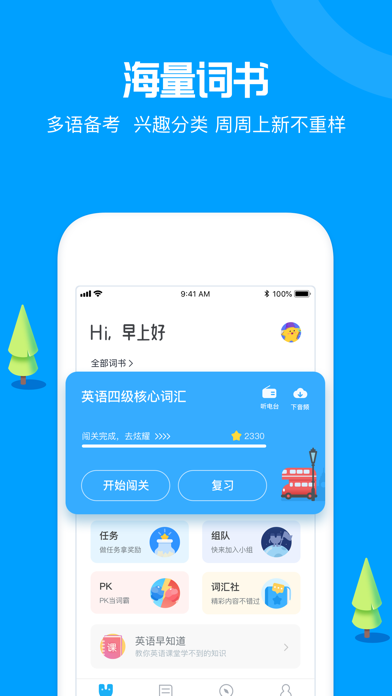
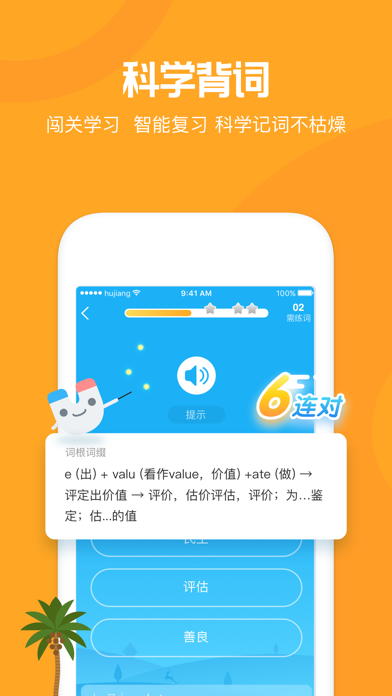
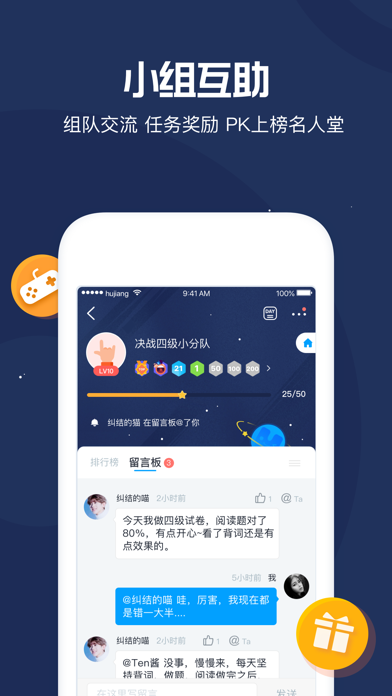
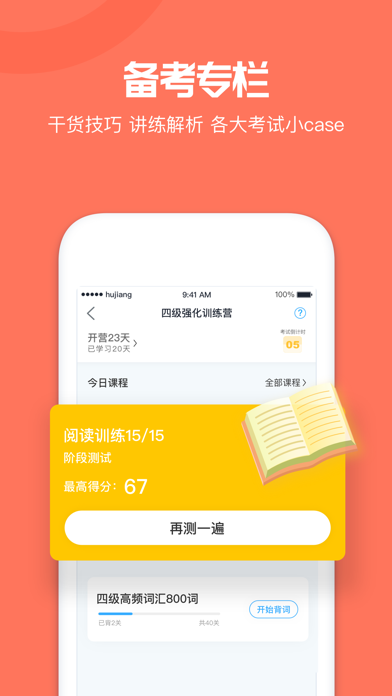
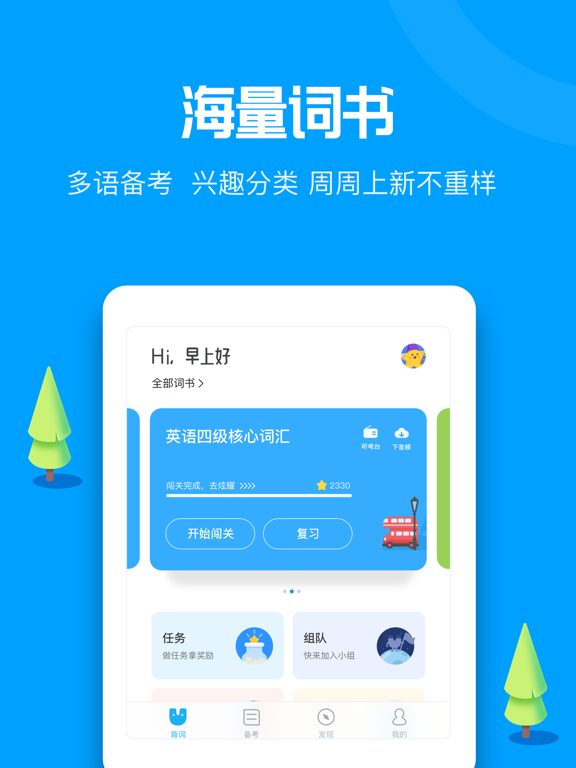
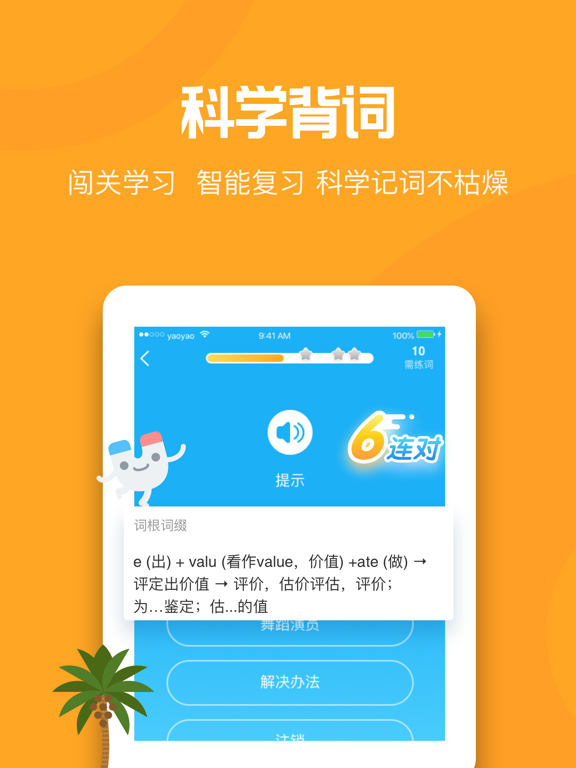
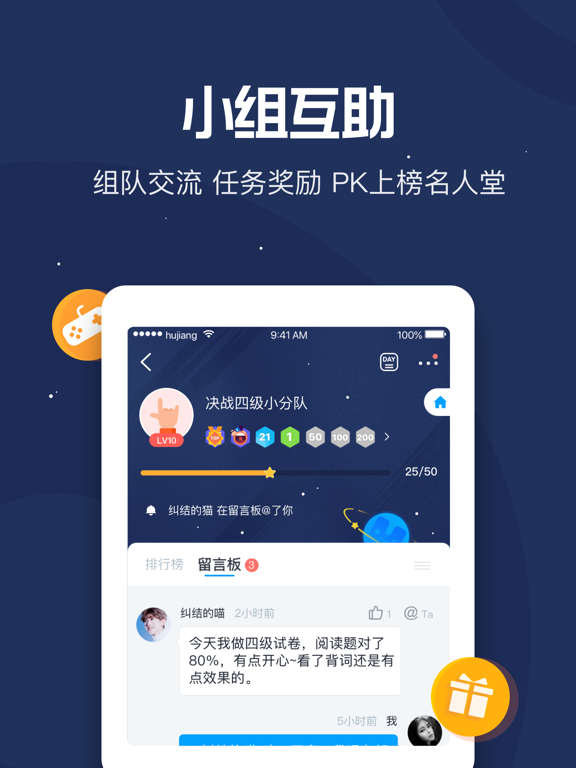
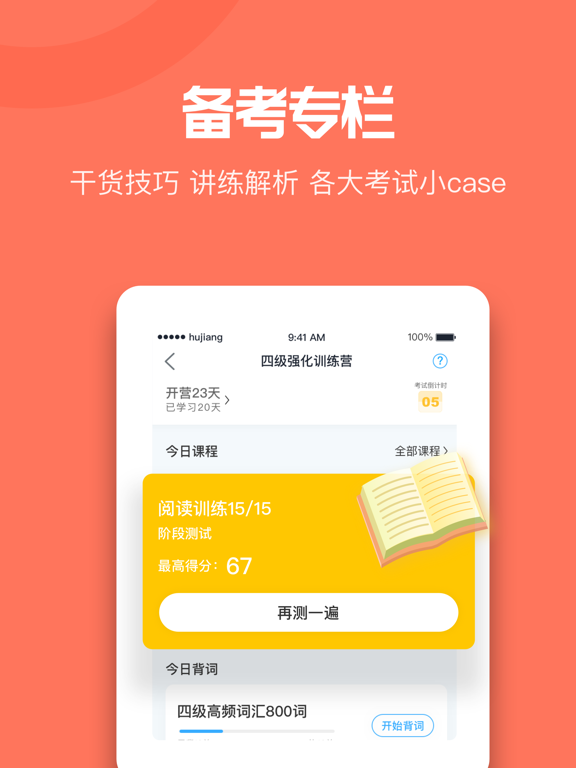
趣味化闯关背词体验,好友PK大战,排行榜激励机制,社团讨论吐槽……在这里背词,一起成为更好的自己! 主要功能: 【MAP记忆法】 MAP记忆法提供科学的单词记忆,抛弃死记硬背的传统背词模式,让背词成果看得见。 【十大语种】 十大语种覆盖,英语、日语、法语、韩语、德语、西班牙语、泰语、意大利语、俄语等,有想学的语种,来这里看看吧。 【海量教材】 内置四六级、新概念、新标日、托福、雅思、商务英语、出国留学等经典教材, 1000多本词书任你挑选。 【闯关背词】 闯关背词,开心收集词能量,更有丰富的闯关场景等你开启。 【好友系统】 添加好友一起开启学习之旅,与好友进行实时PK,快用词汇量碾压身边的小伙伴吧! 【生词本】 记不住的单词不用怕,生词本提供多种便捷复习方式,自定义提醒时间,每天准时邀你学习。 【社团互动】 外语类资讯和学习方法交流地,结交志同道合的伙伴,一起学习,互相鼓励,共同进步。 如有建议、意见、吐槽都可以在这里找到我们: 微信:搜索kaixincichang 微博:@沪江开心词场 沪江开心词场官方QQ群:456574653
App details
What you can learn from 沪江开心词场-多语种趣味闯关背单词
Every shipping app on the App Store has gone through the same decisions you're working through right now: which screenshot goes first, what caption sits over it, which device frame to show, what color the background should be. The 8 screenshots above are 沪江开心词场-多语种趣味闯关背单词's answers to those questions — they're public, they're real, and they made it through Apple's review.
What the numbers say: 沪江开心词场-多语种趣味闯关背单词 runs a mixed light-and-dark set where the background shifts from screenshot to screenshot (first shot #04A4FC) — each image has to stand on its own, so the captions carry more of the story. The accent colour we picked up, #7CC4EC, is the one to reuse for badges, arrows and highlighted words if you borrow this look. Hit Use this style to open the editor with these exact colours and drop your own screenshot in.
Notice the first screenshot in particular. It's the one users see in search results and on the product page, and it's where most apps spend their best caption and tightest design. Look at the proportion of background to phone, where the text sits, what one thing the image is trying to communicate.
Want to see how other Reference apps approach the same problem? Browse more Reference apps in the showcase.
Take what works into your own screenshots
Open LaunchShots and design your App Store & Google Play screenshots — pick a device frame, drop captions, ship in minutes. Free, in your browser.
Open the screenshot editor →Apps with a similar look
Closest background + accent colours among the listings we've analysed — useful when you want to see the same palette handled by a different team.