Screenshots


Icon palette
About this app
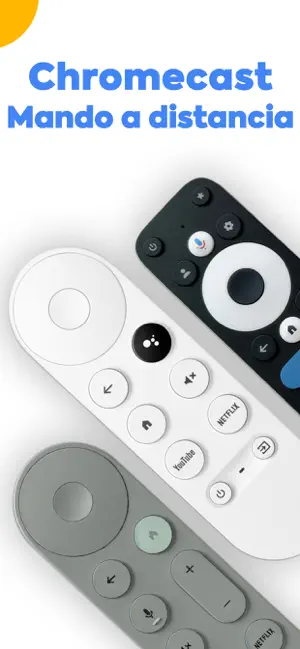
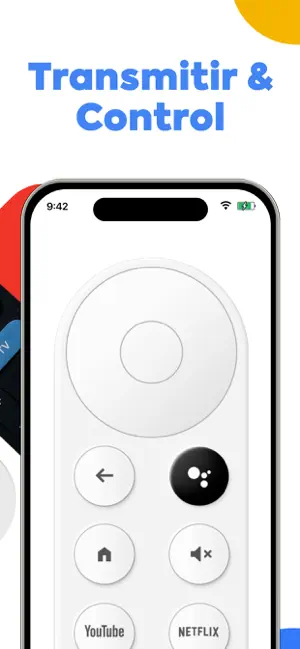
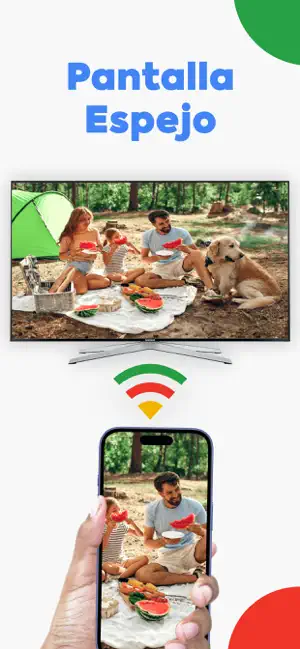
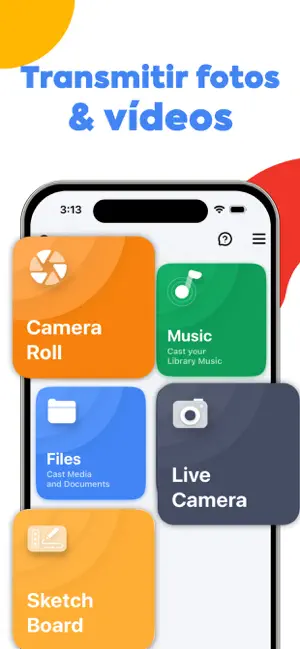
Convierte tu teléfono en un potente control remoto para tu Chromecast. Navega fácilmente por las apps, controla la reproducción, ajusta el volumen e inicia las apps instaladas, todo desde una interfaz intuitiva y sencilla. Compatible con todos los dispositivos Chromecast. Características principales: Control remoto completo Reproduce, pausa, retrocede, avanza rápidamente y ajusta el volumen con sencillos botones en pantalla. Navegación por apps Navega por las apps y los menús de tu Chromecast con un control remoto adaptable. Conexión rápida Detecta automáticamente los dispositivos Chromecast conectados a la misma red Wi-Fi para un emparejamiento rápido. Modo de uso: Conecta tu teléfono y Chromecast a la misma red Wi-Fi. Abre la app y selecciona tu dispositivo Chromecast. Empieza a usar el control remoto para controlar tu TV. Aviso legal: Esta app se desarrolló de forma independ…
App details
What you can learn from Cast for Chromecast
Every shipping app on the App Store has gone through the same decisions you're working through right now: which screenshot goes first, what caption sits over it, which device frame to show, what color the background should be. The 6 screenshots above are Cast for Chromecast's answers to those questions — they're public, they're real, and they made it through Apple's review.
Notice the first screenshot in particular. It's the one users see in search results and on the product page, and it's where most apps spend their best caption and tightest design. Look at the proportion of background to phone, where the text sits, what one thing the image is trying to communicate.
Want to see how other Utilities apps approach the same problem? Browse more Utilities apps in the showcase.
Take what works into your own screenshots
Open LaunchShots and design your App Store & Google Play screenshots — pick a device frame, drop captions, ship in minutes. Free, in your browser.
Open the screenshot editor →