Screenshot style breakdown
Sampled from 6 of Neko AI:AI イラスト & 画像生成's App Store screenshots — background, accent and theme, measured by LaunchShots (not something Apple publishes).
#FCFCFC bg
#DDDDDD
#946C5C accent
#111111 text
Screenshots
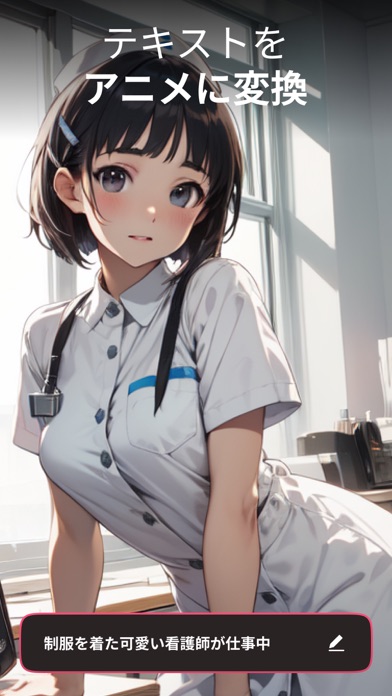


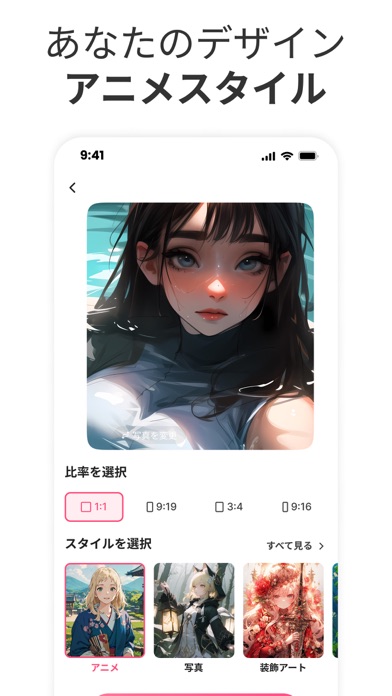

Icon palette
About this app
Neko AI — AIで魅惑のアニメアートを作ろうNeko AIの強力な生成AIを使えば、写真を瞬時にアニメ風アートに変換できます。アートスキルは不要。スマートフォンさえあれば、すぐに創作を始められます。 できること: -写真からアニメへの変換 個人的な写真を、個性的なアニメ風画像に変換できます。画像は生成のみに使用され、プライバシーは保護されます。 -AIキャラクター&シーン作成 AIツールを使って、カスタムアニメキャラクターをデザインしたり、オリジナルシーンをゼロから生成したりできます。 -共有とつながり グローバルコミュニティに参加して、アートを共有し、インスピレーションを得ましょう。 -簡単で楽しい 初心者にも優しいデザイン。誰でも数回タップするだけで作品を作成できます。 権限とプライバシー これらの機能をサポートするために、Neko AIは、コンテンツをパーソナライズし、ユーザーエクスペリエンスを向上させるために、写真、カメラへのアクセス、および限定的なトラッキング権限を要求する場合があります。トラッキングは任意であり…
App details
What you can learn from Neko AI:AI イラスト & 画像生成
Every shipping app on the App Store has gone through the same decisions you're working through right now: which screenshot goes first, what caption sits over it, which device frame to show, what color the background should be. The 10 screenshots above are Neko AI:AI イラスト & 画像生成's answers to those questions — they're public, they're real, and they made it through Apple's review.
What the numbers say: Neko AI:AI イラスト & 画像生成 runs a mixed light-and-dark set where the background shifts from screenshot to screenshot (first shot #FCFCFC) — each image has to stand on its own, so the captions carry more of the story. The accent colour we picked up, #946C5C, is the one to reuse for badges, arrows and highlighted words if you borrow this look. Hit Use this style to open the editor with these exact colours and drop your own screenshot in.
Notice the first screenshot in particular. It's the one users see in search results and on the product page, and it's where most apps spend their best caption and tightest design. Look at the proportion of background to phone, where the text sits, what one thing the image is trying to communicate.
Want to see how other Graphics & Design apps approach the same problem? Browse more Graphics & Design apps in the showcase.
Take what works into your own screenshots
Open LaunchShots and design your App Store & Google Play screenshots — pick a device frame, drop captions, ship in minutes. Free, in your browser.
Open the screenshot editor →Apps with a similar look
Closest background + accent colours among the listings we've analysed — useful when you want to see the same palette handled by a different team.