Screenshots

Icon palette
About this app
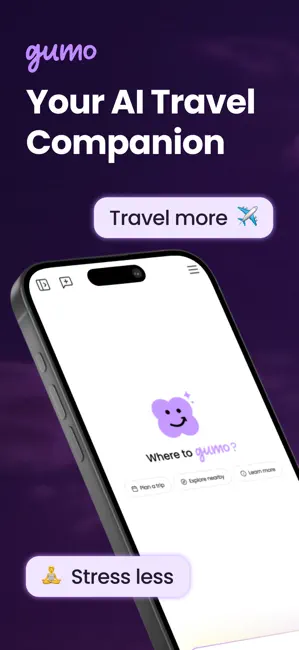
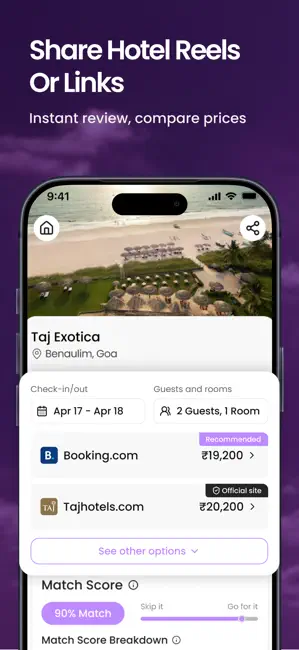
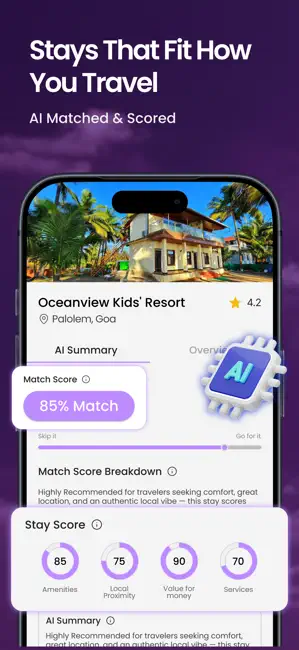
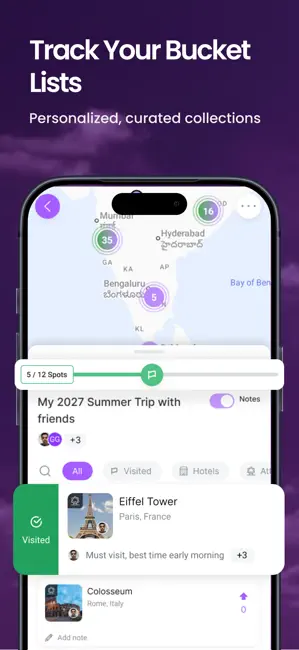
Meet Gumo: Your AI co-pilot for going out If you live on Instagram, YouTube, and reels for ideas - Gumo is built for you. It turns what you discover on social media into smart, day-wise plans you can actually follow. Gumo doesn’t just save links. It enriches what you find with context - real insights, better details, and everything mapped out , so you can decide faster and plan smarter. See everything on a map, build flexible itineraries, and collaborate with friends in one place. Find the right stay when you need it, and go from a quick dinner nearby to a weekend trip, Gumo helps you move from “saved” to “booked” without the usual back and forth. SMART HOTEL INSIGHTS BEFORE YOU BOOK Found a hotel anywhere on social media or the web ? Just share the link with Gumo. Instantly get decoded traveler reviews, your personal match score, and the lowest prices across booking sites - all in o…
App details
What you can learn from Gumo - Save, Research, Book
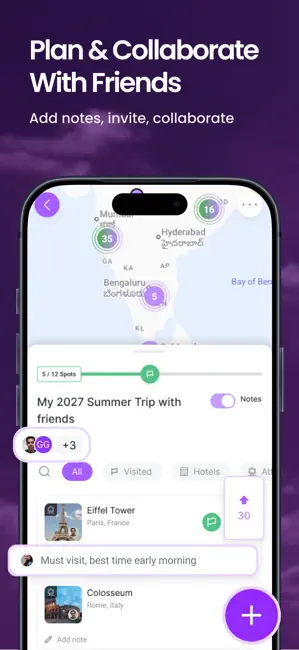
Every shipping app on the App Store has gone through the same decisions you're working through right now: which screenshot goes first, what caption sits over it, which device frame to show, what color the background should be. The 6 screenshots above are Gumo - Save, Research, Book's answers to those questions — they're public, they're real, and they made it through Apple's review.
Notice the first screenshot in particular. It's the one users see in search results and on the product page, and it's where most apps spend their best caption and tightest design. Look at the proportion of background to phone, where the text sits, what one thing the image is trying to communicate.
Want to see how other Travel apps approach the same problem? Browse more Travel apps in the showcase.
Take what works into your own screenshots
Open LaunchShots and design your App Store & Google Play screenshots — pick a device frame, drop captions, ship in minutes. Free, in your browser.
Open the screenshot editor →