Screenshots

Icon palette
About this app
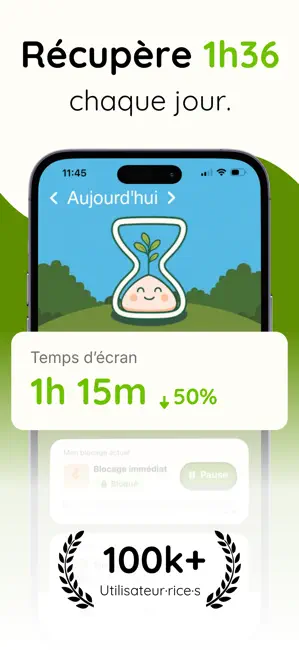
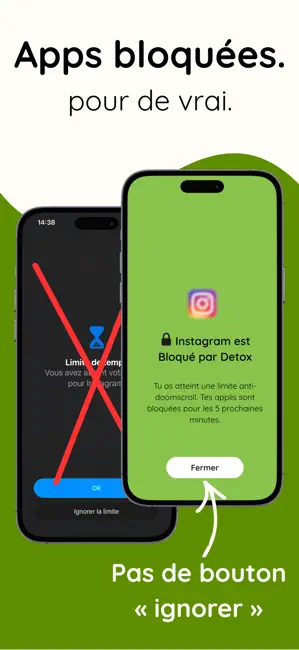
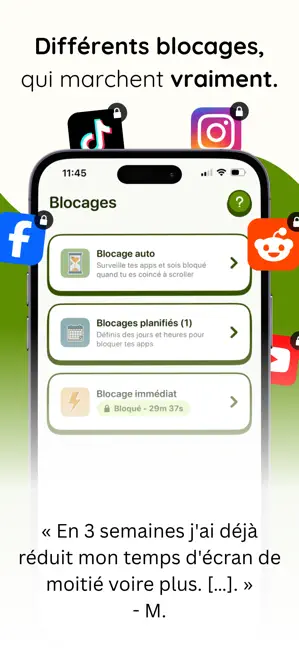
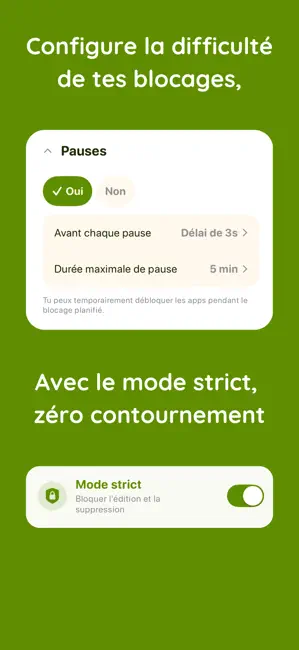
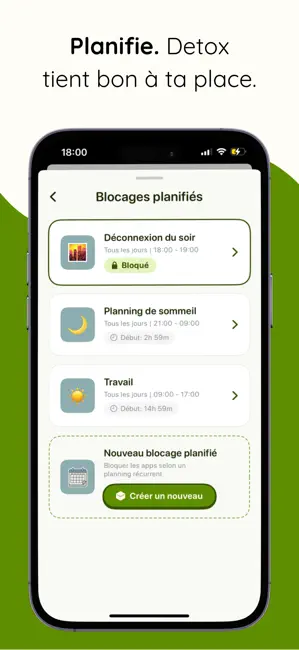
Detox t'aide à réduire ton temps d'écran sans frustration. Detox intervient uniquement lorsque tu scrolles trop longtemps, tandis que les usages utiles comme la messagerie, la navigation ou les apps de travail restent accessibles. Detox est une application sur abonnement. Essai gratuit inclus, résiliable à tout moment. LE BLOCAGE AUTO La plupart des bloqueurs coupent tout. Detox utilise des limites de temps d'utilisation continue. Tu choisis les apps. Detox les bloque uniquement après une utilisation prolongée. Les consultations rapides restent possibles. Les longues sessions de scrolling compulsif sont interrompues. - Définis une limite de temps d'utilisation continue pour les apps de ton choix - Garde l'accès à tes messages, à la navigation et à tes outils de travail - Mets fin aux longues sessions de scrolling sans te sentir puni LE BLOCAGE PLANIFIÉ Crée des plages horaires, ce…
App details
What you can learn from Detox - Bloqueur d'Apps
Every shipping app on the App Store has gone through the same decisions you're working through right now: which screenshot goes first, what caption sits over it, which device frame to show, what color the background should be. The 6 screenshots above are Detox - Bloqueur d'Apps's answers to those questions — they're public, they're real, and they made it through Apple's review.
Notice the first screenshot in particular. It's the one users see in search results and on the product page, and it's where most apps spend their best caption and tightest design. Look at the proportion of background to phone, where the text sits, what one thing the image is trying to communicate.
Want to see how other Productivity apps approach the same problem? Browse more Productivity apps in the showcase.
Take what works into your own screenshots
Open LaunchShots and design your App Store & Google Play screenshots — pick a device frame, drop captions, ship in minutes. Free, in your browser.
Open the screenshot editor →