Screenshots





Icon palette
About this app
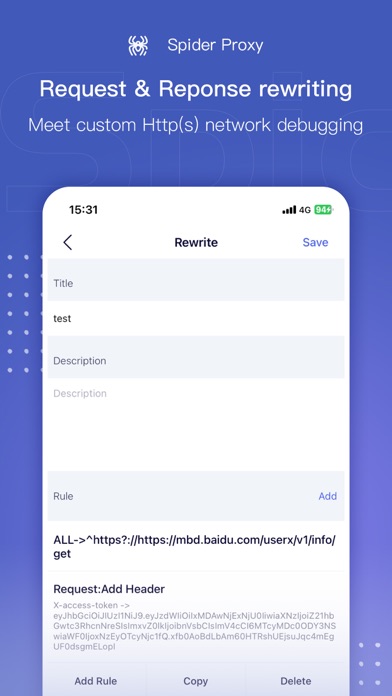
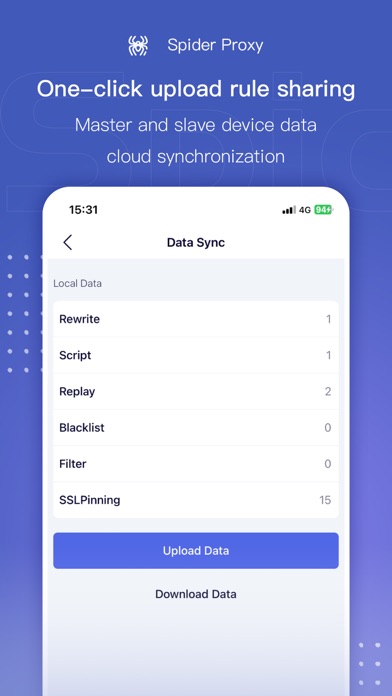
Spider Proxy is a mobile HTTP/HTTPS packet capture and network debugging tool which supports directly viewing/modifying the HTTP (S) requests and responses of the iOS system without connecting to a computer. Spider Proxy supports the export of network request records and can also perform custom HTTP (S) network debugging, including URL redirection, custom header, etc. Upgrade to Spider Proxy VIP and support 4 secondary devices simultaneously, along with one click data upload and sharing between devices. VIP also allows the user to set separate authorization rules for devices as needed and revoke authorization at any time. How it works Spider Proxy will create a VPN configuration on the device. When packet capture is enabled, the Spider Proxy will start a local HTTP proxy in the VPN process, and all HTTP traffic will be forwarded to this local proxy through the VPN, enabling all netwo…
App details
What you can learn from Spider Proxy - HTTP(S) Catcher
Every shipping app on the App Store has gone through the same decisions you're working through right now: which screenshot goes first, what caption sits over it, which device frame to show, what color the background should be. The 7 screenshots above are Spider Proxy - HTTP(S) Catcher's answers to those questions — they're public, they're real, and they made it through Apple's review.
Notice the first screenshot in particular. It's the one users see in search results and on the product page, and it's where most apps spend their best caption and tightest design. Look at the proportion of background to phone, where the text sits, what one thing the image is trying to communicate.
Want to see how other Developer Tools apps approach the same problem? Browse more Developer Tools apps in the showcase.
Take what works into your own screenshots
Open LaunchShots and design your App Store & Google Play screenshots — pick a device frame, drop captions, ship in minutes. Free, in your browser.
Open the screenshot editor →