Chart position — tracked daily by LaunchShots
Screenshot changes — detected by LaunchShots
Screenshot style breakdown
Sampled from 6 of Mijn InPlanning's App Store screenshots — background, accent and theme, measured by LaunchShots (not something Apple publishes).
#147CDC bg
#348EE0
#EC9C24 accent
#FFFFFF text
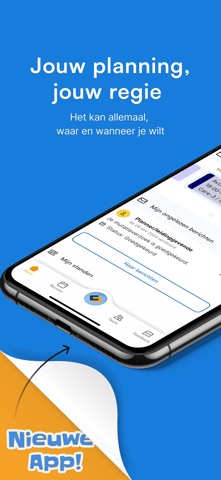
- #1= App!
- #2Persoonlijke startpagina
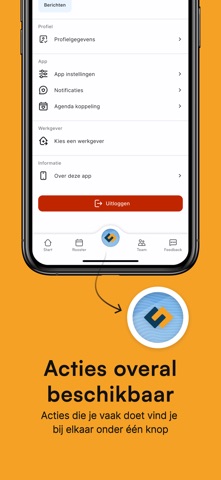
- #4Acties overal beschikbaar Acties die je vaak doet vind je
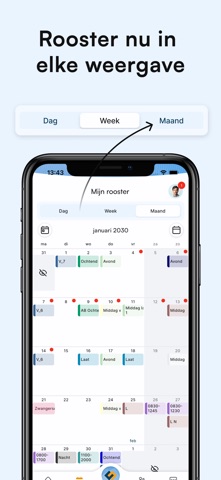
- #5Mijn rooster © [73 | Dag week Maand [=] week 3, 2030 8
- #6Melissa Alen Nancy Taylor Paulien Prins
Captions read from the screenshots (OCR, may contain small errors): 5 headlines, 6.6 words on average (longest 13).
Screenshots




iPad screenshots



Icon palette
About this app
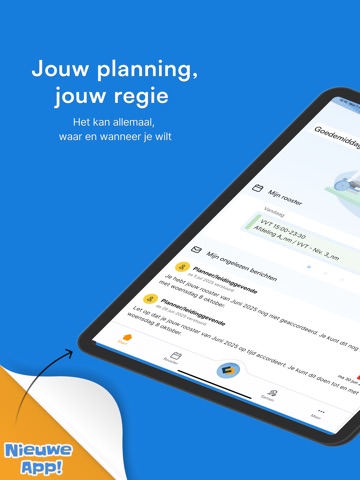
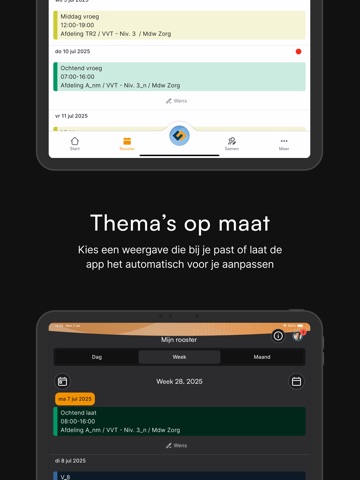
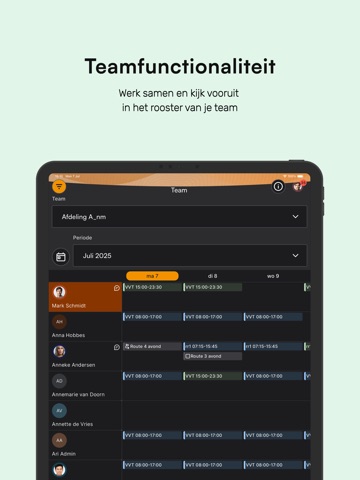
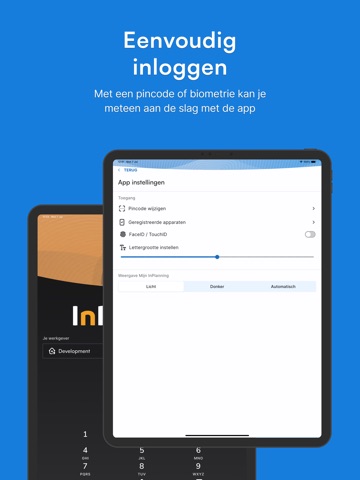
Diensten ruilen, beschikbaarheid doorgeven of simpelweg checken hoe laat je morgen begint? Het kan allemaal, waar en wanneer je wilt. Met handige meldingen blijf je bovendien altijd op de hoogte van goedkeuringen en verzoeken. Jouw planning, jouw regie Bekijk niet alleen je eigen rooster, maar ook dat van je groep. Dien verzoeken in, ruil diensten met collega’s en stem je werk- en privéleven perfect op elkaar af. Altijd en overal toegang, zonder afhankelijk te zijn van HR of leidinggevenden. Jij hebt de regie. Moeiteloos beheer van je rooster - Slim samenwerken: Meer invloed op je rooster voor maximale flexibiliteit. - Altijd up-to-date: Open diensten zien en direct inschrijven. - Volledig overzicht: Bekijk je uren- en verlofsaldo in detail. Nieuwe app, nieuwe features - Persoonlijke startpagina: Snel overzicht van je rooster, berichten en saldo’s. - Rooster in elke weer…
App details
What you can learn from Mijn InPlanning
Every shipping app on the App Store has gone through the same decisions you're working through right now: which screenshot goes first, what caption sits over it, which device frame to show, what color the background should be. The 16 screenshots above are Mijn InPlanning's answers to those questions — they're public, they're real, and they made it through Apple's review.
What the numbers say: Mijn InPlanning runs a mixed light-and-dark set where the background shifts from screenshot to screenshot (first shot #147CDC) — each image has to stand on its own, so the captions carry more of the story. The accent colour we picked up, #EC9C24, is the one to reuse for badges, arrows and highlighted words if you borrow this look. Hit Use this style to open the editor with these exact colours and drop your own screenshot in.
Notice the first screenshot in particular. It's the one users see in search results and on the product page, and it's where most apps spend their best caption and tightest design. Look at the proportion of background to phone, where the text sits, what one thing the image is trying to communicate.
Want to see how other Business apps approach the same problem? Browse more Business apps in the showcase.
Take what works into your own screenshots
Open LaunchShots and design your App Store & Google Play screenshots — pick a device frame, drop captions, ship in minutes. Free, in your browser.
Open the screenshot editor →Apps with a similar look
Closest background + accent colours among the listings we've analysed — useful when you want to see the same palette handled by a different team.