Chart position — tracked daily by LaunchShots
Screenshot style breakdown
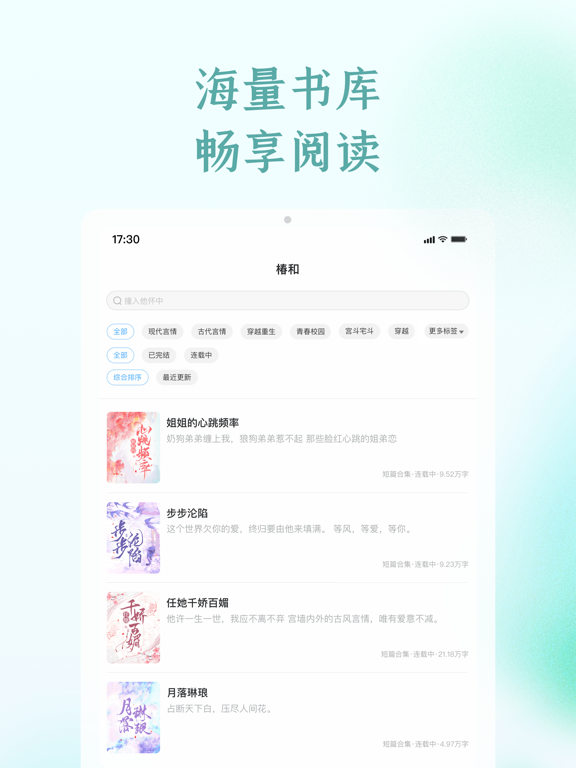
Sampled from 4 of 椿和's App Store screenshots — background, accent and theme, measured by LaunchShots (not something Apple publishes).
#F4FCFC bg
#D6DDDD
#04D4DC accent
#111111 text
Screenshots
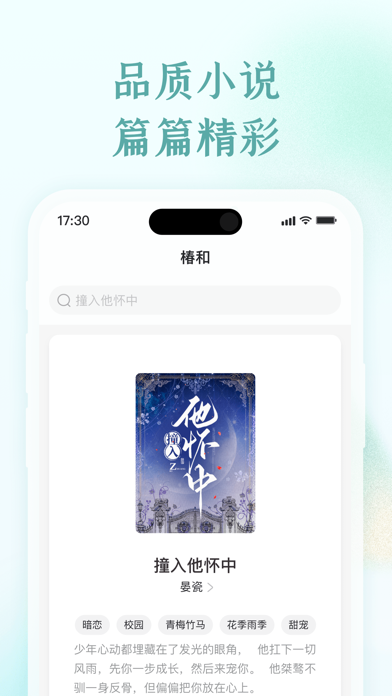

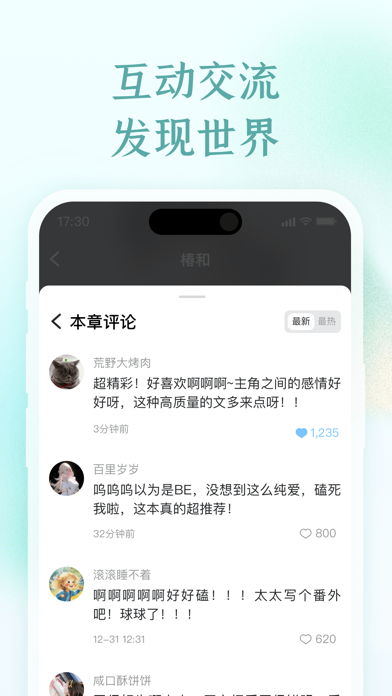
iPad screenshots


Icon palette
About this app
【海量书库,篇篇精彩】 精心挑选每一篇小说,确保品质上乘,展示故事世界的魅力和风格,让用户畅享阅读的乐趣。各类小说一网打尽,从浪漫言情、奇幻冒险到科幻悬疑,满足你对不同故事类型的热爱,为你提供一个丰富多彩的小说世界。 【精彩社区,发现世界】 连接作者与读者,鼓励同好分享和交流,共同创造一个自由表达、充满活力的小说社区。 【极致产品体验】 为用户提供极致沉浸阅读体验,为作者提供高效写作能力支持。 【自动续费会员说明】 - 订阅周期:1个月(连续包月会员),3个月(连续包季会员) - 付款:订阅可由用户管理,用户确认购买并付款后将支付到iTunes账户,会在订阅周期到期前24小时,自动在iTunes账户扣费并延长一个订阅周期会员有效期。 - 取消订阅:如果用户需要取消订阅,请在当前订阅周期到期前24小时之前,手动在“设置”>进入“iTunes Store与App Store”>点击“Apple ID”,进入账户设置页面—>点击“订阅”,选择“椿和”取消订阅即可。如未在订阅期结束的至少24小时前关闭订阅,此订阅将会自动续订。 - 椿和会员服务协议 : https://api.chnovels…
App details
What you can learn from 椿和
Every shipping app on the App Store has gone through the same decisions you're working through right now: which screenshot goes first, what caption sits over it, which device frame to show, what color the background should be. The 8 screenshots above are 椿和's answers to those questions — they're public, they're real, and they made it through Apple's review.
What the numbers say: 椿和 runs a light set with one background colour (#F4FCFC) carried across every screenshot — the listing reads as a single poster when the shots sit side by side in search results. The accent colour we picked up, #04D4DC, is the one to reuse for badges, arrows and highlighted words if you borrow this look. Hit Use this style to open the editor with these exact colours and drop your own screenshot in.
Notice the first screenshot in particular. It's the one users see in search results and on the product page, and it's where most apps spend their best caption and tightest design. Look at the proportion of background to phone, where the text sits, what one thing the image is trying to communicate.
Want to see how other Book apps approach the same problem? Browse more Book apps in the showcase.
Take what works into your own screenshots
Open LaunchShots and design your App Store & Google Play screenshots — pick a device frame, drop captions, ship in minutes. Free, in your browser.
Open the screenshot editor →Apps with a similar look
Closest background + accent colours among the listings we've analysed — useful when you want to see the same palette handled by a different team.