Screenshots

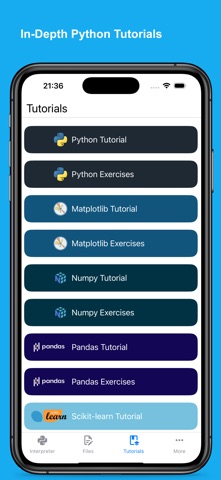
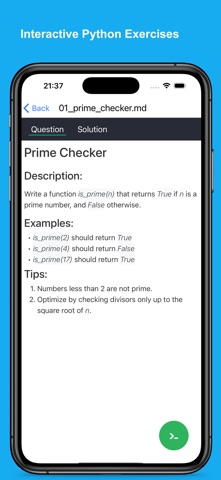


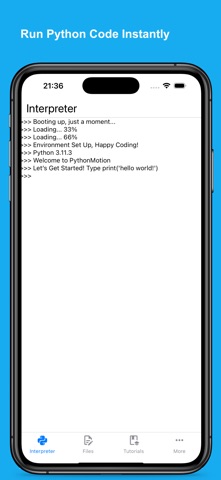


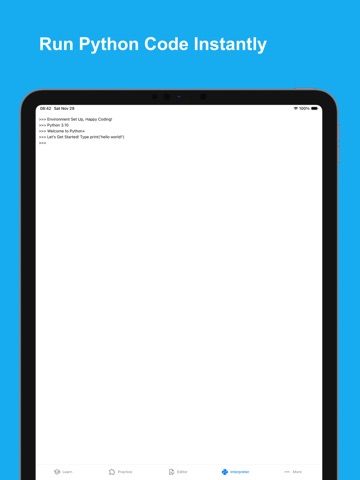
iPad screenshots




Icon palette
About this app
Python+ is your all-in-one offline Python learning app with a beautifully structured learning path, interactive tutorials, hands-on practice, challenges, and a fully featured IDE. Master Python on your iPhone and iPad—from print("Hello, World!") to real-world data analysis and machine learning. Learn Python Step by Step A complete guided learning system featuring: • 8 structured courses (106 chapters) covering Python, NumPy, pandas, Matplotlib, SciPy, and scikit-learn • 1,741 interactive questions with instant feedback and clear explanations • Roadmap and list views for intuitive navigation • Independent course progress, XP tracking, streaks, and global statistics • 27 cross-course achievements to motivate long-term learning Pro Python Code Editor Write Python code with a professional-grade editor built for mobile. Enjoy syntax highlighting, auto-indent, linting, code folding, code co…
App details
What you can learn from Python+
Every shipping app on the App Store has gone through the same decisions you're working through right now: which screenshot goes first, what caption sits over it, which device frame to show, what color the background should be. The 20 screenshots above are Python+'s answers to those questions — they're public, they're real, and they made it through Apple's review.
Notice the first screenshot in particular. It's the one users see in search results and on the product page, and it's where most apps spend their best caption and tightest design. Look at the proportion of background to phone, where the text sits, what one thing the image is trying to communicate.
Want to see how other Developer Tools apps approach the same problem? Browse more Developer Tools apps in the showcase.
Take what works into your own screenshots
Open LaunchShots and design your App Store & Google Play screenshots — pick a device frame, drop captions, ship in minutes. Free, in your browser.
Open the screenshot editor →