Chart position — tracked daily by LaunchShots
Screenshot changes — detected by LaunchShots
Screenshot style breakdown
Sampled from 6 of Lovekey键盘-恋爱聊天键盘&AI智能聊天回复神器's App Store screenshots — background, accent and theme, measured by LaunchShots (not something Apple publishes).
#7494FC bg
#6682DD
#5C6494 accent
#111111 text
Screenshots

Icon palette
About this app
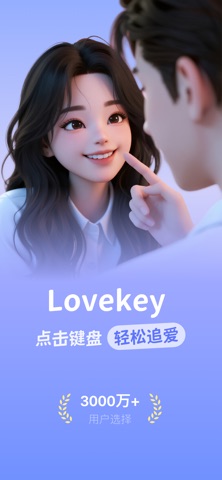
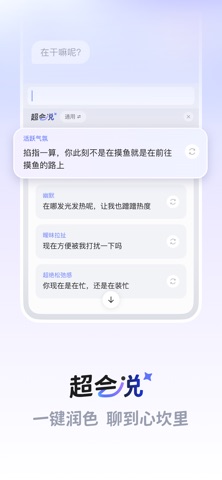
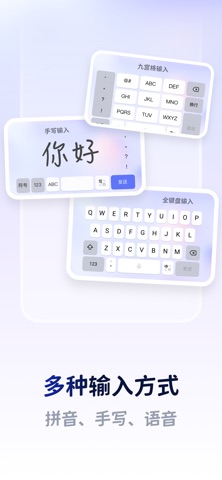
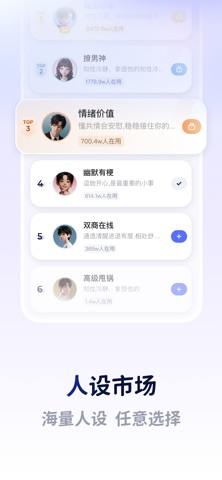
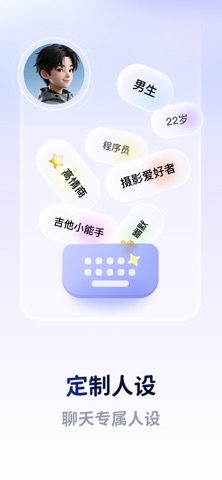
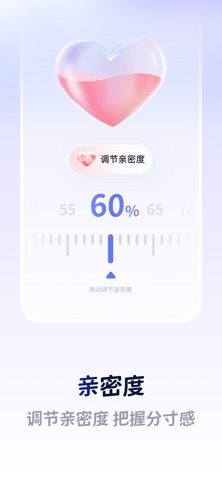
聊天就开始尴尬,回复总说不对话 打开lovekey键盘,轻松帮你回复消息 特色功能 【lovekey键盘】复制对话,点击键盘,一键帮回复 【聊天人设市场】海量聊天人设,轻松提升聊天趣味,打破尴尬 【恋爱开场白】告别I人,无需犹豫,帮你轻松开口say Hi 【聊天亲密度】无论陌生人,还是灵魂伴侣,设置亲密度帮你把握聊天分寸 【关于订阅会员的说明】 您可以按年或者按月成为L+会员,在成为会员期间,您可以自由使用Lovekey的所有功能我们将持续对功能进行更新和维护。 1.订阅服务分别为: 连续包季,¥98/月 连续包月,¥48/月 7天免费试用,¥48/月 2.付款:用户确认购买并付款后计入iTunes账户 3.自动续费:苹果iTunes账户会在到期前24小时内扣费,扣费成功后订阅周期顺延一个订阅周期 4.关闭服务:您可以在苹果手机“设置”--> 进入iTunes Store与 App Store”--点击“ApplelD”选择"查看ApplelD",进入"账户设置"页面,点击“订阅”,管理自动订阅服务,如需取消,每个计费周期结束前24小时关闭即可,到期前24小时内则不再扣费 服务协议:https://www.lovekeyboard.com/agreemen…
App details
What you can learn from Lovekey键盘-恋爱聊天键盘&AI智能聊天回复神器
Every shipping app on the App Store has gone through the same decisions you're working through right now: which screenshot goes first, what caption sits over it, which device frame to show, what color the background should be. The 7 screenshots above are Lovekey键盘-恋爱聊天键盘&AI智能聊天回复神器's answers to those questions — they're public, they're real, and they made it through Apple's review.
What the numbers say: Lovekey键盘-恋爱聊天键盘&AI智能聊天回复神器 runs a light set where the background shifts from screenshot to screenshot (first shot #7494FC) — each image has to stand on its own, so the captions carry more of the story. The accent colour we picked up, #5C6494, is the one to reuse for badges, arrows and highlighted words if you borrow this look. Hit Use this style to open the editor with these exact colours and drop your own screenshot in.
Notice the first screenshot in particular. It's the one users see in search results and on the product page, and it's where most apps spend their best caption and tightest design. Look at the proportion of background to phone, where the text sits, what one thing the image is trying to communicate.
Want to see how other Utilities apps approach the same problem? Browse more Utilities apps in the showcase.
Take what works into your own screenshots
Open LaunchShots and design your App Store & Google Play screenshots — pick a device frame, drop captions, ship in minutes. Free, in your browser.
Open the screenshot editor →Apps with a similar look
Closest background + accent colours among the listings we've analysed — useful when you want to see the same palette handled by a different team.