Screenshot changes — detected by LaunchShots
Screenshot style breakdown
Sampled from 6 of AIボーカル除去 - MusicLab's App Store screenshots — background, accent and theme, measured by LaunchShots (not something Apple publishes).
#0C0C0C bg
#2E2E2E
#443C84 accent
#FFFFFF text
- #3<« Never Give Up =
Captions read from the screenshots (OCR, may contain small errors): 1 headline, 5 words on average (longest 5).
Screenshots


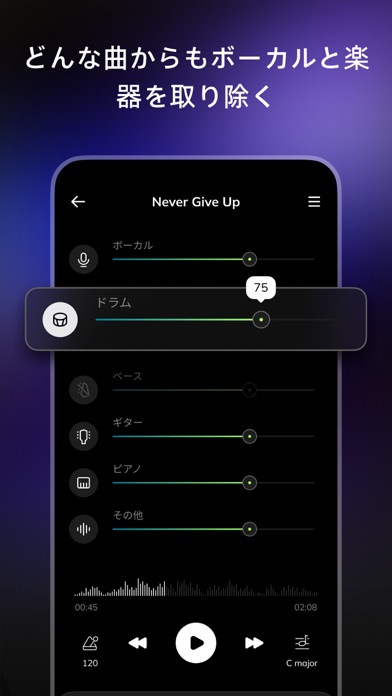

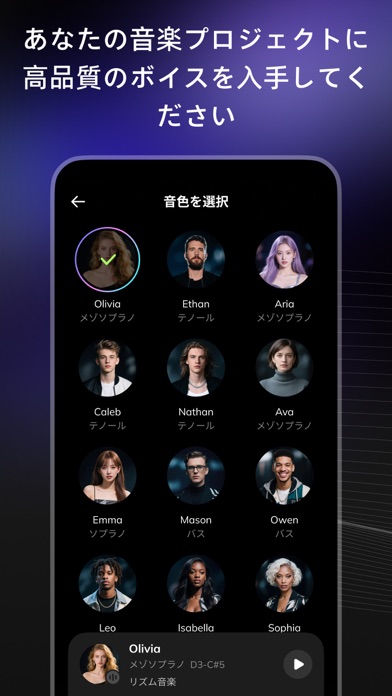


iPad screenshots


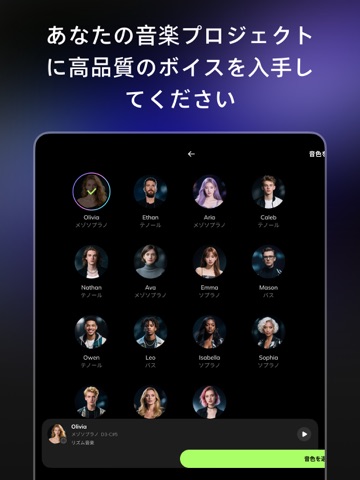
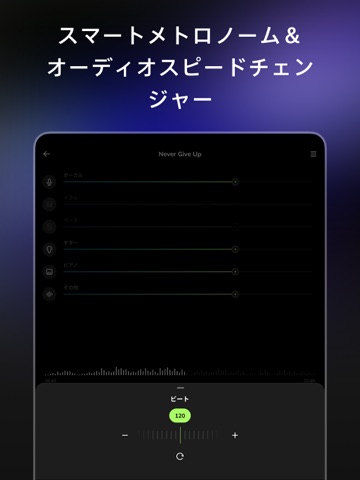

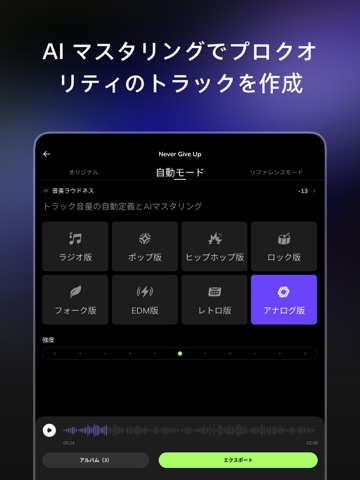
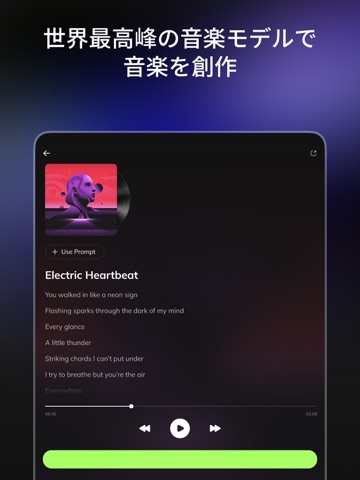
Icon palette
About this app
Musiclab(ミュージックラボ)は無料のAIボーカルリムーバーおよびオーディオ抽出ツールです。最新のAI技術を使用して楽曲からボーカル、楽器、伴奏を抽出できます。ミュージシャンは、Musiclabを使って音声のノイズを簡単に軽減し、曲を複数のトラックに分割できます。また、カラオケ、アカペラ、またはインストゥルメンタルの伴奏トラックを作成するための完璧なツールでもあります。 ボーカルリムーバー&AIオーディオス抽出の主な機能: -AI人工知能による音声分離:簡単に曲のボーカル、アカペラ、ドラム、ギター、ベース、ピアノ、ストリングスなどを分離します。Musiclabは、ボーカルリムーバー、アカペラ抽出ツール、または伴奏トラックメーカーとして利用できます。 -高品質エクスポート:高品質なミックスやセパレートを抽出し、共有することができます。 他のトラック作成ツールやボーカルリムーバーで使用する音源の抽出に最適です。 -伴奏トラック:アカペラ、ドラム、ギター、カラオケ、ピアノの伴奏トラックを作成します。 -ノイズ削除:バックグラ…
App details
What you can learn from AIボーカル除去 - MusicLab
Every shipping app on the App Store has gone through the same decisions you're working through right now: which screenshot goes first, what caption sits over it, which device frame to show, what color the background should be. The 16 screenshots above are AIボーカル除去 - MusicLab's answers to those questions — they're public, they're real, and they made it through Apple's review.
What the numbers say: AIボーカル除去 - MusicLab runs a dark set with one background colour (#0C0C0C) carried across every screenshot — the listing reads as a single poster when the shots sit side by side in search results. The accent colour we picked up, #443C84, is the one to reuse for badges, arrows and highlighted words if you borrow this look. Hit Use this style to open the editor with these exact colours and drop your own screenshot in.
Notice the first screenshot in particular. It's the one users see in search results and on the product page, and it's where most apps spend their best caption and tightest design. Look at the proportion of background to phone, where the text sits, what one thing the image is trying to communicate.
Want to see how other Music apps approach the same problem? Browse more Music apps in the showcase.
Take what works into your own screenshots
Open LaunchShots and design your App Store & Google Play screenshots — pick a device frame, drop captions, ship in minutes. Free, in your browser.
Open the screenshot editor →Apps with a similar look
Closest background + accent colours among the listings we've analysed — useful when you want to see the same palette handled by a different team.