Chart position — tracked daily by LaunchShots
Screenshot style breakdown
Sampled from 6 of 柠檬解压 - 手表实时测压 & HRV压力自测's App Store screenshots — background, accent and theme, measured by LaunchShots (not something Apple publishes).
#FCFCFC bg
#DDDDDD
#FC7C44 accent
#111111 text
Screenshots


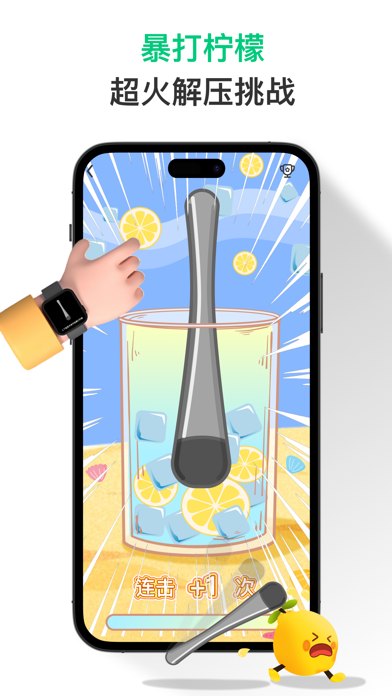
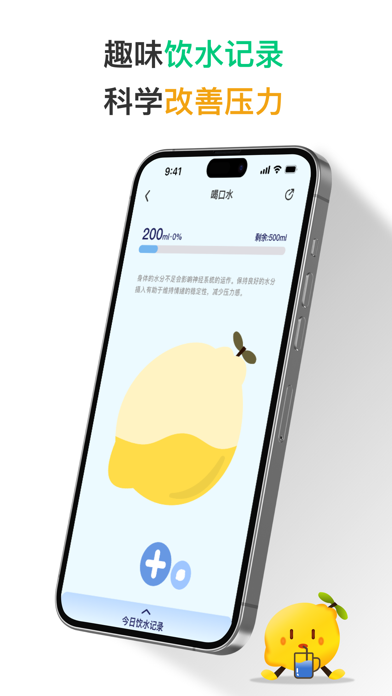
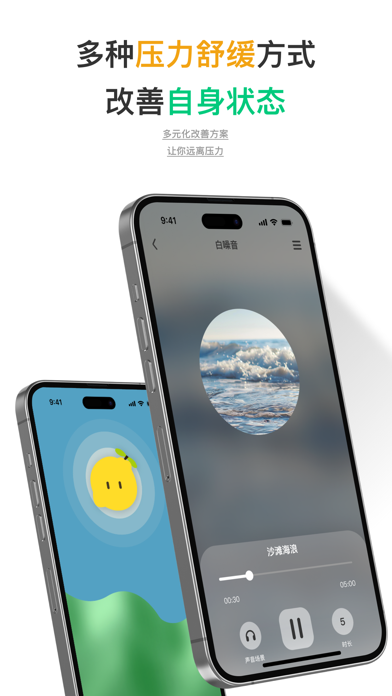
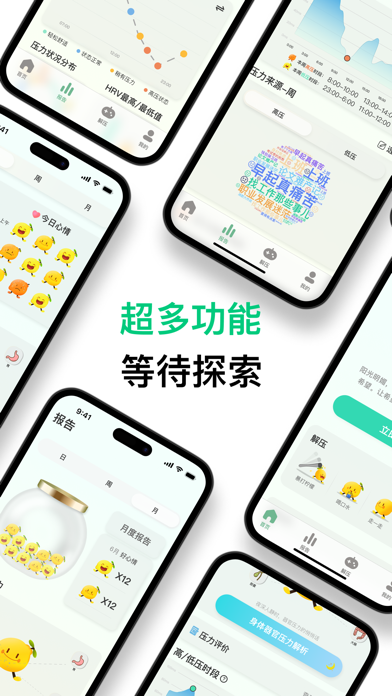
iPad screenshots


Icon palette
About this app
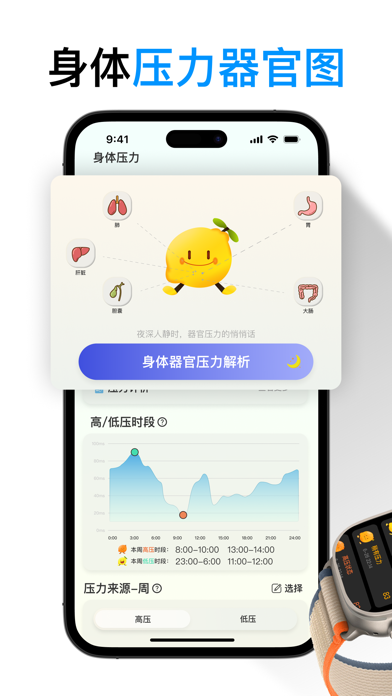
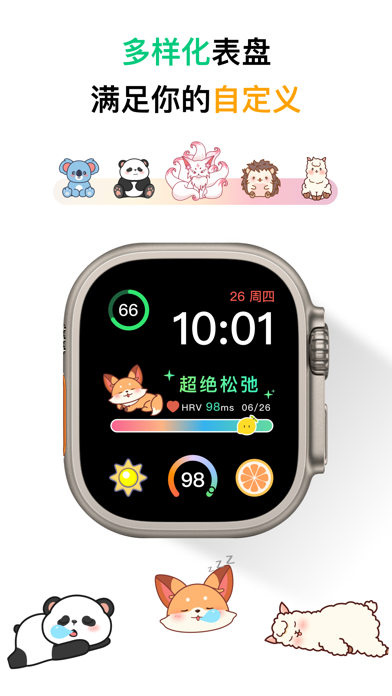
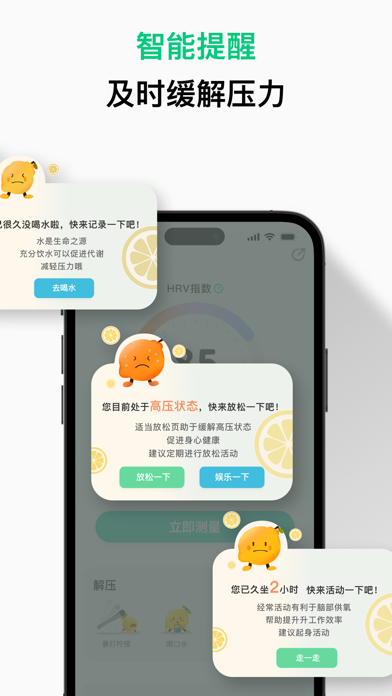
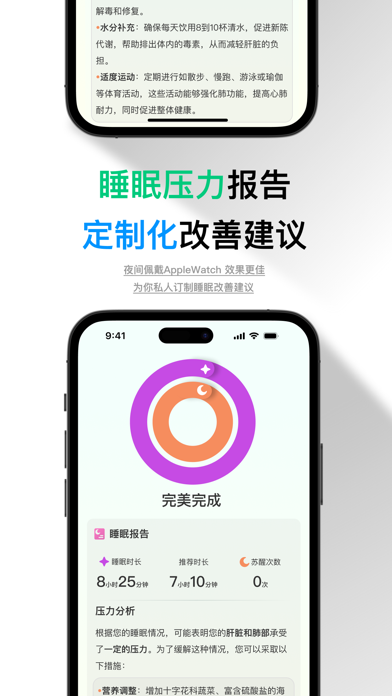
《邂逅柠小檬,拥抱轻松生活》 在快节奏的都市丛林中,我们每个人都如同勇敢的探险家,而压力,却常常如不速之客,化作那沉重的隐形背包,紧紧相随。 柠小檬,曾是一颗普通的柠檬,直到她意外发现自己拥有吸收压力的神奇力量。每当你感到焦虑或疲惫,柠小檬便会如同天使般降临。她的使命,便是助力你探寻压力的源头,舒缓生活中的紧张,引领你放慢匆匆的脚步,尽情享受生命中的每一个珍贵瞬间。 设计理念: 柠小檬的设计理念深深扎根于 “慢生活” 的哲学之中,它热切地倡导着在快节奏的时代浪潮里,去寻觅那份难能可贵的平衡与宁静。柠檬所独具的清新与提神特质,不仅象征着蓬勃的活力与无尽的希望,更代表着在忙碌的生活间隙中,我们用心寻得的那份宁静港湾。 为什么选择柠小檬? • HRV速测:快速HRV测量,精准即时地捕捉你的压力信号,时刻提醒你该放慢前行的脚步。 • 趣味压力报告:充满趣味的压力统计报告,让你在轻松的氛围中了解压力状况。 • 身体器官压力图:直观形象地展示压力对身体的影响,时刻提醒你,即便在忙碌的日子里,也切莫忘记关爱自己的健康。 …
App details
What you can learn from 柠檬解压 - 手表实时测压 & HRV压力自测
Every shipping app on the App Store has gone through the same decisions you're working through right now: which screenshot goes first, what caption sits over it, which device frame to show, what color the background should be. The 20 screenshots above are 柠檬解压 - 手表实时测压 & HRV压力自测's answers to those questions — they're public, they're real, and they made it through Apple's review.
What the numbers say: 柠檬解压 - 手表实时测压 & HRV压力自测 runs a light set with one background colour (#FCFCFC) carried across every screenshot — the listing reads as a single poster when the shots sit side by side in search results. The accent colour we picked up, #FC7C44, is the one to reuse for badges, arrows and highlighted words if you borrow this look. Hit Use this style to open the editor with these exact colours and drop your own screenshot in.
Notice the first screenshot in particular. It's the one users see in search results and on the product page, and it's where most apps spend their best caption and tightest design. Look at the proportion of background to phone, where the text sits, what one thing the image is trying to communicate.
Want to see how other Health & Fitness apps approach the same problem? Browse more Health & Fitness apps in the showcase.
Take what works into your own screenshots
Open LaunchShots and design your App Store & Google Play screenshots — pick a device frame, drop captions, ship in minutes. Free, in your browser.
Open the screenshot editor →Apps with a similar look
Closest background + accent colours among the listings we've analysed — useful when you want to see the same palette handled by a different team.