Screenshots
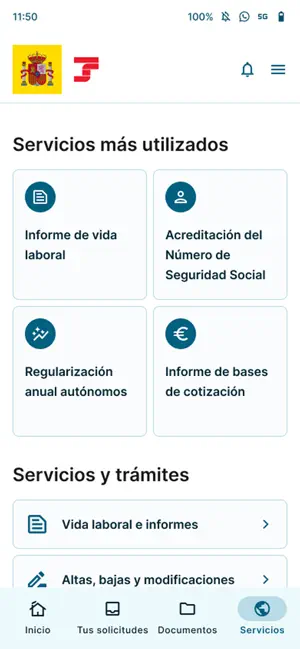
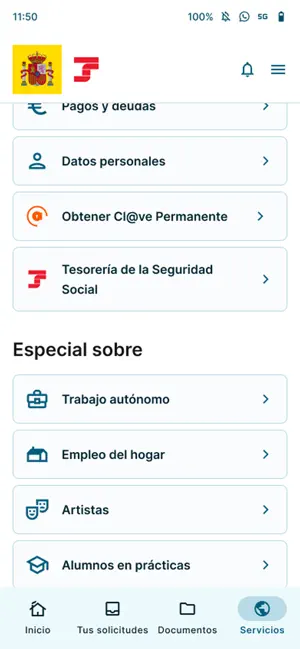
Icon palette
About this app
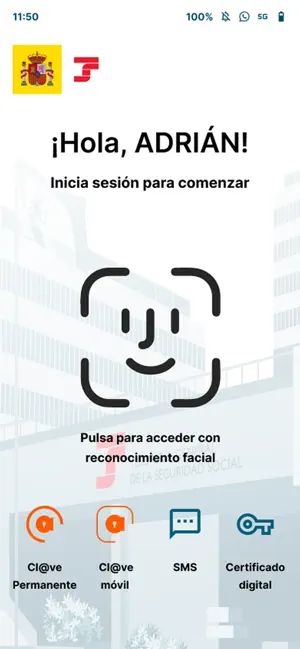
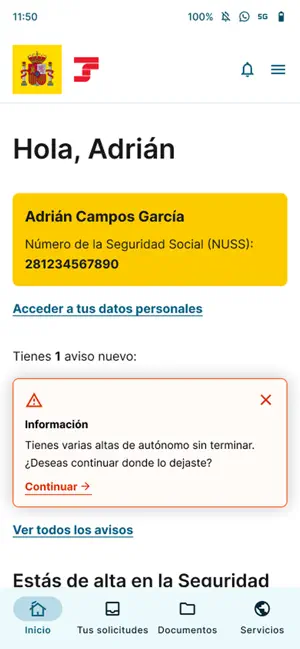
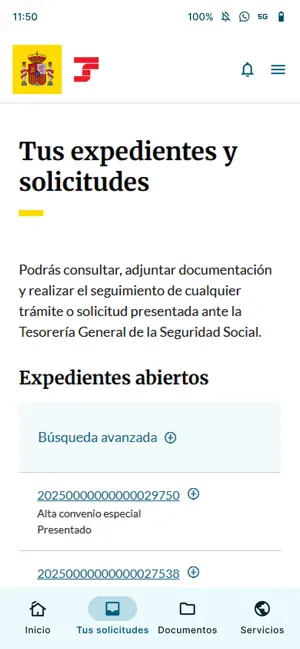
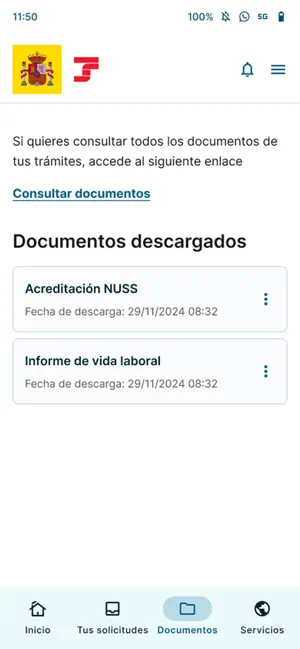
Importass Seguridad Social es la aplicación móvil oficial de la Tesorería General de la Seguridad Social, responsable de la recaudación y afiliación de los trabajadores y empresas en el sistema de Seguridad Social. A través de esta aplicación, podrás realizar trámites y consultar información pública y personal de manera sencilla y gratuita, igual que lo haces a través del portal web de la Tesorería General de la Seguridad Social, Importass. Seguridad y Acceso: La aplicación ofrece acceso seguro a tu información personal mediante Cl@ve Permanente, Cl@ve Móvil, Certificado Digital o vía SMS, si tienes comunicado tu teléfono móvil a la Seguridad Social. También podrás configurar el acceso biométrico de tu dispositivo. Si no dispones de identificación digital, también puedes solicitar tus trámites identificándote con una foto y tu documento de identidad. Servicios Destacados: • Informes…
App details
What you can learn from Importass Seguridad Social
Every shipping app on the App Store has gone through the same decisions you're working through right now: which screenshot goes first, what caption sits over it, which device frame to show, what color the background should be. The 6 screenshots above are Importass Seguridad Social's answers to those questions — they're public, they're real, and they made it through Apple's review.
Notice the first screenshot in particular. It's the one users see in search results and on the product page, and it's where most apps spend their best caption and tightest design. Look at the proportion of background to phone, where the text sits, what one thing the image is trying to communicate.
Want to see how other Productivity apps approach the same problem? Browse more Productivity apps in the showcase.
Take what works into your own screenshots
Open LaunchShots and design your App Store & Google Play screenshots — pick a device frame, drop captions, ship in minutes. Free, in your browser.
Open the screenshot editor →