Screenshot style breakdown
Sampled from 6 of 超慢跑节拍器-180bpm步频超慢跑计时器,健康瘦身、减肥's App Store screenshots — background, accent and theme, measured by LaunchShots (not something Apple publishes).
#ECFCF4 bg
#CFDDD6
#FC9404 accent
#111111 text
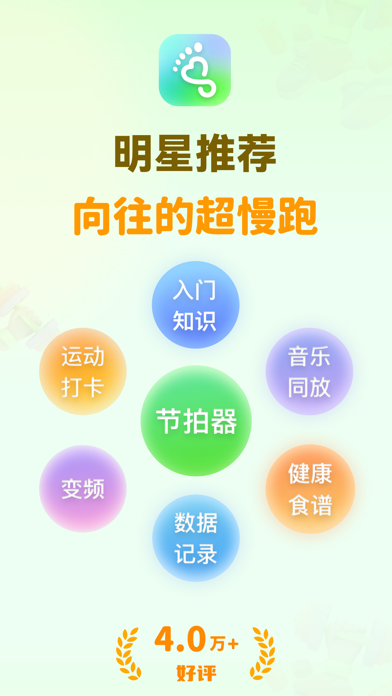
- #1明星 推荐
- #2慢跑 小 助手 你 的 超 慢 跑 专属 搭档
- #3超 慢 跑 计划 制定 你 的 个 性 化 步 频
- #4音乐 与 节拍 每 一 步 都 是 享受
- #5数据 追踪 记录 每 日 消耗 卡路里
Captions read from the screenshots (OCR, may contain small errors): 5 headlines, 8 words on average (longest 12).
Screenshots


iPad screenshots


Icon palette
About this app
超慢跑节拍器是为所有人设计的跑步步频节拍器,适合跑步初学者、健康减肥者、想要提高心肺功能、减少运动伤害的跑者。通过精准的节拍控制,超慢跑节拍器帮助您维持恒定的超慢跑步频,从而优化跑步效果,让您的每一步都充满节奏感和舒适感。 为什么推荐超慢跑: 超慢跑的原理基于“低强度、长时间”的有氧运动理论。 低强度的运动可以使心率保持在最大心率的60%-70%之间,这一区间被认为是最佳的脂肪燃烧和心肺功能提升区间。在这个心率区间内,身体主要使用脂肪作为能量来源,而非糖原,这有助于脂肪减少和体重管理。 超慢跑有什么好处: -提高心肺功能:长期的超慢跑可以增强心脏功能,提高氧气利用率。 -减少运动伤害:由于跑步强度低,对关节和肌肉的压力小,因此能显著降低运动伤害的风险。 -促进脂肪燃烧:在低强度运动下,身体更倾向于使用脂肪作为能源,有助于体重控制和减肥。 -提高睡眠质量:规律的超慢跑可以改善睡眠质量,帮助身体和心理更好地放松。 -增强心理健康:慢跑过程中,跑者往往能享受到跑步带来的放松和快乐,有助于减少压力和抑郁情绪。 …
App details
What you can learn from 超慢跑节拍器-180bpm步频超慢跑计时器,健康瘦身、减肥
Every shipping app on the App Store has gone through the same decisions you're working through right now: which screenshot goes first, what caption sits over it, which device frame to show, what color the background should be. The 12 screenshots above are 超慢跑节拍器-180bpm步频超慢跑计时器,健康瘦身、减肥's answers to those questions — they're public, they're real, and they made it through Apple's review.
What the numbers say: 超慢跑节拍器-180bpm步频超慢跑计时器,健康瘦身、减肥 runs a light set with one background colour (#ECFCF4) carried across every screenshot — the listing reads as a single poster when the shots sit side by side in search results. The accent colour we picked up, #FC9404, is the one to reuse for badges, arrows and highlighted words if you borrow this look. Hit Use this style to open the editor with these exact colours and drop your own screenshot in.
Notice the first screenshot in particular. It's the one users see in search results and on the product page, and it's where most apps spend their best caption and tightest design. Look at the proportion of background to phone, where the text sits, what one thing the image is trying to communicate.
Want to see how other Health & Fitness apps approach the same problem? Browse more Health & Fitness apps in the showcase.
Take what works into your own screenshots
Open LaunchShots and design your App Store & Google Play screenshots — pick a device frame, drop captions, ship in minutes. Free, in your browser.
Open the screenshot editor →Apps with a similar look
Closest background + accent colours among the listings we've analysed — useful when you want to see the same palette handled by a different team.