Screenshots





Icon palette
About this app
Say goodbye to high roaming fees and the hassle of swapping SIM cards. With USim, enjoy the freedom of global connectivity at your fingertips. Download USim now and roam smarter! Unlock seamless connectivity worldwide with USim! Whether you're traveling for business or leisure, USim ensures you stay connected without the hassle of high roaming charges or finding local SIM cards. Experience reliable, fast, and affordable data in over 100 countries, all managed through one convenient app. -Global Coverage: Access data in over 100 countries with a single plan. -Affordable Plans: Choose from a variety of data packages tailored to your needs and budget. -Easy Management: Monitor your data usage, top up instantly, and manage your plans all in one app. -Secure Connection: Enjoy safe and secure browsing with our encrypted network. -24/7 Support: Get help anytime with our dedicated customer s…
App details
What you can learn from USim: Travel eSIM & Internet
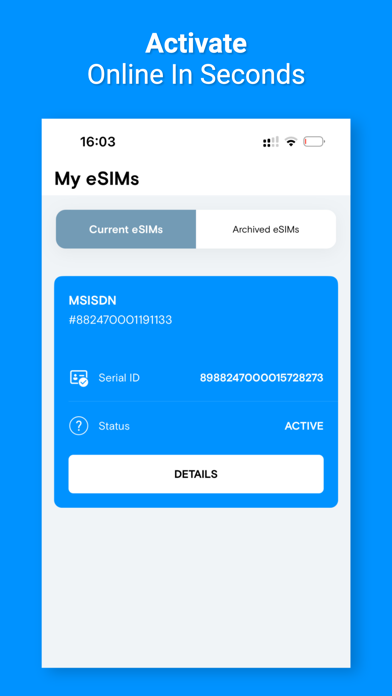
Every shipping app on the App Store has gone through the same decisions you're working through right now: which screenshot goes first, what caption sits over it, which device frame to show, what color the background should be. The 8 screenshots above are USim: Travel eSIM & Internet's answers to those questions — they're public, they're real, and they made it through Apple's review.
Notice the first screenshot in particular. It's the one users see in search results and on the product page, and it's where most apps spend their best caption and tightest design. Look at the proportion of background to phone, where the text sits, what one thing the image is trying to communicate.
Want to see how other Travel apps approach the same problem? Browse more Travel apps in the showcase.
Take what works into your own screenshots
Open LaunchShots and design your App Store & Google Play screenshots — pick a device frame, drop captions, ship in minutes. Free, in your browser.
Open the screenshot editor →