Screenshots



Icon palette
About this app
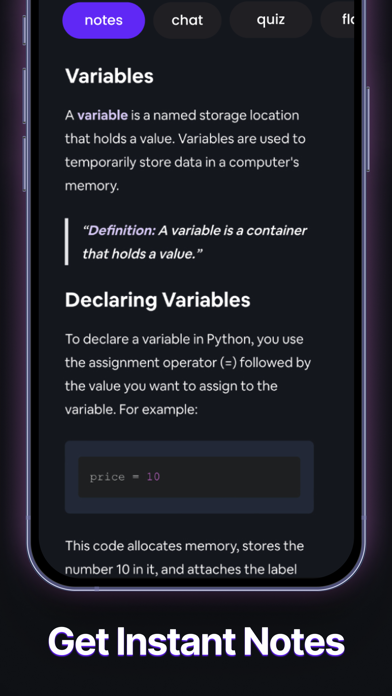
Turbolearn AI is now Turbo AI! We've rebranded and upgraded our AI-powered platform to transform audio, video, and text into exceptional study materials—generating high-quality notes, quizzes, flashcards, and podcasts instantly. Turbo's advanced AI creates engaging notes featuring tables, emojis, diagrams, and equations, all synced seamlessly across our app and website (http://www.turbo.ai). Enhance your learning experience by chatting directly with your notes to extract deeper insights. Students and professionals alike use Turbo AI for lecture notes, meeting summaries, journaling, and more. Key Features: - Rich Notes: Beautifully formatted notes with diagrams, equations, tables, and emojis. - Quiz Questions: Instantly create amazing quiz questions from your notes. - Flashcards: Effortlessly generate effective flashcards for quick review. - Podcasts: Turn lengthy content into engagin…
App details
What you can learn from Turbo AI - Notetaker
Every shipping app on the App Store has gone through the same decisions you're working through right now: which screenshot goes first, what caption sits over it, which device frame to show, what color the background should be. The 6 screenshots above are Turbo AI - Notetaker's answers to those questions — they're public, they're real, and they made it through Apple's review.
Notice the first screenshot in particular. It's the one users see in search results and on the product page, and it's where most apps spend their best caption and tightest design. Look at the proportion of background to phone, where the text sits, what one thing the image is trying to communicate.
Want to see how other Education apps approach the same problem? Browse more Education apps in the showcase.
Take what works into your own screenshots
Open LaunchShots and design your App Store & Google Play screenshots — pick a device frame, drop captions, ship in minutes. Free, in your browser.
Open the screenshot editor →