Chart position — tracked daily by LaunchShots
Screenshot changes — detected by LaunchShots
Screenshot style breakdown
Sampled from 6 of Mystery Town: Merge Games's App Store screenshots — background, accent and theme, measured by LaunchShots (not something Apple publishes).
#DCECFC bg
#C1CFDD
#84D4FC accent
#111111 text
Screenshots

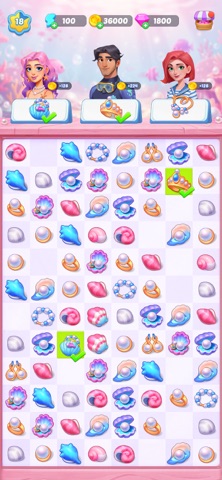


iPad screenshots
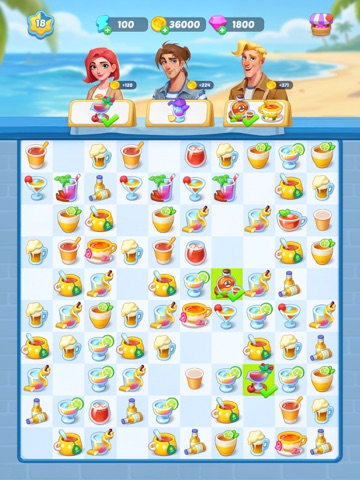

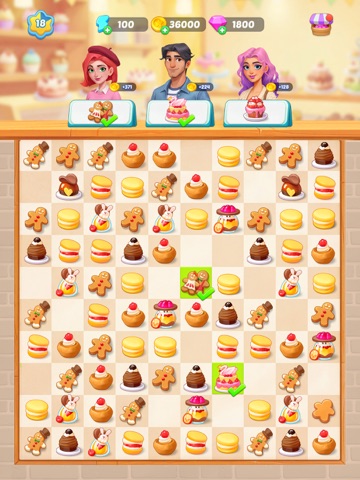
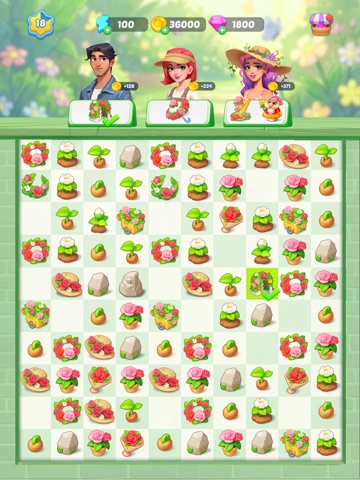
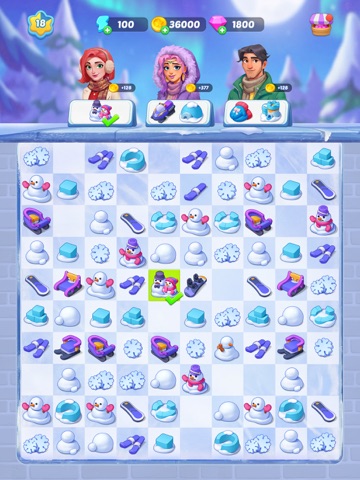


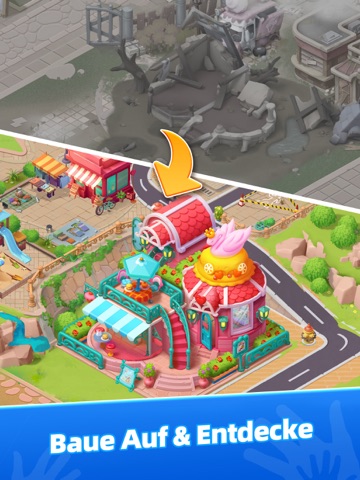
Icon palette
About this app
Willkommen in Mystery Town, wo tief vergrabene Geheimnisse lauern! Aurora ist endlich im Haus ihres Onkels angekommen – nur um festzustellen, dass es in Flammen steht! Ein monströses Wesen wurde auf der Flucht gesehen. Was war das? Begleite Aurora auf einem spannenden Abenteuer, während sie mysteriöse Fälle in der Stadt löst, das plötzliche Verschwinden ihres Onkels untersucht und das FINALE Geheimnis aufdeckt. Triff verschiedene Charaktere und entdecke ihre Geschichten – sie können „Freunde“ oder „Feinde“ sein. Schalte verborgene Bereiche frei, erkunde die neblige Stadt, sammle Hinweise und führe Aurora zur Wahrheit. Begib dich auf diese aufregende Reise und genieße ein einzigartiges Merge-Erlebnis ohne Werbung, während du die Geheimnisse lüftest! GAME FEATURES: == Kombinieren & Verschmelzen == • Ziehe Objekte frei über das Spielfeld und kombiniere zwei identische Gegenstände, um s…
App details
What you can learn from Mystery Town: Merge Games
Every shipping app on the App Store has gone through the same decisions you're working through right now: which screenshot goes first, what caption sits over it, which device frame to show, what color the background should be. The 20 screenshots above are Mystery Town: Merge Games's answers to those questions — they're public, they're real, and they made it through Apple's review.
What the numbers say: Mystery Town: Merge Games runs a light set with one background colour (#DCECFC) carried across every screenshot — the listing reads as a single poster when the shots sit side by side in search results. The accent colour we picked up, #84D4FC, is the one to reuse for badges, arrows and highlighted words if you borrow this look. Hit Use this style to open the editor with these exact colours and drop your own screenshot in.
Notice the first screenshot in particular. It's the one users see in search results and on the product page, and it's where most apps spend their best caption and tightest design. Look at the proportion of background to phone, where the text sits, what one thing the image is trying to communicate.
Want to see how other Games apps approach the same problem? Browse more Games apps in the showcase.
Take what works into your own screenshots
Open LaunchShots and design your App Store & Google Play screenshots — pick a device frame, drop captions, ship in minutes. Free, in your browser.
Open the screenshot editor →Apps with a similar look
Closest background + accent colours among the listings we've analysed — useful when you want to see the same palette handled by a different team.