Screenshot style breakdown
Sampled from 4 of iGuard オンラインセキュリティ's App Store screenshots — background, accent and theme, measured by LaunchShots (not something Apple publishes).
#5C5CDC bg
#7272E0
#A49CF4 accent
#FFFFFF text
Screenshots

Icon palette
About this app
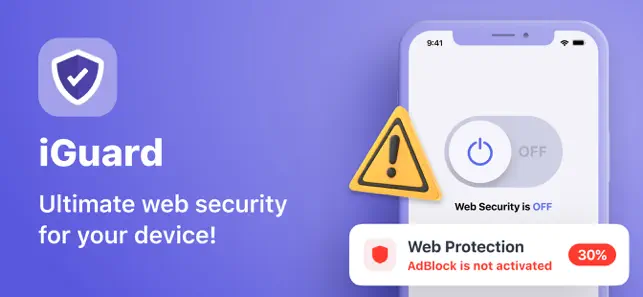
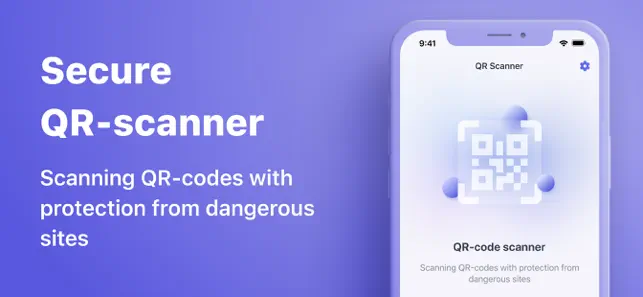
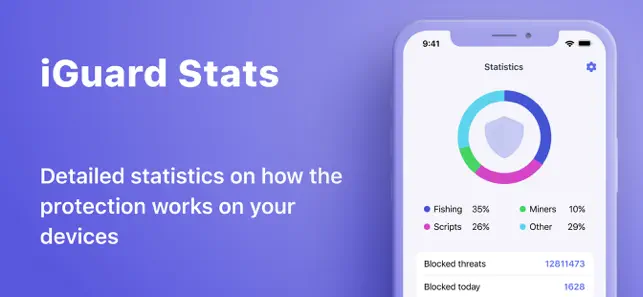
iGuard オンライン セキュリティは高速で使いやすいです。世界中の Web サイトの広告を制限し、プライバシーを保護するなど、さまざまなことに役立つ最高のツールです。iGuard は、すべての国のユーザー向けの無料かつ無制限のオンライン セキュリティ ツールです。 iGuard オンライン セキュリティを使用すると、広告、ポップアップ、広告トラッカーなしで、いつでもどこでもお気に入りの Web サイトやアプリにアクセスできるようになります。匿名のプライバシー、セキュリティ、安定性の快適な体験をお楽しみください。 iGuard オンライン セキュリティの利点: - Web セキュリティ: 複数のフィルターを備えたスマート広告ブロッカーを有効化 - 安全な QR スキャナー: 潜在的な脅威から身を守り、アプリでスキャン可能な QR をチェックして、安全な Web サイトへのリンクが含まれていることを確認します。 - オンライン セキュリティ統計: アプリからの毎日のセキュリティ統計 - ブラック リストとホワイト リスト: Web 上で安全かつ快適にサーフィンできるよ…
App details
What you can learn from iGuard オンラインセキュリティ
Every shipping app on the App Store has gone through the same decisions you're working through right now: which screenshot goes first, what caption sits over it, which device frame to show, what color the background should be. The 4 screenshots above are iGuard オンラインセキュリティ's answers to those questions — they're public, they're real, and they made it through Apple's review.
What the numbers say: iGuard オンラインセキュリティ runs a dark set with one background colour (#5C5CDC) carried across every screenshot — the listing reads as a single poster when the shots sit side by side in search results. The accent colour we picked up, #A49CF4, is the one to reuse for badges, arrows and highlighted words if you borrow this look. Hit Use this style to open the editor with these exact colours and drop your own screenshot in.
Notice the first screenshot in particular. It's the one users see in search results and on the product page, and it's where most apps spend their best caption and tightest design. Look at the proportion of background to phone, where the text sits, what one thing the image is trying to communicate.
Want to see how other Utilities apps approach the same problem? Browse more Utilities apps in the showcase.
Take what works into your own screenshots
Open LaunchShots and design your App Store & Google Play screenshots — pick a device frame, drop captions, ship in minutes. Free, in your browser.
Open the screenshot editor →Apps with a similar look
Closest background + accent colours among the listings we've analysed — useful when you want to see the same palette handled by a different team.