Screenshots

Icon palette
About this app
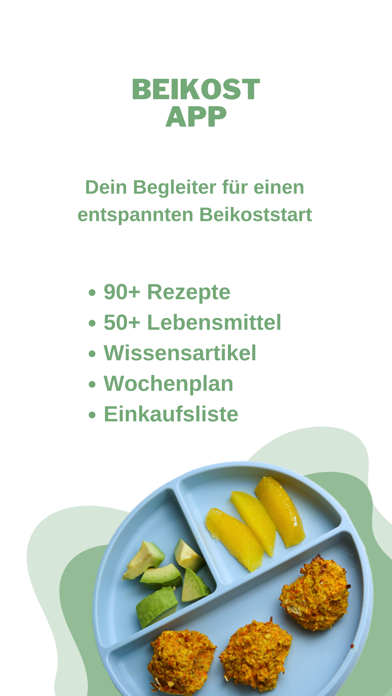
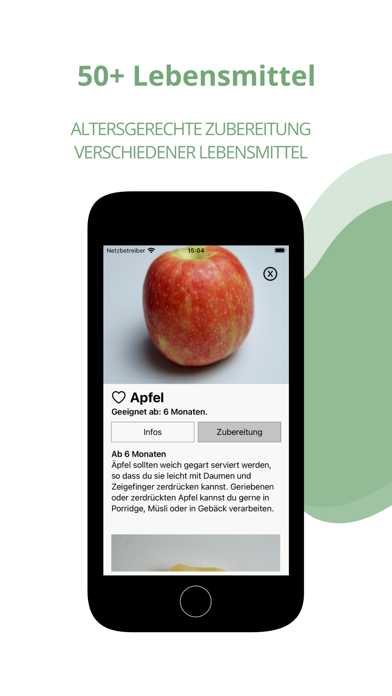
Mit der Beikostapp hast du den perfekten Begleiter für euren Beikoststart an deiner Seite. Hier findest du viele Rezepte für dein Baby und die ganze Familie, Zubereitungsanleitungen für verschiedene Lebensmittel, eine große Sammlung an Beikostwissen, sowie die Antworten, auf die häufigsten Fragen in der Beikostzeit. Inhalte: Rezepte Wähle aus einer Vielzahl an Rezepten das Rezept aus, welches zu deinen Vorlieben passt. Dabei kannst du aus verschiedenen Kategorien wählen und die Rezepte nach Alter, Ernährungsform oder Zubereitungszeit filtern. Lebensmittel: Du fragst sich ab wann dein Baby ein bestimmtes Lebensmittel essen darf bzw. wie du es zubereiten musst, dass es dein Baby sicher verzehren kann. In diesem Bereich findest du eine Vielzahl an verschiedenen Lebensmitteln aus den Kategorien Obst, Gemüse, Hülsenfrüchte, Nüsse und Saaten, tierische Produkte und Backwaren. Beikost ABC:…
App details
What you can learn from Beikost App
Every shipping app on the App Store has gone through the same decisions you're working through right now: which screenshot goes first, what caption sits over it, which device frame to show, what color the background should be. The 5 screenshots above are Beikost App's answers to those questions — they're public, they're real, and they made it through Apple's review.
Notice the first screenshot in particular. It's the one users see in search results and on the product page, and it's where most apps spend their best caption and tightest design. Look at the proportion of background to phone, where the text sits, what one thing the image is trying to communicate.
Want to see how other Food & Drink apps approach the same problem? Browse more Food & Drink apps in the showcase.
Take what works into your own screenshots
Open LaunchShots and design your App Store & Google Play screenshots — pick a device frame, drop captions, ship in minutes. Free, in your browser.
Open the screenshot editor →