Screenshot style breakdown
Sampled from 6 of KFC Maroc - Commandez en ligne's App Store screenshots — background, accent and theme, measured by LaunchShots (not something Apple publishes).
#EC0424 bg
#EE2742
#64343C accent
#FFFFFF text
Screenshots

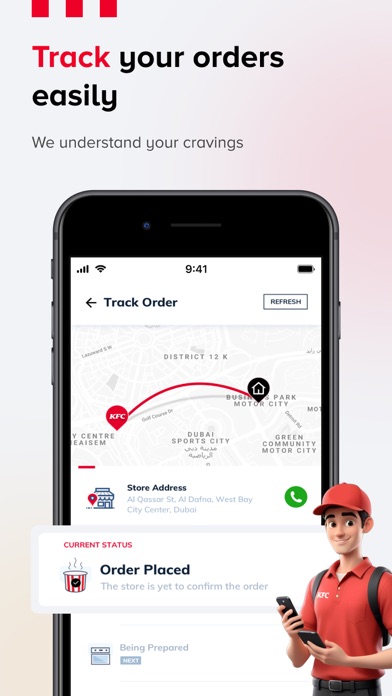
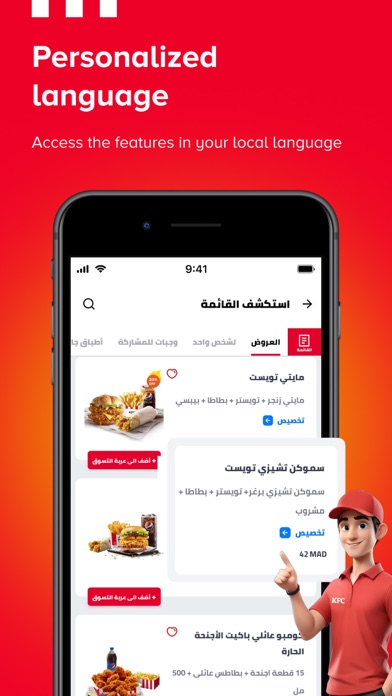
Icon palette
About this app
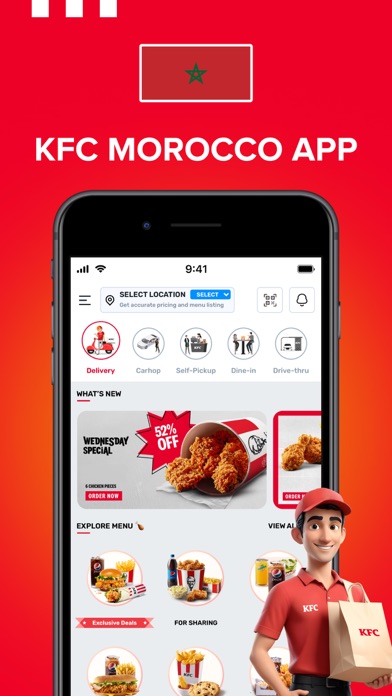
"Le tout nouvel application KFC est le moyen le plus rapide de commander du poulet KFC en ligne. Commander de la nourriture et se faire livrer du poulet KFC n'a jamais été aussi simple et ne prend que quelques étapes. Enregistrez votre commande préférée pour éviter de chercher et de commander les mêmes articles à chaque fois.Traduction française du message publicitaire KFC : Chez KFC, nous misons sur de vrais cuisiniers, du poulet frit du Kentucky fraîchement préparé et un contrôle qualité sans faille. Notre objectif est de vous offrir un niveau de confort inégalé et de vous faire savourer vos morceaux de poulet préférés dans le confort de votre foyer. Commencez et commandez en un minimum d'étapes : Téléchargez l'application Sélectionnez la langue de votre choix. Parcourez vos articles favoris classés par catégorie dans le menu. Ajoutez les articles à votre panier. Connectez-vous pour…
App details
What you can learn from KFC Maroc - Commandez en ligne
Every shipping app on the App Store has gone through the same decisions you're working through right now: which screenshot goes first, what caption sits over it, which device frame to show, what color the background should be. The 7 screenshots above are KFC Maroc - Commandez en ligne's answers to those questions — they're public, they're real, and they made it through Apple's review.
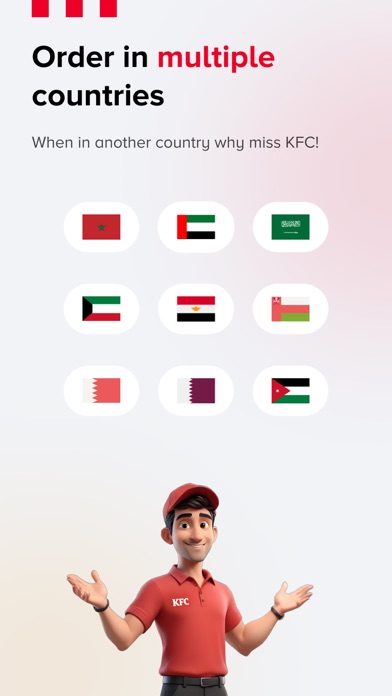
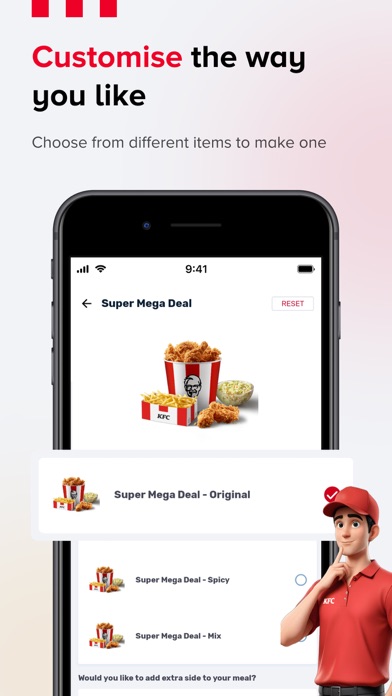
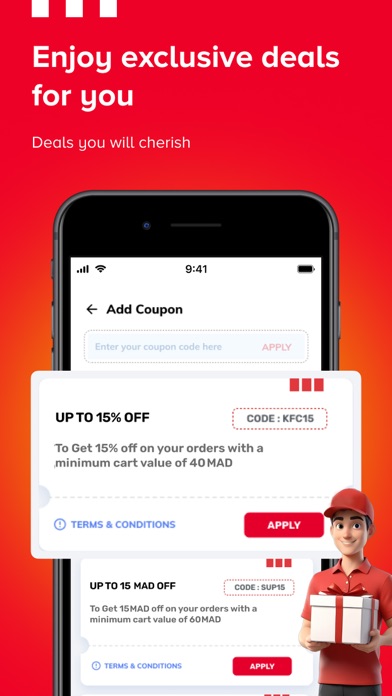
What the numbers say: KFC Maroc - Commandez en ligne runs a mixed light-and-dark set where the background shifts from screenshot to screenshot (first shot #EC0424) — each image has to stand on its own, so the captions carry more of the story. The accent colour we picked up, #64343C, is the one to reuse for badges, arrows and highlighted words if you borrow this look. Hit Use this style to open the editor with these exact colours and drop your own screenshot in.
Notice the first screenshot in particular. It's the one users see in search results and on the product page, and it's where most apps spend their best caption and tightest design. Look at the proportion of background to phone, where the text sits, what one thing the image is trying to communicate.
Want to see how other Food & Drink apps approach the same problem? Browse more Food & Drink apps in the showcase.
Take what works into your own screenshots
Open LaunchShots and design your App Store & Google Play screenshots — pick a device frame, drop captions, ship in minutes. Free, in your browser.
Open the screenshot editor →Apps with a similar look
Closest background + accent colours among the listings we've analysed — useful when you want to see the same palette handled by a different team.