Screenshots

Icon palette
About this app
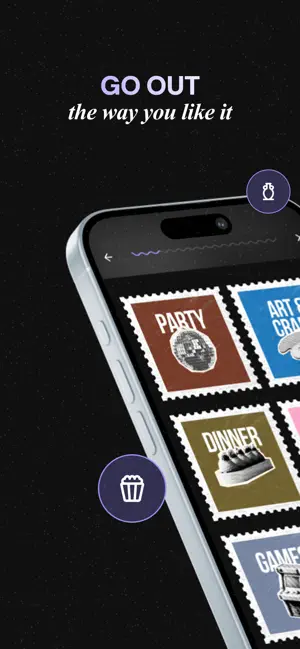
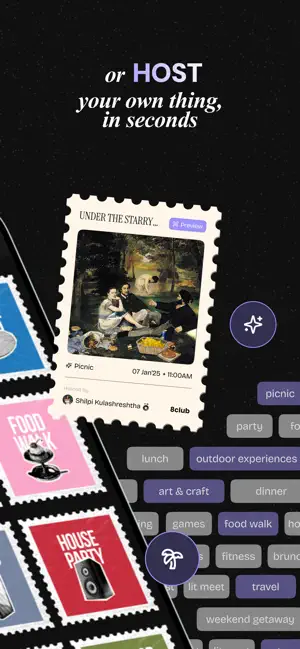
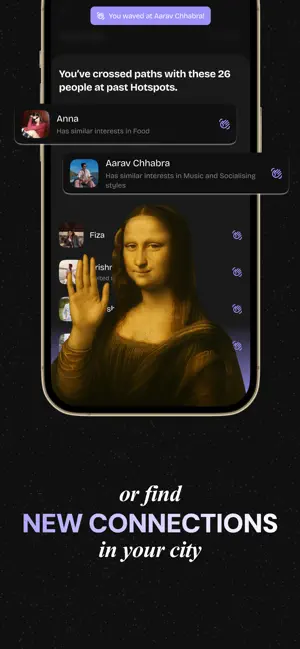
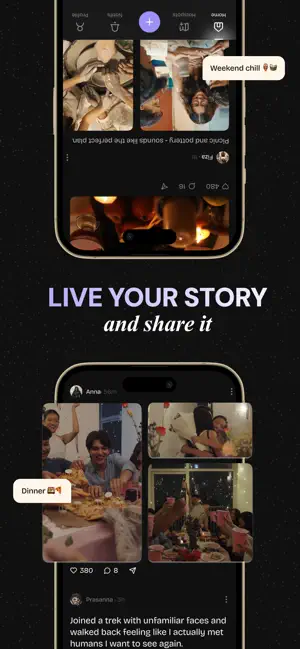
8club - Live, share, and host life's best moments. Get invited to experiences that feel like you. Or host your own experiences - in under a minute. Share your lifestyle and interests, and build a community around them. Whether you are looking for offbeat experiences or are interested in hosting them, or you are a creator, there's something for everyone here. 8club isn't just about the offline or online parts of your life. It's your whole life - all its best bits, together. KEY FEATURES Go out Select categories you like - parties, art & craft, food walks, nature trails, etc. - over 15+ to choose from. Once your profile's approved, hosts start sending you invites. You can browse the feed and request invites too. From luxury car raves to matcha workshops - you want it, we got it. Hang out, make connections No more asking friends "what should we do" or "what plans for the weekend". …
App details
What you can learn from 8club: Get Invited to Hotspots
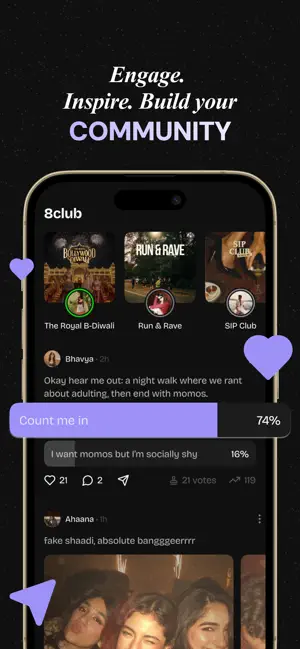
Every shipping app on the App Store has gone through the same decisions you're working through right now: which screenshot goes first, what caption sits over it, which device frame to show, what color the background should be. The 6 screenshots above are 8club: Get Invited to Hotspots's answers to those questions — they're public, they're real, and they made it through Apple's review.
Notice the first screenshot in particular. It's the one users see in search results and on the product page, and it's where most apps spend their best caption and tightest design. Look at the proportion of background to phone, where the text sits, what one thing the image is trying to communicate.
Want to see how other Social Networking apps approach the same problem? Browse more Social Networking apps in the showcase.
Take what works into your own screenshots
Open LaunchShots and design your App Store & Google Play screenshots — pick a device frame, drop captions, ship in minutes. Free, in your browser.
Open the screenshot editor →