Chart position — tracked daily by LaunchShots
Screenshot style breakdown
Sampled from 6 of 微读圣经's App Store screenshots — background, accent and theme, measured by LaunchShots (not something Apple publishes).
#1C746C bg
#3B8780
#649C9C accent
#FFFFFF text
Screenshots


iPad screenshots


Icon palette
About this app
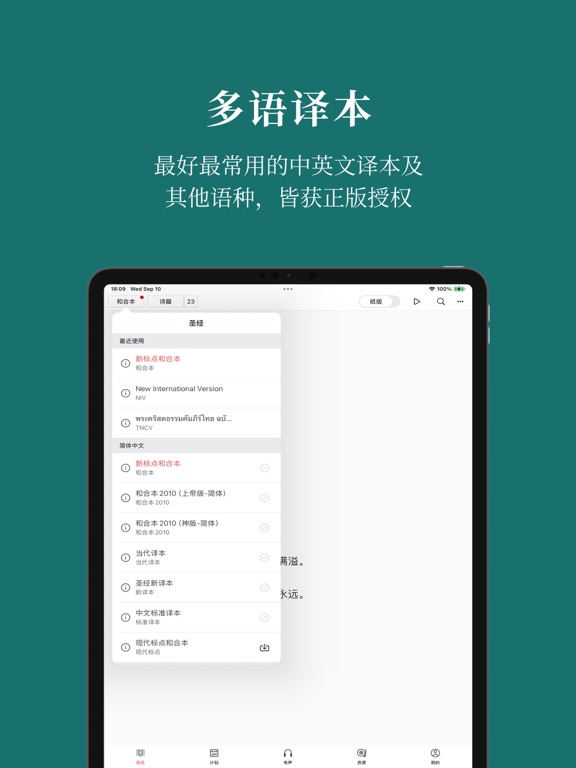
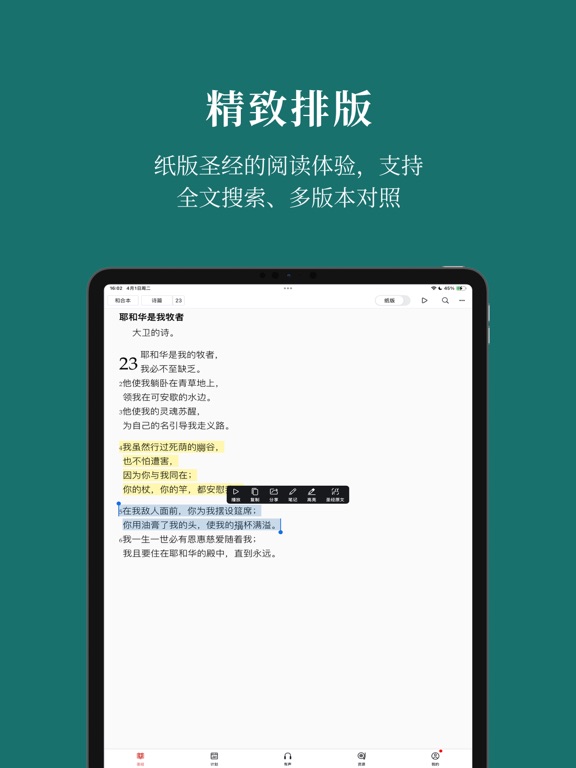
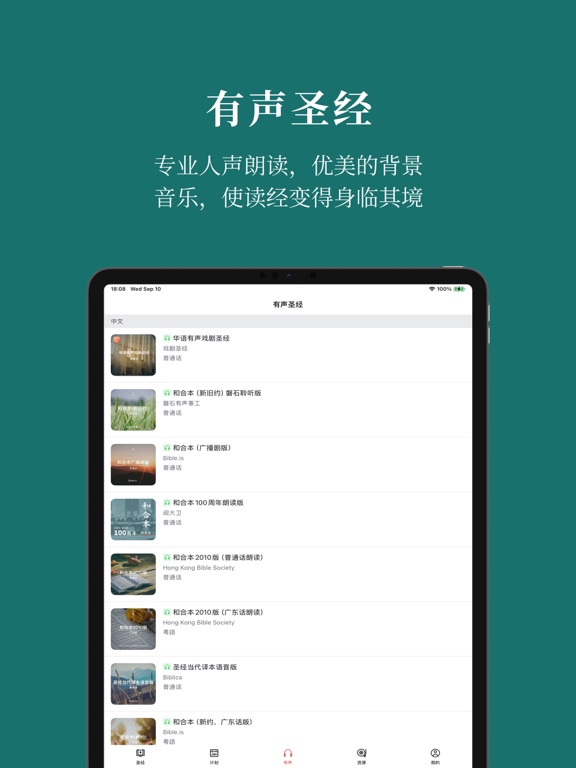
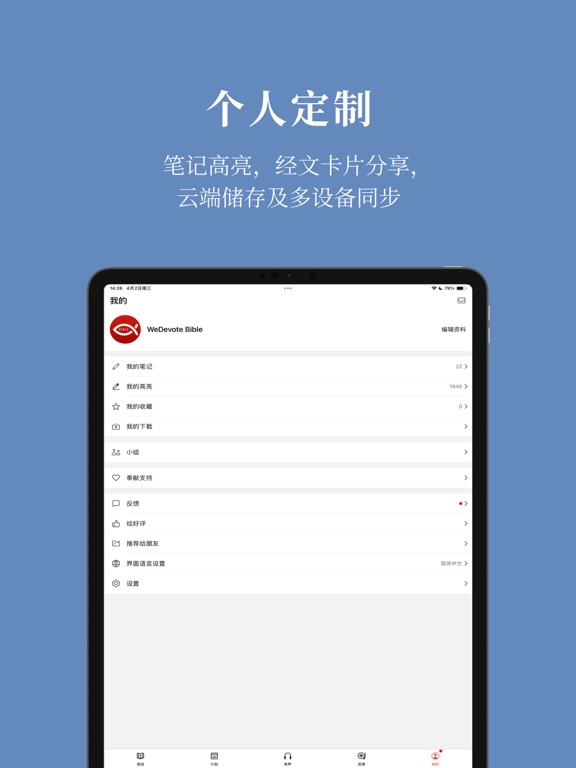
“微读圣经”秉持精益求精和坚持正版的理念,为您提供多语种、多版本的圣经,希望能帮助您更好地阅读、聆听、查考和默想上帝的话语,养成每日读经和灵修的好习惯。您还可以边读圣经边做笔记,并且借助我们的云端功能,将笔记内容同步到不同的设备中。 “微读圣经”有以下特色: 1. 精致排版,纸版体验 我们的排版简洁精致,力求还原纸版圣经的分段与诗歌体版式,保留小标题、加点字以及人名地名下划线等效果。 2. 尊重版权,坚持正版 我们希望在提供高质量内容的同时,尊重并保护版权,促进文字事工的健康发展。您在微读圣经中使用的全部内容都已获得正版授权。 3. 更多版本,持续新增 目前我们共有42种圣经译本供您选择,并且还会不断新增。 4. 有声圣经,离线收听 在“有声圣经”频道中,您不仅能听到普通话、粤语、英语、希伯来语、希腊语等不同语言的有声圣经,还可以选择在线听或下载后离线听。 5.每日灵粮,一键订阅 如果您想培养规律的灵修阅读习惯,还可以选择订阅《荒漠甘泉》《尔道自建》《生命中的福音》等优质的灵粮文章或音频内容。 6. 读经计划,灵活…
App details
What you can learn from 微读圣经
Every shipping app on the App Store has gone through the same decisions you're working through right now: which screenshot goes first, what caption sits over it, which device frame to show, what color the background should be. The 16 screenshots above are 微读圣经's answers to those questions — they're public, they're real, and they made it through Apple's review.
What the numbers say: 微读圣经 runs a mixed light-and-dark set where the background shifts from screenshot to screenshot (first shot #1C746C) — each image has to stand on its own, so the captions carry more of the story. The accent colour we picked up, #649C9C, is the one to reuse for badges, arrows and highlighted words if you borrow this look. Hit Use this style to open the editor with these exact colours and drop your own screenshot in.
Notice the first screenshot in particular. It's the one users see in search results and on the product page, and it's where most apps spend their best caption and tightest design. Look at the proportion of background to phone, where the text sits, what one thing the image is trying to communicate.
Want to see how other Reference apps approach the same problem? Browse more Reference apps in the showcase.
Take what works into your own screenshots
Open LaunchShots and design your App Store & Google Play screenshots — pick a device frame, drop captions, ship in minutes. Free, in your browser.
Open the screenshot editor →Apps with a similar look
Closest background + accent colours among the listings we've analysed — useful when you want to see the same palette handled by a different team.