Screenshots


Icon palette
About this app
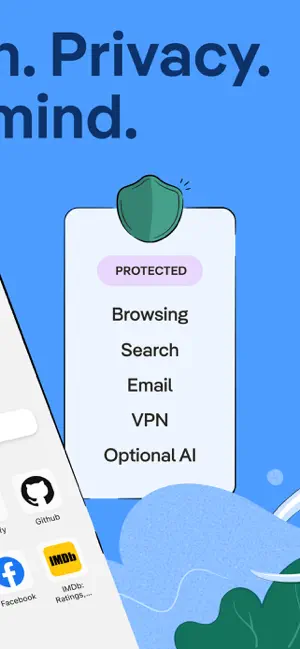
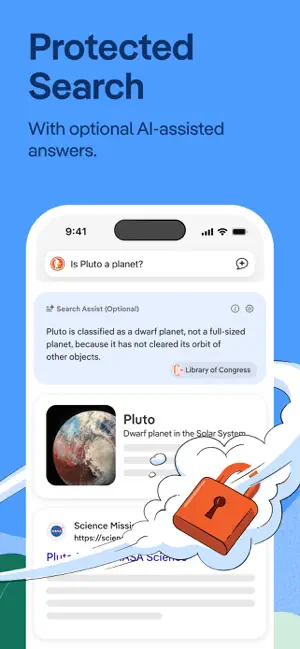
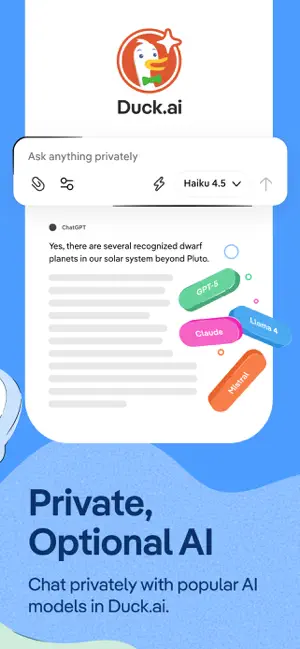
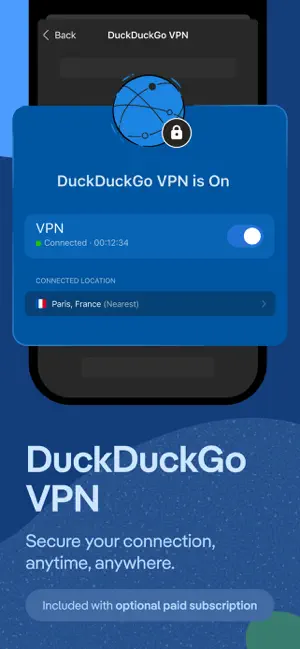
At DuckDuckGo, we believe the best way to protect your personal information from hackers, scammers, and privacy-invasive companies is to stop it from being collected at all. That's why millions of people choose DuckDuckGo over Chrome and other browsers to search and browse online. Our built-in search engine is like Google but never tracks your searches. Our browsing protections, such as ad tracker blocking and cookie blocking, help stop other companies from collecting your data. While our optional integrated AI features, Search Assist and Duck.ai, are private and never use your data to train AI. Oh, and our browser is free — we make money from privacy-respecting search ads, not by exploiting your data. Take back control of your personal information with the browser designed for data protection, not data collection. FEATURE HIGHLIGHTS Protect Your Searches by Default: DuckDuckGo Sear…
App details
What you can learn from DuckDuckGo, optional Duck.ai
Every shipping app on the App Store has gone through the same decisions you're working through right now: which screenshot goes first, what caption sits over it, which device frame to show, what color the background should be. The 6 screenshots above are DuckDuckGo, optional Duck.ai's answers to those questions — they're public, they're real, and they made it through Apple's review.
Notice the first screenshot in particular. It's the one users see in search results and on the product page, and it's where most apps spend their best caption and tightest design. Look at the proportion of background to phone, where the text sits, what one thing the image is trying to communicate.
Want to see how other Utilities apps approach the same problem? Browse more Utilities apps in the showcase.
Take what works into your own screenshots
Open LaunchShots and design your App Store & Google Play screenshots — pick a device frame, drop captions, ship in minutes. Free, in your browser.
Open the screenshot editor →