Screenshots
Icon palette
About this app
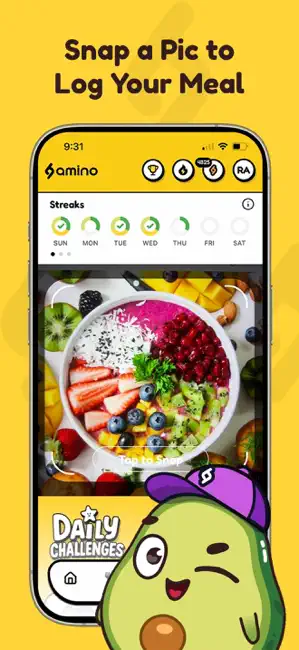
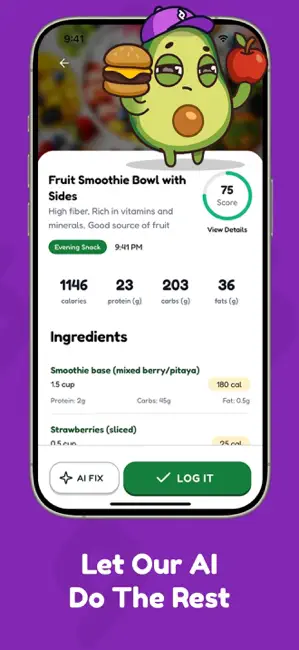
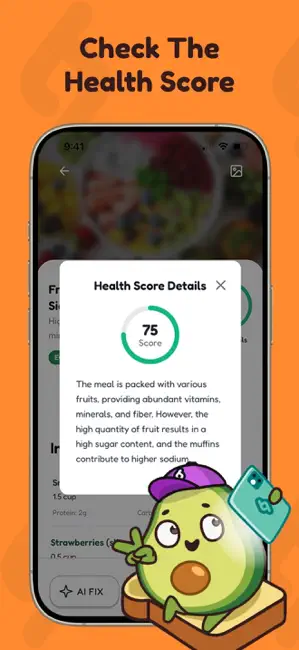
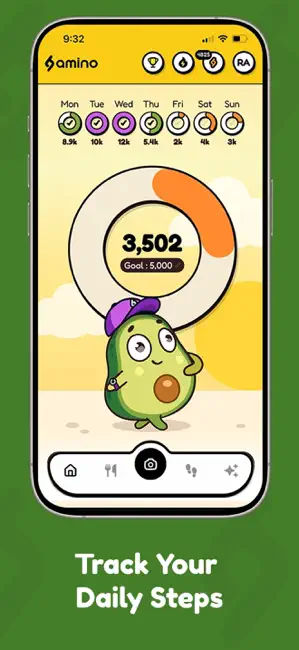
THE ULTIMATE AI FOOD & FITNESS TRACKER Snap a photo of your meal and let our AI do the rest — See the nutritional breakdown, check the Health Score, then log it and keep going! - 100% Free — No subscriptions or in-app purchases required. - Fast Onboarding — Get your profile set up within seconds. - Real Rewards — Earn Amino Points, then redeem for real prizes. LOG MEALS IN SECONDS Trust your gut, but verify! Take a photo of your meal and get instant nutrition analysis and personalized insights. NUTRITION INSIGHTS & RECOMMENDATIONS The Amino AI provides personalized nutritional analysis and recommendations tailored just for you, based on your eating habits. Our AI will help you make smarter choices, build better habits, and live a healthier lifestyle. TRACK YOUR STEPS Amino also helps keep you active outside of the kitchen. Walk 5,000 steps each day to earn Amino Points, or become a s…
App details
What you can learn from Amino: AI Calorie Tracker
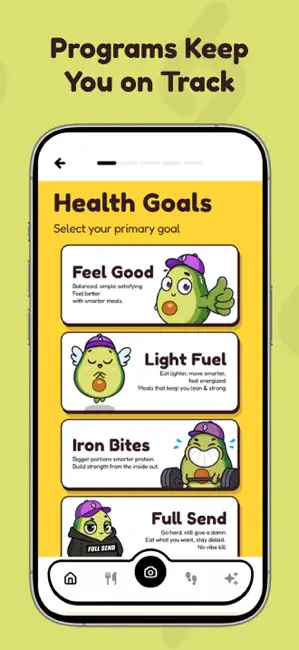
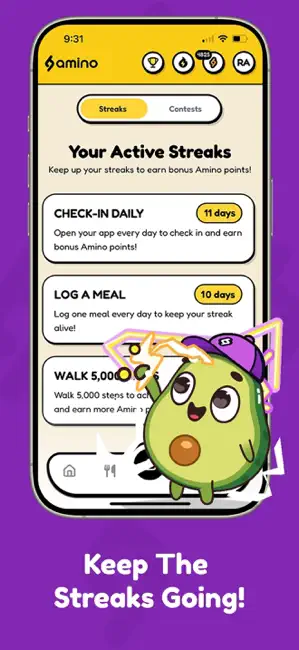
Every shipping app on the App Store has gone through the same decisions you're working through right now: which screenshot goes first, what caption sits over it, which device frame to show, what color the background should be. The 6 screenshots above are Amino: AI Calorie Tracker's answers to those questions — they're public, they're real, and they made it through Apple's review.
Notice the first screenshot in particular. It's the one users see in search results and on the product page, and it's where most apps spend their best caption and tightest design. Look at the proportion of background to phone, where the text sits, what one thing the image is trying to communicate.
Want to see how other Health & Fitness apps approach the same problem? Browse more Health & Fitness apps in the showcase.
Take what works into your own screenshots
Open LaunchShots and design your App Store & Google Play screenshots — pick a device frame, drop captions, ship in minutes. Free, in your browser.
Open the screenshot editor →