Screenshots
Icon palette
About this app
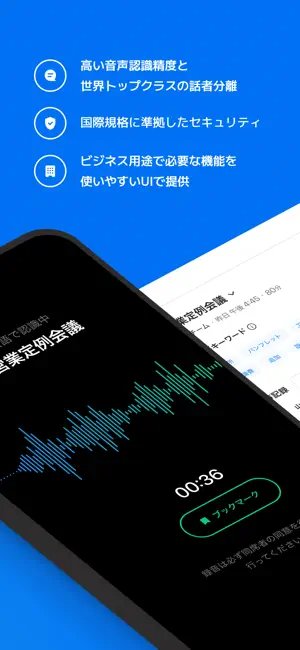
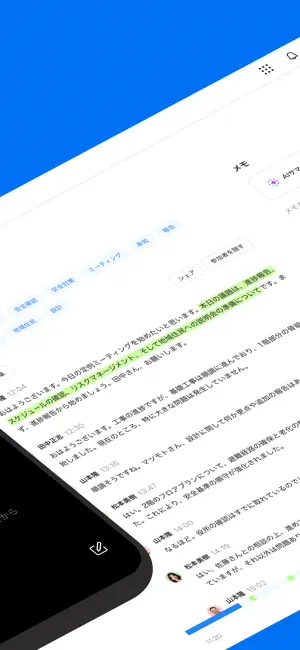
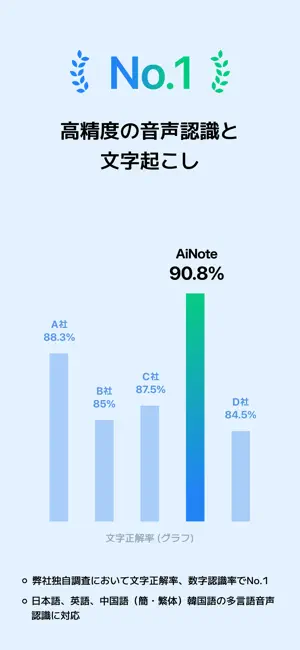
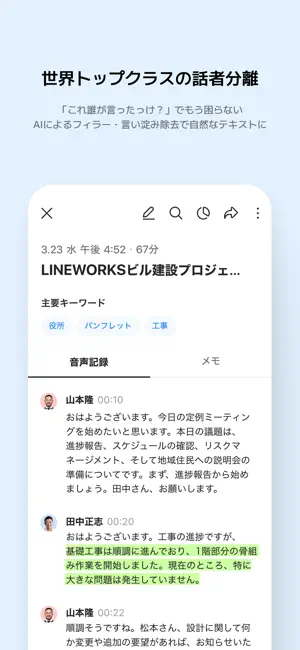
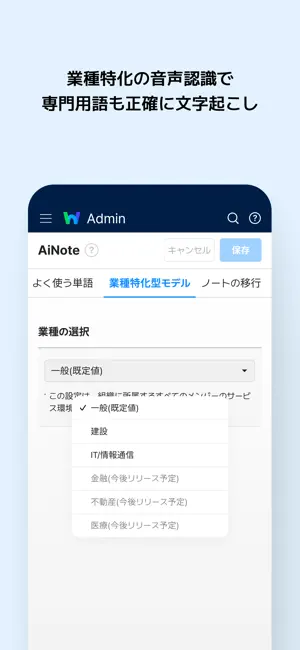
会議のメモ取り、もう不要!LINE WORKS AiNoteなら、AIが高精度な文字起こしと要約を自動で行います。議事録作成の負担をゼロにし会議への集中を実現します。 「LINE WORKS AiNote」は、AI技術の活用により会議やインタビューでの音声記録の「文字起こし」ができるサービスです。世界トップクラスの話者分離技術と話者認識技術により、会議音声から誰がどの発言をしたかを高い精度で識別し、参加者ごとに整理された議事録を作成する「話者自動認識」機能を提供します。また、フィラーとよばれる「つなぎ言葉」や「言い淀み」を自動的に排除してテキスト変換することにより、読みやすさが向上し、重要な情報や要点に集中しやすくなります。 AiNoteサービスで行なう録音からの音声記録の作成はもちろん、音声ファイルをアップロードして文字起こしが可能です。また、Zoom・Google Meet・Microsoft Teams・Webex・LINE WORKSなど普段ご利用のWeb会議ツールと連携することでオンライン会議にも対応可能です。 音声記録を作成したノートは、URLで簡単にメンバーに共有す…
App details
What you can learn from LINE WORKS AiNote - 文字起こし・議事録
Every shipping app on the App Store has gone through the same decisions you're working through right now: which screenshot goes first, what caption sits over it, which device frame to show, what color the background should be. The 6 screenshots above are LINE WORKS AiNote - 文字起こし・議事録's answers to those questions — they're public, they're real, and they made it through Apple's review.
Notice the first screenshot in particular. It's the one users see in search results and on the product page, and it's where most apps spend their best caption and tightest design. Look at the proportion of background to phone, where the text sits, what one thing the image is trying to communicate.
Want to see how other Business apps approach the same problem? Browse more Business apps in the showcase.
Take what works into your own screenshots
Open LaunchShots and design your App Store & Google Play screenshots — pick a device frame, drop captions, ship in minutes. Free, in your browser.
Open the screenshot editor →